79
3
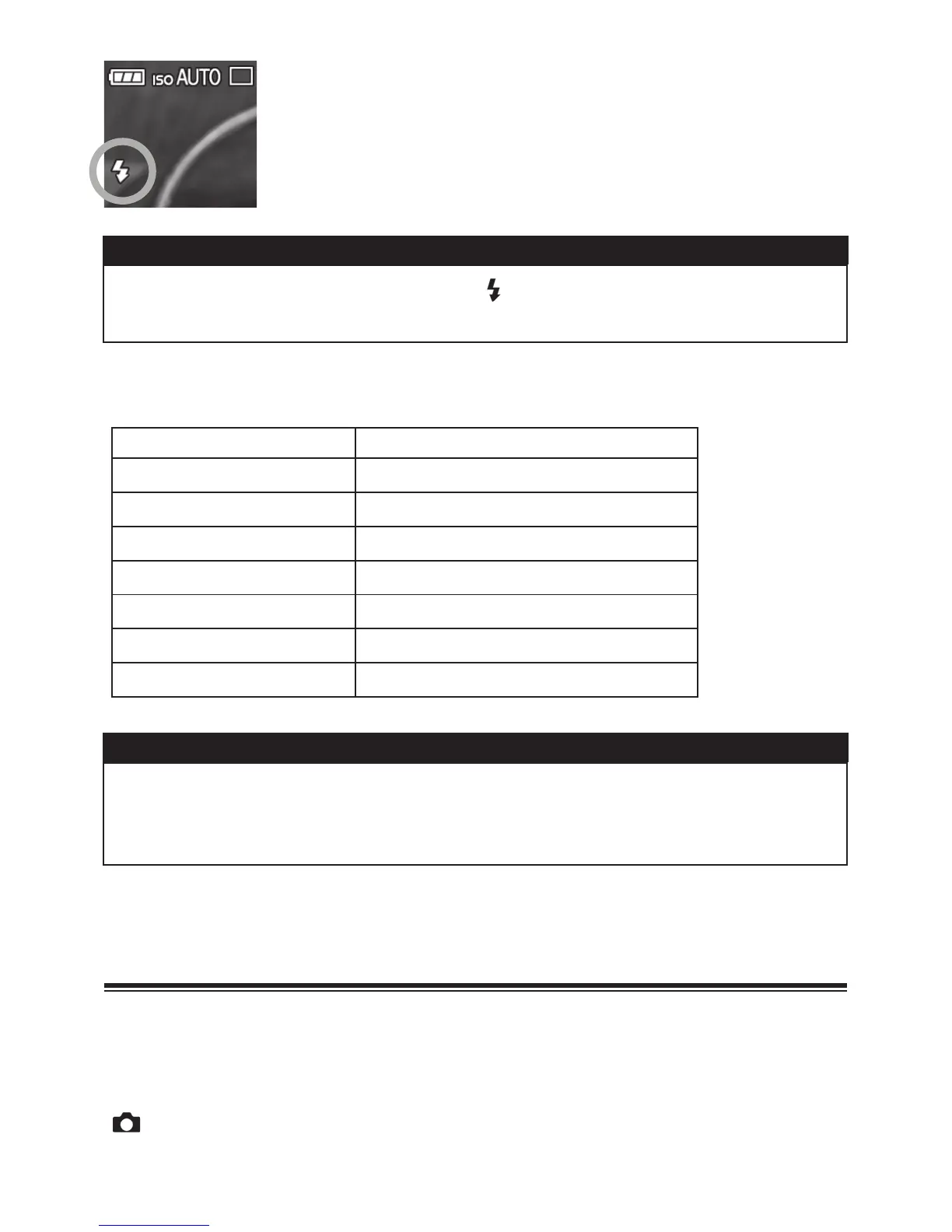
Make sure that the Flash Mode icon is displayed on
the LCD monitor.
CAUTION!!
x While the built-in flash is charging, andAuto Focus Lamp blink and
the shutter cannot be released.
Š Flash photography can be used in the following range. (
P
Mode)
ISO
Flash Exposure Range
ISO100
0.2m ᳸ 5.0m
ISO200
0.2m ᳸ 7.1m
ISO400
0.2m ᳸ 10.0m
ISO800
0.2m ᳸ 14.1m
ISO1600 0.2m ᳸ 20.0m
ISO3200 0.2m ᳸ 28.3m
ISO6400
0.2m ᳸ 40.0m
TIP
x If the ISO sensitivity setting is set to [ISO AUTO] and the external flash
is used, the value set in [Lower limit] of [ISO Auto Range] will be
applied.
SETTING THE FLASH MODE
It is possible to select other flash modes such as Exposure
Compensation mode or Red-Eye Reduction mode.
The Flash Mode can be set in the Quick Set Menu (P. 3 5) or
[
Capture Settings] (P.2 8 ) ă [Flash] ă [Flash Mode].



 To Next Page
 Loading...










