77
LOAD THE CUSTOM MODE SETTING
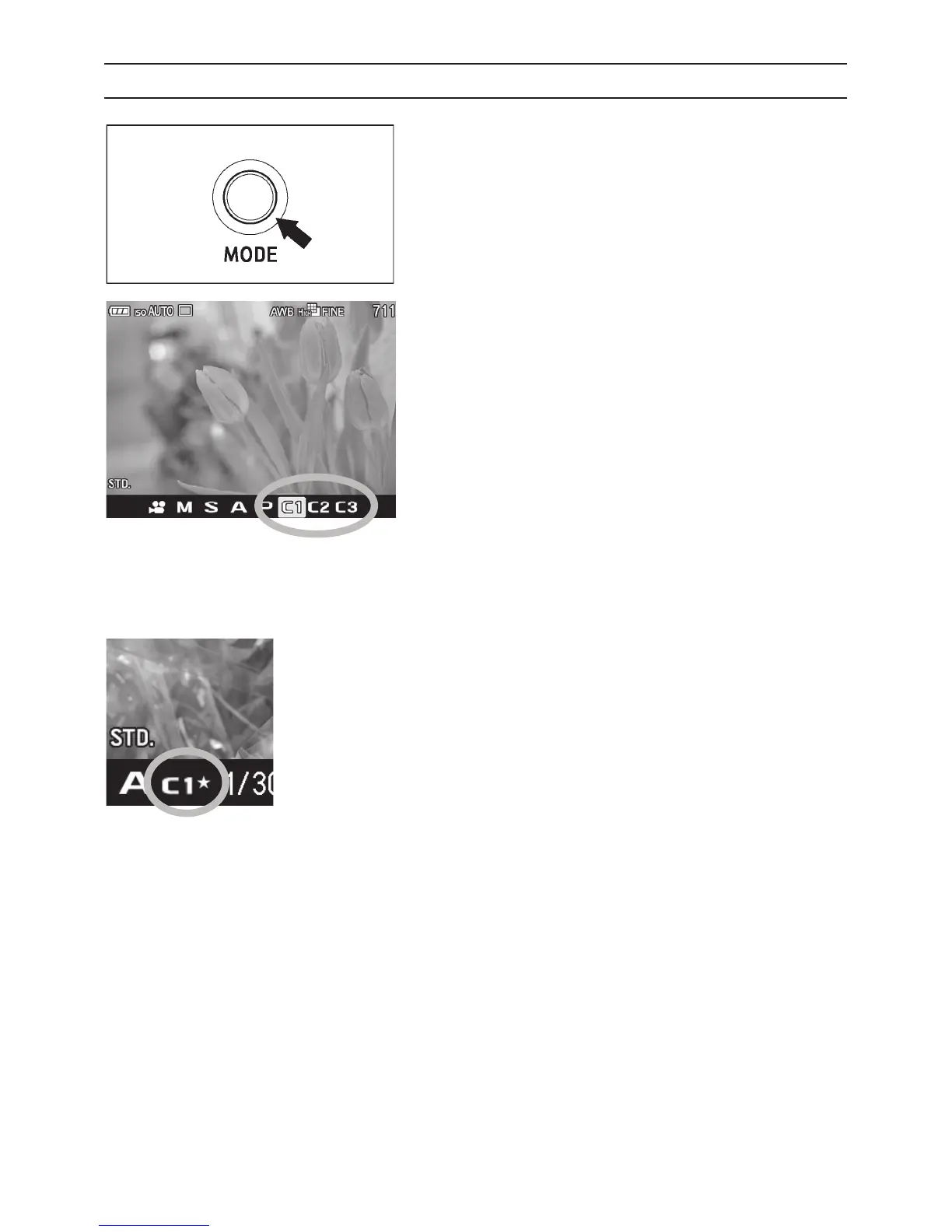
Press the Mode button and set to
C1
,
C2
or
C3
.
In custom mode, it is possible to change the above settings temporarily
(except Exposure Mode).
If the setting is changed, Ŭ mark will appear in
Function Display.
Return to original registered setting by doing the following.
z Turn the camera off (this includes the camera turning off
automatically with the Auto Power Off function)
z Press the Mode button and set to another position.



 To Next Page
 Loading...










