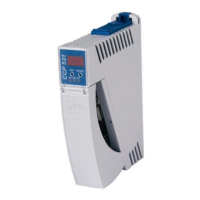
SCP 111 S-DIAS SAFETY CPU MODULE
Page 24 04.11.2020
6 Validation Button
With the validation button S1, several commands as well as the validation can be executed:
• Acknowledging an error and exiting the error status
• Deleting a configuration from the Safety CPU
• Validating the safety system configuration
Inputting commands with the validation button consists of 3 sequential components; the start
and End sequence, and the sequence for selecting a command (see the following diagram).
Buttons
LED B
LED C1-C3
6.1 Explanation of the Individual Sequences
6.1.1 Start Sequence
The button must be pushed until LED B lights (approximately 3 seconds) If the button is
pushed too long (longer the approximately 10 seconds), an Error sequence is initiated (see
"Error sequence"). The same applies when the button is released too soon (before LED B
lights) or it is pushed immediately after being released (time between 2 button presses shorter
than 200 ms).



 To Next Page
 Loading...