Operating manual - English UNOCODE PRO
Copyright Silca 2017 57
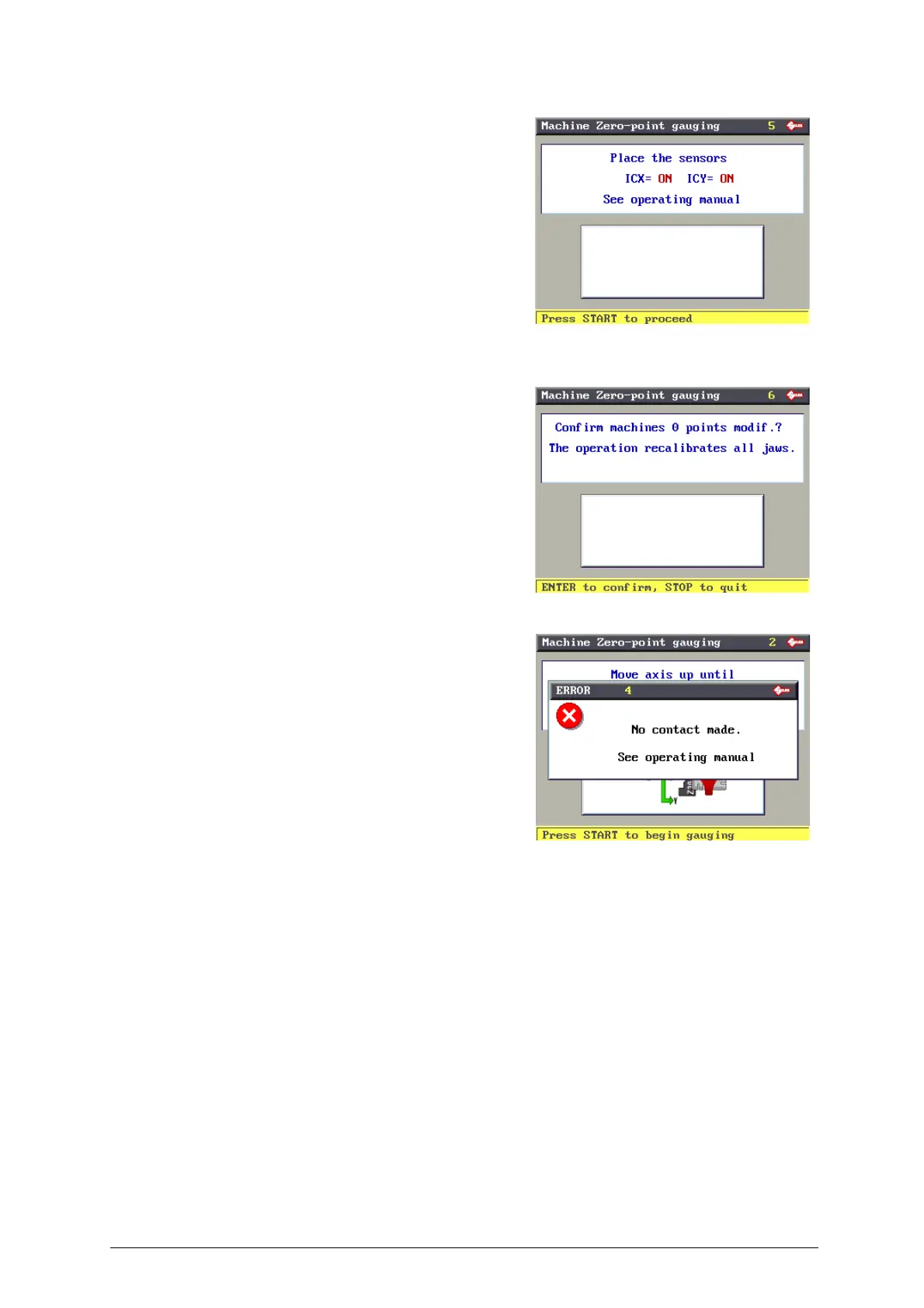
Press START, the display will show:
Press ENTER to confirm, only if the previous parameters were ON
(***).
Press STOP to cancel the operation and not confirm the adjustments
made (if there is one value or more on OFF). The previous values
remain valid (already in the machine’s memory).
ATTENTION: if the STOP key is pressed, the new settings will be
lost. If so, only the previous setting values will remain valid.
(**) If the templates have not been properly positioned the following
ERROR message appears:
(***) If one or both the photocells or one or both the sensors are OFF, repeat the operation following the procedure
described in Ch. 6.10.9, page 58.



 To Next Page