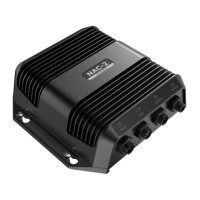
Simrad Autopilot Compass
20 20220653 / Rev. C
5 WIRING & CALIBRATION
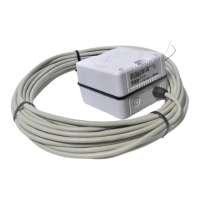
5.1 RFC35 Fluxgate Compass
Connection to AP25 series, AP20 series
and AP35 autopilots
J3XX
JUNCTION UNIT
RFC35
FLUXGATE
COMPASS
ACXX
AUTOPILOT
COMPUTER
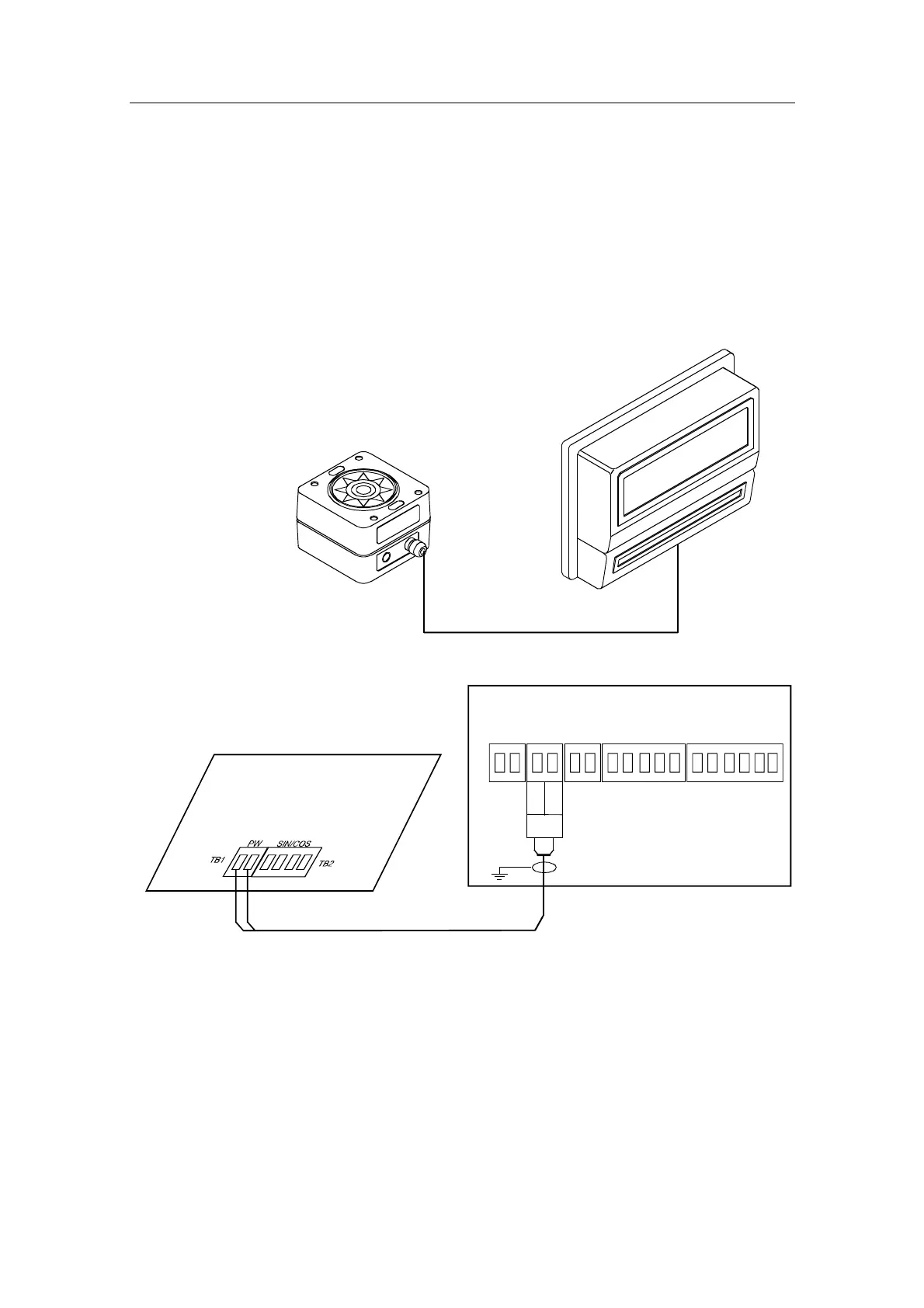
Figure 5-1 RFC35 wiring
ACXX/J3XX
MAIN PCB
Heading
Sensor
*
* NON POLARIZED
(COLOR INDEPENDENT)
HS+
HS-
RFC35
FLUXGATE
COMPASS
Figure 5-2 RFC35 connection to J3XX and ACXX
The only way to connect a standard RFC35 to the autopilot is via
the HS+/HS– terminal in J3xx Junction Unit (AP11, AP300X,
AP35, AP20/21/22) and ACXX Autopilot Computer (AP16,
AP25/26/27).
Note RFC35 Fluxgate Compass can also be connected to AP50/J50,
but the compass is not recommended for commercial use!


 To Next Page