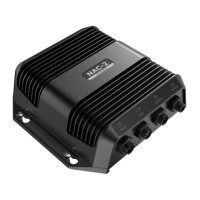
Simrad Autopilot Compass
26 20220653 / Rev. C
The Robnet2 connector on the compass cable is removed and the
wires are connected in parallel with the ones going to the Control
Unit.
Compass setup and calibration
The AP25 series autopilots (including AP16) has automatic
interface (source) setup that detects the connected compass and
other connected sources. This setup is taking place first time you
switch on a new installed autopilot system, or if later on you
perform a “Source update”.
If you have more than one compass connected to the autopilot,
you need to enter the “Source select” menu item under “User
setup2” and manually select the wanted compass/heading source.
Calibration
Automatic calibration is activated from the autopilot’s Seatrial
menu. (See autopilot manual for complete calibration
procedure.)
Calibration data, and any heading offset, are stored in the
compass (EEprom) and will not be deleted
by a “Master Reset”
in the autopilot.
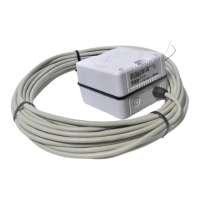
5.4 RFC35N NMEA Compass
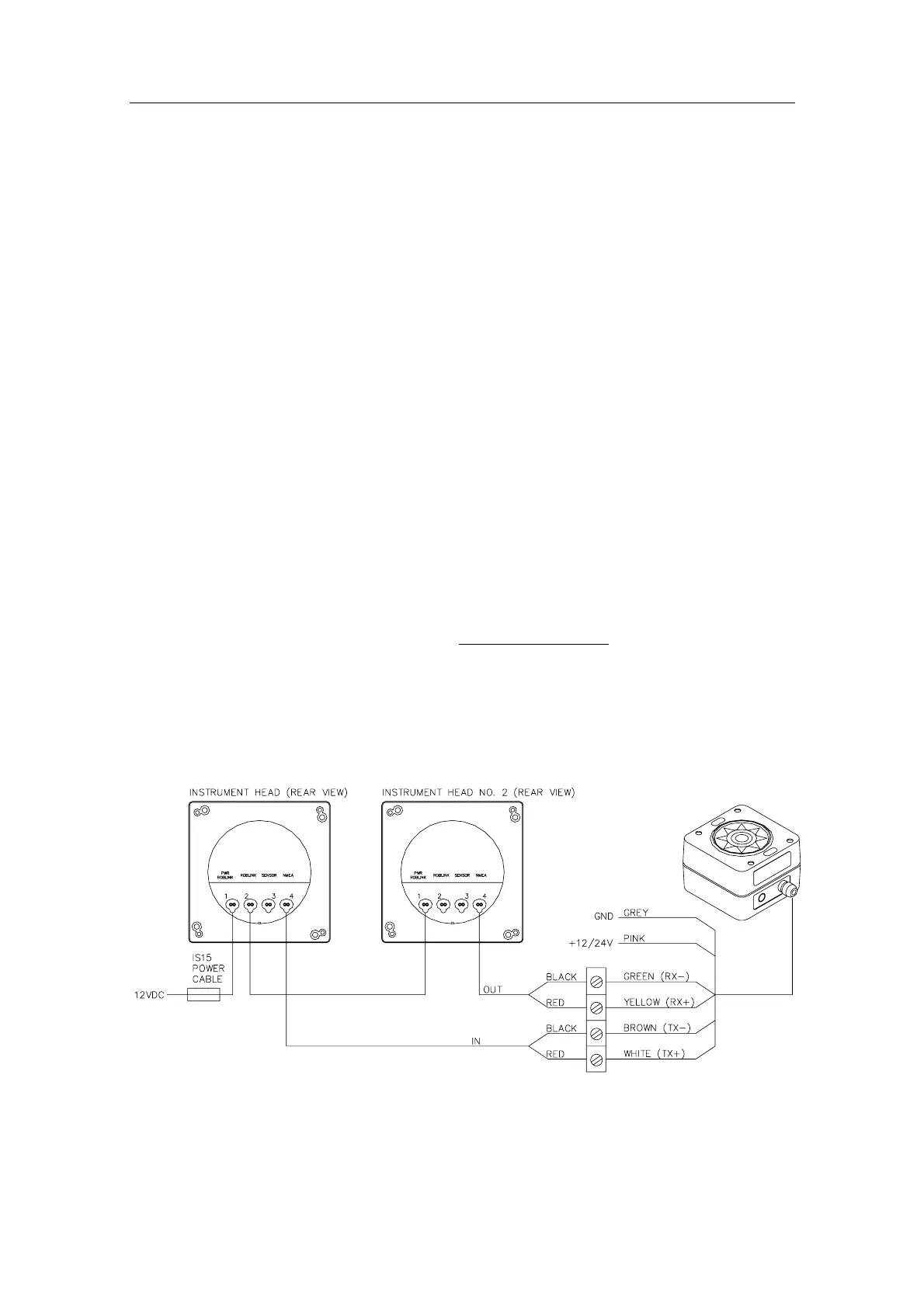
Connection to IS15 instruments
Figure 5-8 RFC35N connection to IS15 instruments


 To Next Page