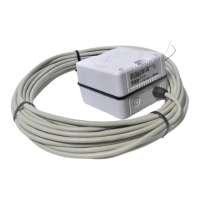
Simrad Autopilot Compass
24 20220653 / Rev. C
Compass set-up and calibration
For AP20, AP21, AP22, AP35:
• Select RFC = Robnet in the Interface setup menu.
• Select also RFC as compass in the User setup menu to
activate RC25 as steering compass.
For AP300, AP300X:
• Select RFC = RFC300 in the Interface setup menu.
• Select also RFC as compass in the User setup menu to
activate RC25 as steering compass.
AP11:
• Select “net” as compass in the Dockside setup menu.
For AP50:
• Select FLUX1 or FLUX2 = Robnet
• Select also FLUX1 (or FLUX2) in the User Setup Menu to
activate RC25 as Steering compass or Monitor Compass (if
more than one compass is connected).
Calibration
Automatic calibration is activated from the autopilot’s Seatrial
menu. (See autopilot manual for complete calibration
procedure.)
Calibration data, and any heading offset, are stored in the
compass (EEprom) and will not be deleted
by a “Master Reset”
in the autopilot.


 To Next Page