For a shorter stitch, press the left side of the
button . For a longer stitch, press the right
side of button "+". The stitch length can be
adjusted between "0.0-5.0".
""
Certain stitches have a limited stitch
length range.
Note:
LENGTH & WIDTH ADJUSTING
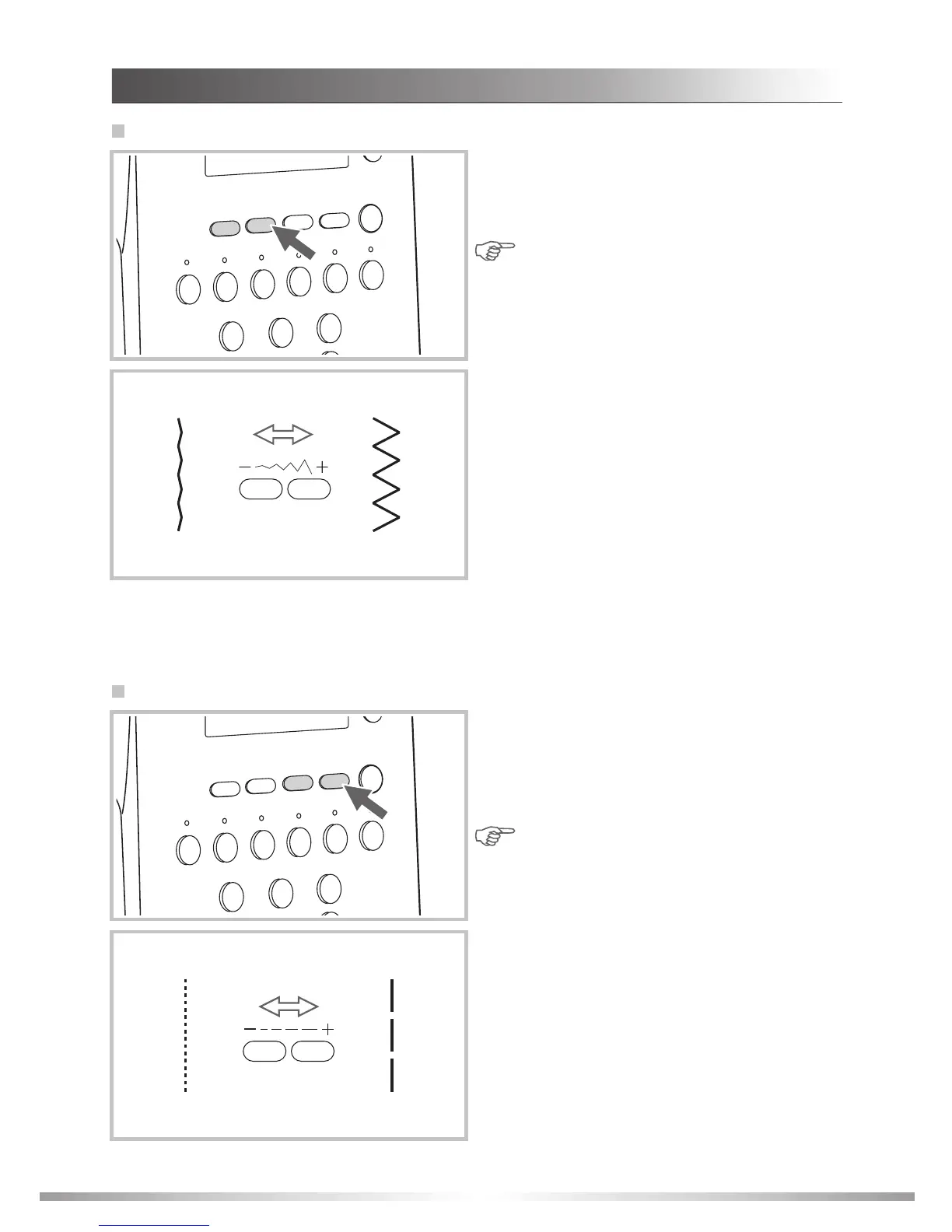
Stitch width adjusting
For a narrower stitch, press the left side of the
button . For a wider stitch, press the right side
of button "+". The stitch width can be adjusted
between "0.0-9.0".
""
Certain stitches have a limited stitch
width. (See " " on
page 96.)
Note:
Stitch reference chart
Stitch length adjusting
43
SEWING BASICS








 To Next Page