26 – Settings
SETTINGS
Machine Settings
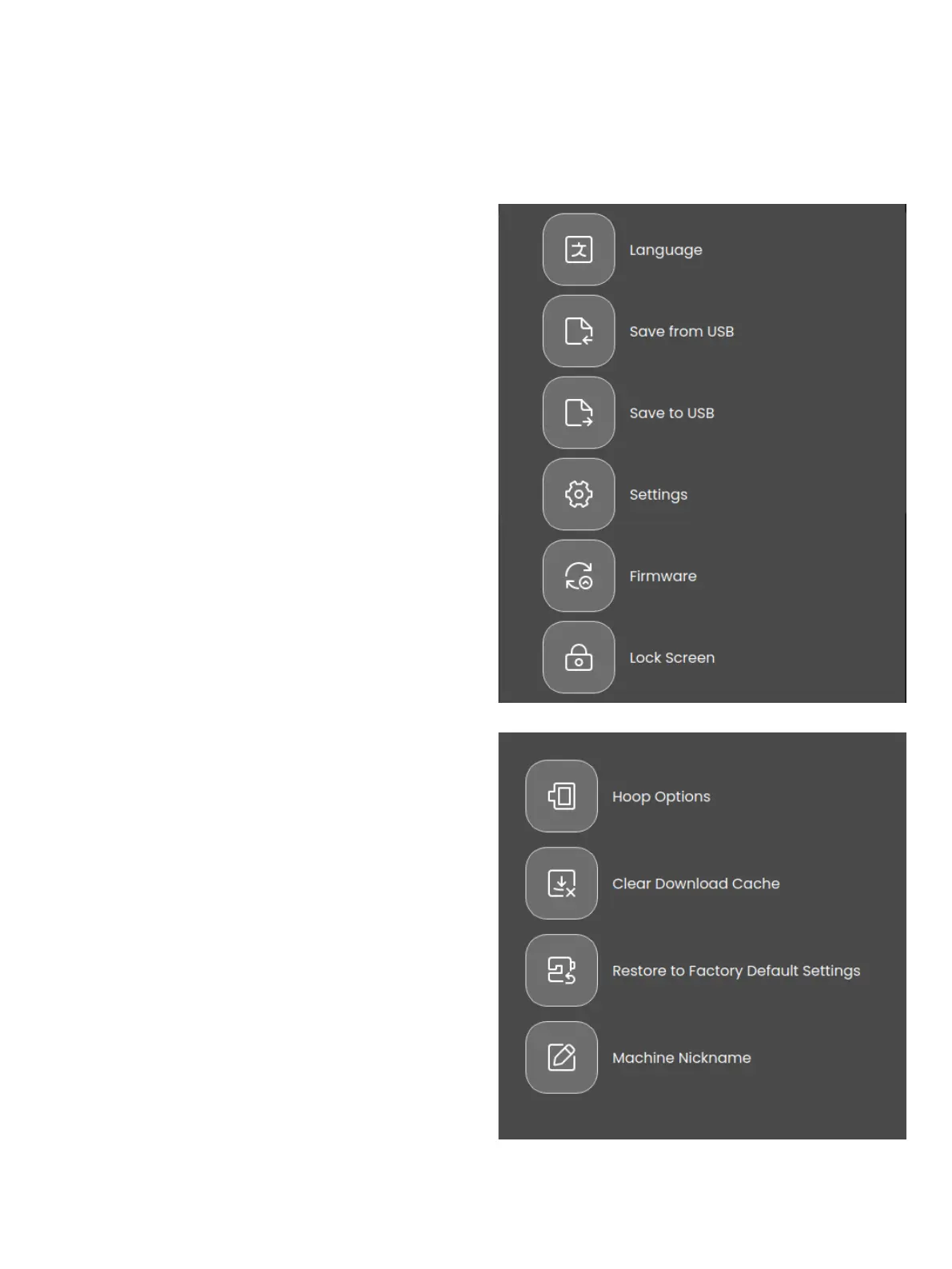
Touch the settings icon in the top right corner to acess the ma-
chine settings. Most settings made in the machine settings will
be saved, even when turning your machine o.
Language
Select your desired language on the screen. All texts in the
machine will be changed.
Save from USB
Import les from your USB to the machine storage.
Save to USB
Export les from the machine storage to your USB.
Settings
View additional settings available depending on if you are in
sewing mode or embroidery mode.
Firmware
View and upgrade your machine rmware.
Lock Screen
If there is the possibility of bumping the screen and changing
the stitch or settings while sewing, it is easy to lock the screen.
Settings
Opens the additional settings depending on if you are in em-
broidery or sewing mode.
Hoop Selection
To select a dierent hoop size, touch the hoop selection button.
A list will appear with hoop choices, including hoops that are
available to purchase from your authorized SINGER® retailer.
Clear Download Cache
Touch the Clear Download Cache button to remove all saved
les from the machine memory to free space.








 To Next Page