Arrows to toggle between the dierent designs
46 – Embroidery
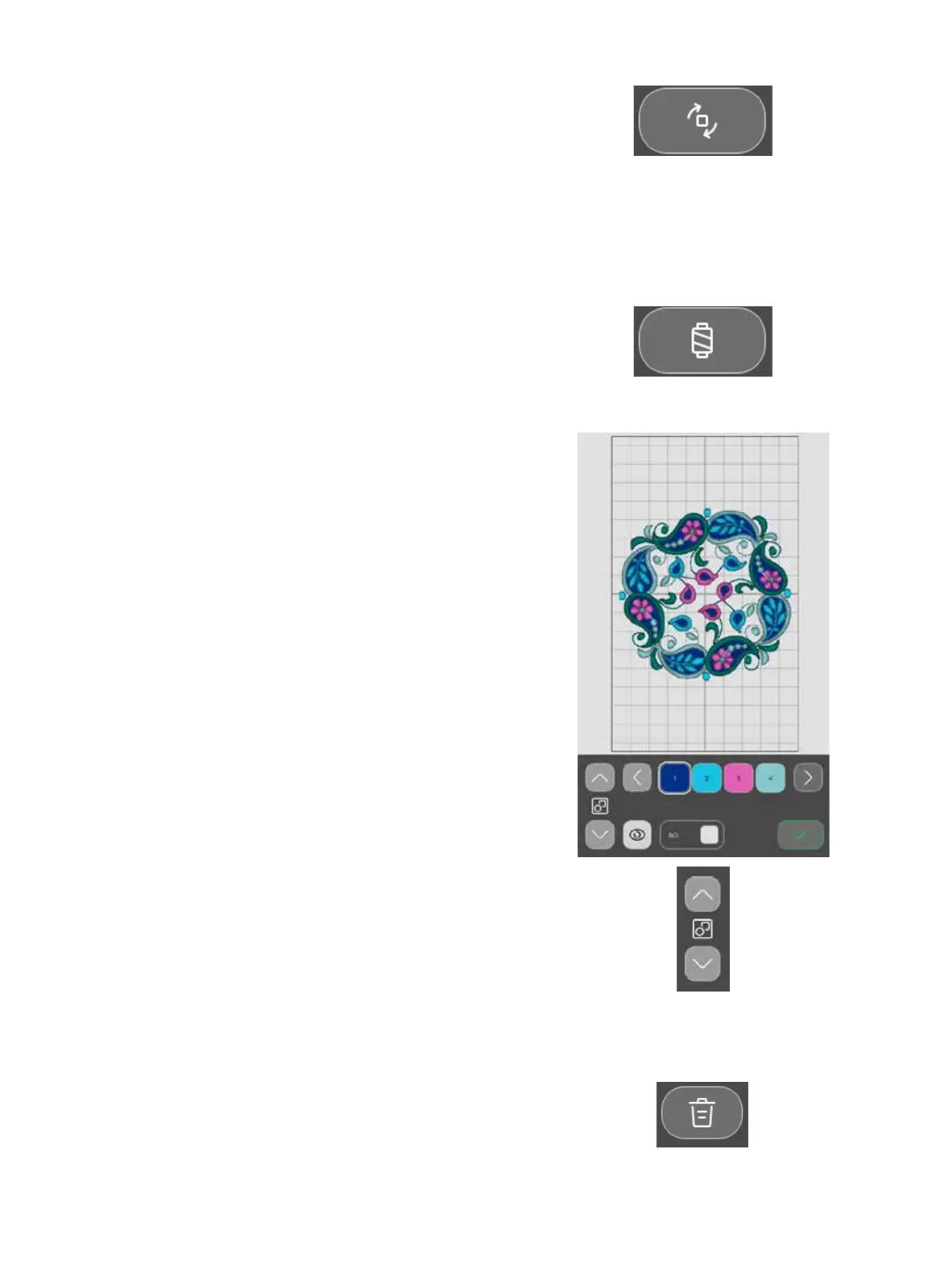
Thread color edit / Background color
Touch the Thread color edit / Background color to view a list of
thread colors in the selected design(s) and change the back-
ground color for the hoop.
Thread color edit
You can edit the colors in your design. Touch the color block in
the list that you want to change. Touch it again to select a new
thread color. The previous used color will be displayed under
the new color.
Background color
Select a background color for the embroidery area that matches
the color of the fabric you will use. Choose between dier-
ent background colors. The selected background color will
be shown in the hoop and the previous used color will be
displayed under the new color. Touch the arrows to toggle
between the dierent designs.
Rotate
Touch the dierent rotation buttons to rotate the selected
design(s).You can rotate your design 90°, 10° and 1 degree.
When rotating, the selected design(s) will be rotated around the
center point of the selected design(s).
Delete
When you touch delete, the selected design(s) will be deleted
from the embroidery area.








 To Next Page