50 – Embroidery
Save Design to the mySewnet cloud
Only avalible for SE9180 and S9185
You can choose to save the le to the mySewnet cloud folder or
to a USB device. Previously saved designs are shown.
Touch the mySewnet tab at the top of the screen, then touch the
save to cloud, choose the folder, then name your le and touch
the save button to conrm.
To cancel the save process, close the pop-up window by touch-
ing cancel. The save pop-up will close and you will return to
your previously used folder.
Note: You can only view your saved designs in the Embrodiery
Mode.
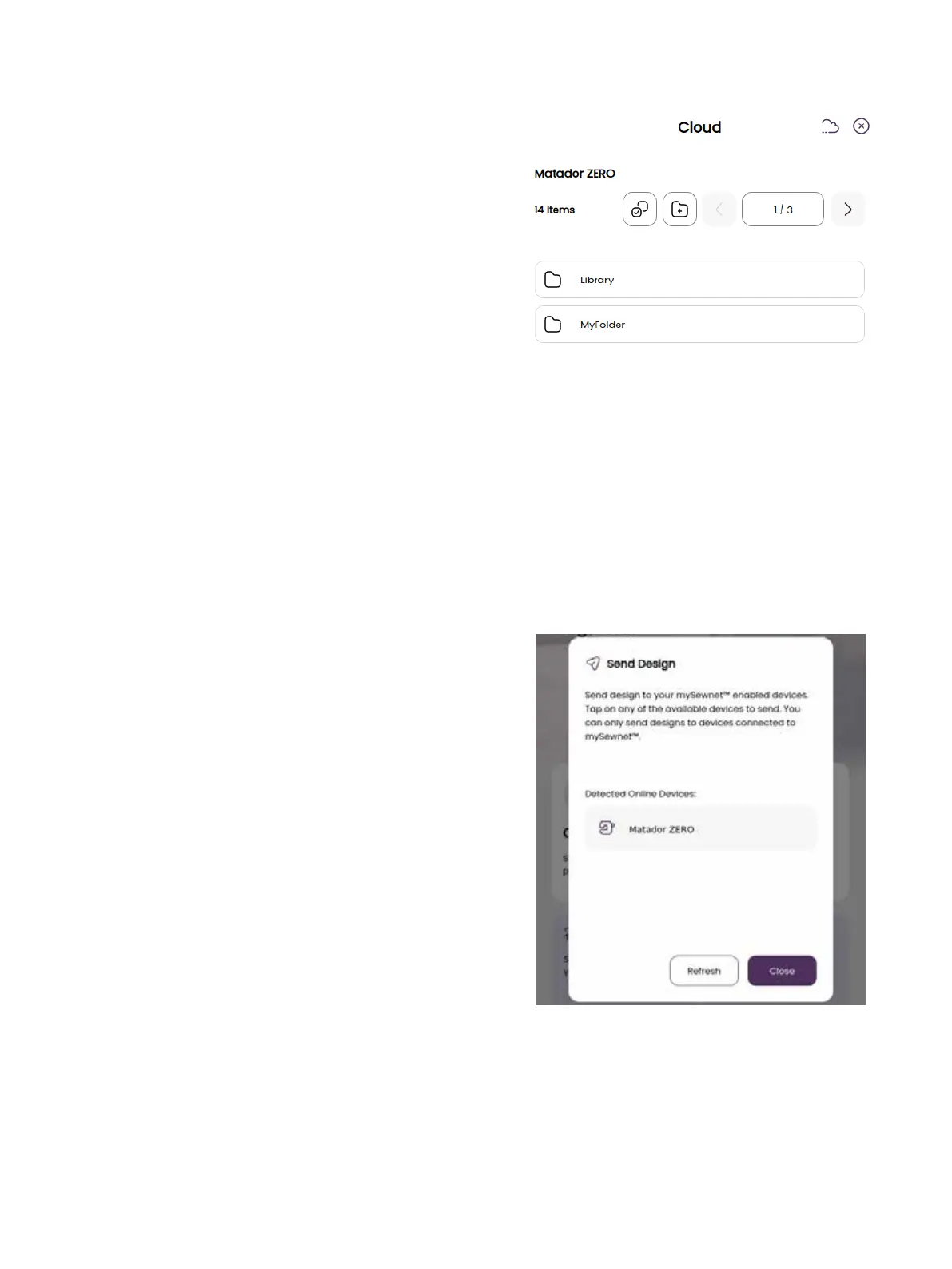
Send Design
Only available for SE9180 and S9185
Touch the mySewnet tab at the top of the screen. Send selected
embroidery designs directly to other mySewnet enabled de-
vices. Choose any of the available devices by touching it. The
pop-up closes and the selected design(s) are sent.
Note: You can only send designs to devices connected to the
same mySewnet cloud account.








 To Next Page