61 23 488 D 3474
24 D 3474.208.01.06.02 04.2010
Views Sirona Dental Systems GmbH
Longitudinal view Operator's Manual GALAXIS
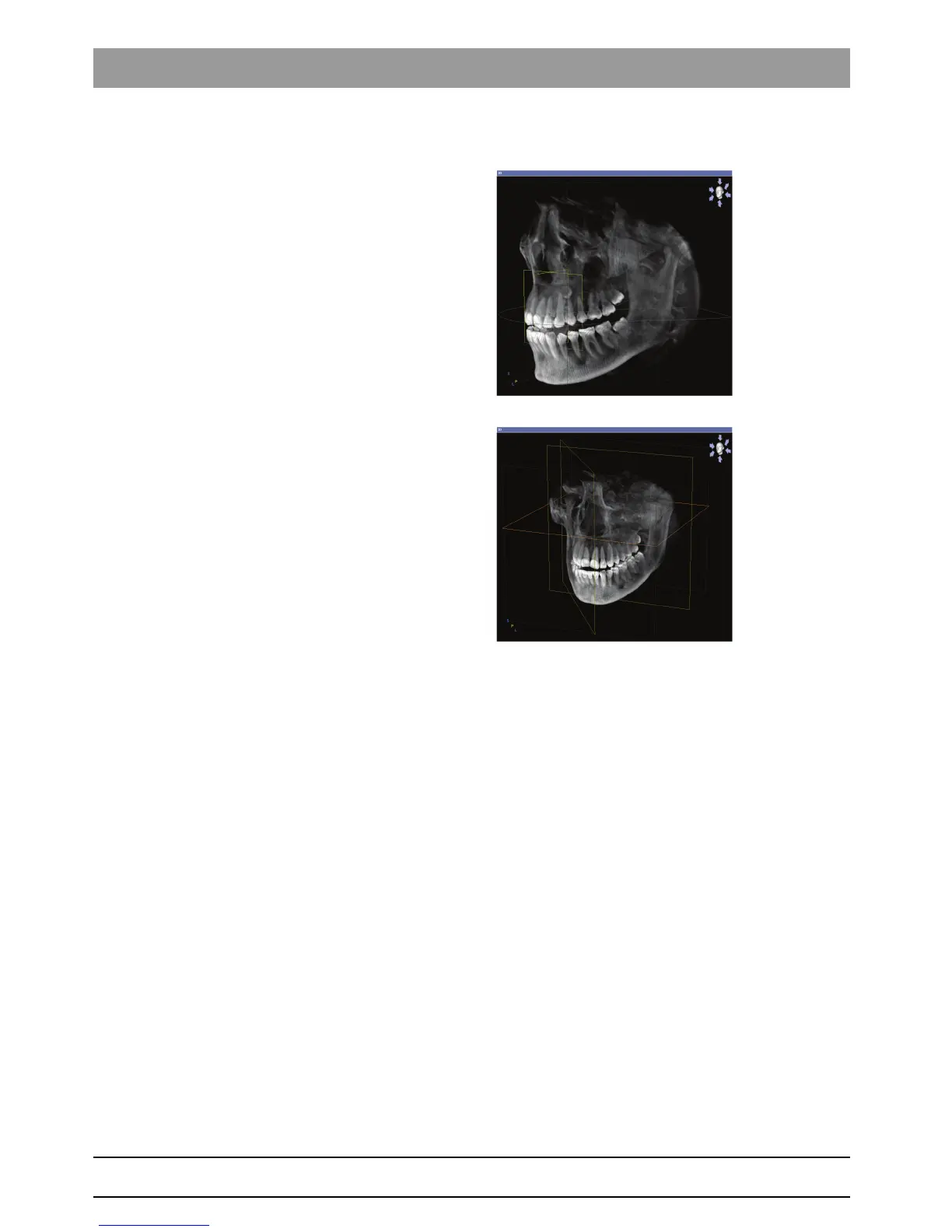
7.2.1 3D view in the workspaces
Panoramic with 3D
MPR/Radiology
7.2.2 Interaction
Rotate 3D view 1. Place the mouse pointer inside the 3D view.
2. Press and hold down the left mouse button.
3. Move the mouse.
ª You can rotate the 3D view depending on the movement of the mouse.
Set zoom level 1. Place the mouse pointer inside the 3D view.
2. Turn the scroll wheel on the mouse.
ª You can change the zoom level of the 3D view depending on the move-
ment of the scroll wheel.
Move 3D view 1. Place the mouse pointer inside the 3D view.
2. Press and hold down the right mouse button.
3. Move the mouse.
ª You can move the 3D view depending on the movement of the mouse.
7.3 Longitudinal view
Explanation The longitudinal view is a straight slice oriented longitudinally to the examina-
tion window.
This slice can be tilted about the axis of the axial plane.















 To Next Page