63 22 726 D3561
112 D3561.201.01.03.02 05.2012
4 Operation Sirona Dental Systems GmbH
4.5 Dentist element Operating Instructions SINIUS / SINIUS CS
Setting intensity in the Start program with instrument functions
✔ The
Start program with instrument functions
operating mode is
selected.
✔ The SIROSONIC TL scaler is removed.
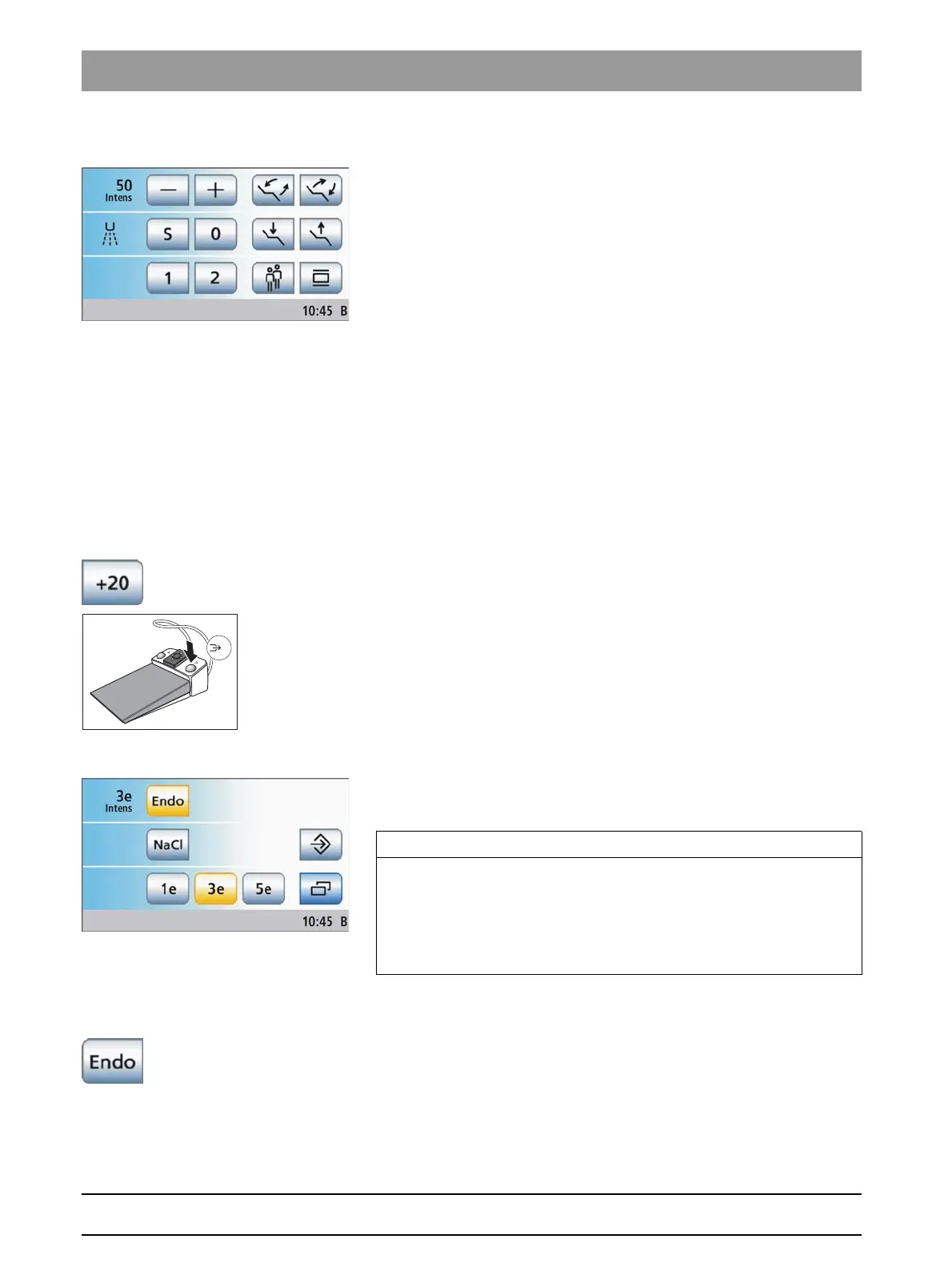
✔ The set intensity is displayed on the touchscreen.
➢ Change the intensity using the – and + keys.
< 1 s coarse adjustment, > 1 s fine adjustment
The selected intensity is displayed in the first line.
Increments, see "Setting the intensity with function levels" (above).
Increasing the intensity by 20 steps (boost function)
The boost function allows for a 20-step increase of the intensity during
treatment in relation to the final value. From an intensity of 80, the
maximum value of 100 is the maximum that can be selected.
In the
Start program without instrument functions
operating mode, this
function can only be set by using the foot control.
✔ The SIROSONIC TL scaler is removed.
✔ The
Ultrasonic screen
is displayed on the touchscreen.
➢ Touch the
+20
key on the touchscreen.
or
➢ Press the right button of the foot control.
The key is highlighted orange. The Boost function is activated.
Switching on the endodontics function
The intensity of the endodontics function is limited for safety reasons, e.g.
in order to prevent broken needles.
Ultrasoni c handpiece, Endo i ntensity values
✔ The SIROSONIC TL scaler is removed.
✔ The
Ultrasonic screen
is displayed on the touchscreen.
➢ Touch the
Endo
key.
The key is highlighted orange. Instead of the ultrasonic intensity
values, the touchscreen displays the endodontic intensity values.
IMPORTANT
Endo intensity values
The intensity can be adjusted from 1e to 5e. Please note that the
endodontics intensity values of 1e to 5e do not agree with the values of
1 to 5 in the calculus removal mode.
Always use the endo function for endodontics!















 To Next Page