63 22 726 D3561
D3561.201.01.03.02 05.2012
93
Sirona Dental Systems GmbH 4 Operation
Operating Instructions SINIUS / SINIUS CS 4.5 Dentist element
båÖäáëÜ
4.5.8.8
Setting the NaCl flow rate
Setting the NaCl flow rate
✔ An instrument is removed.
✔ In the
Start program without instrument functions
operating mode, the
touchscreen will display the
Instrument program
of the removed
instrument and NaCl is preselected as coolant, see “Selecting a
coolant” [ → 87]. In the
Start program with instrument functions
operating mode, the
Sub-screen
of the removed instrument is
displayed.
1. In the
Start program without instrument functions
: Press and hold the
NaCl
key (> 2 s).
In the
Start program with instrument functions
: Press and hold the
Preselect NaCl
key (> 2 s).
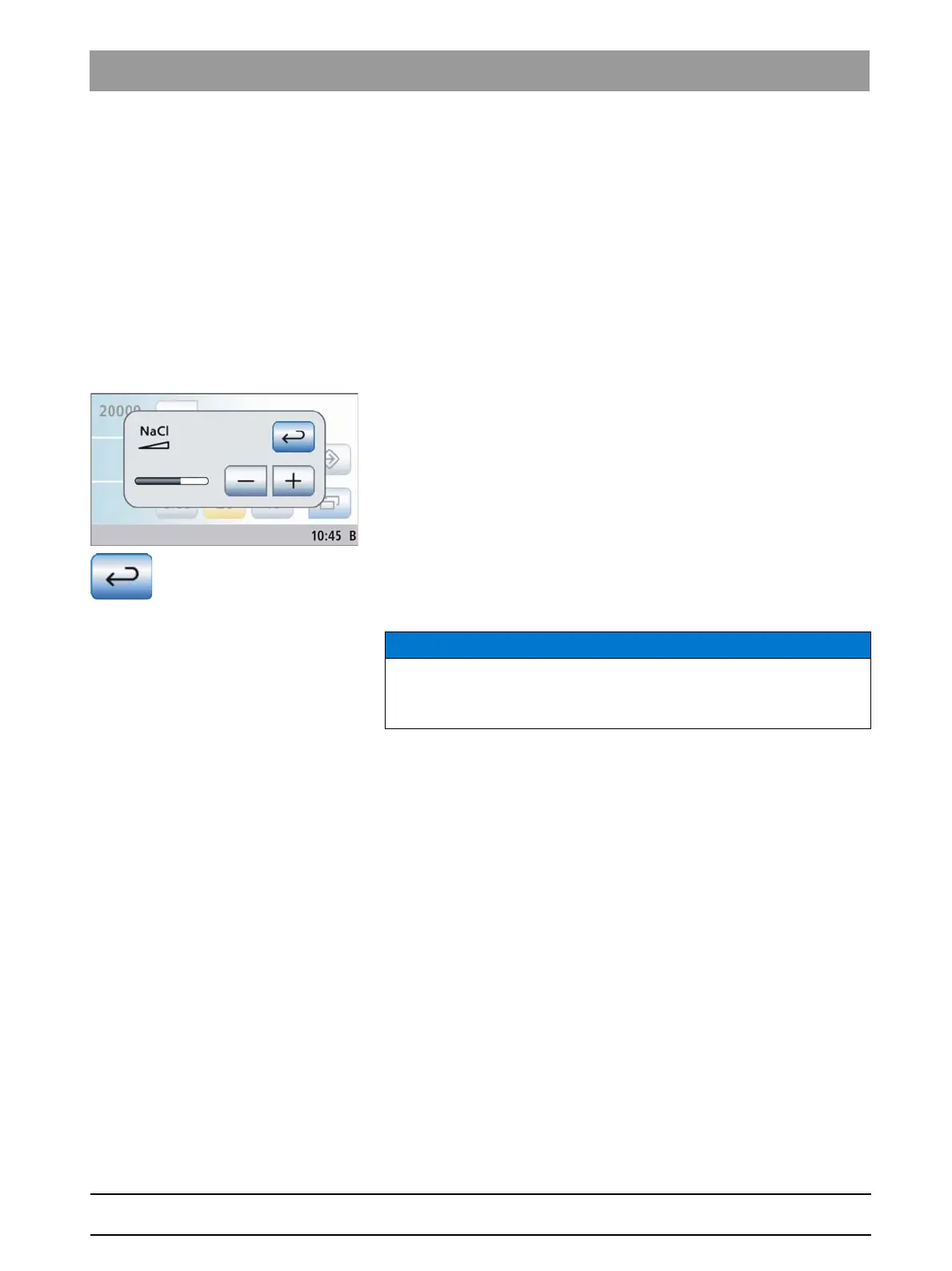
The
NaCl
settings screen is displayed.
2. Use the – and + keys to set the flow rate of the NaCl pump.
3. Touch the
Return
key.
The
NaCl
settings screen is hidden immediately. The settings are
saved.
Flow rate of the ultrasonic tip
NOTICE
Ultrasonic tips of third-party manufacturers in some cases don't offer a
sufficient flow rate in conjunction with the NaCl function.
➢ Use only ultrasonic tips from Sirona.















 To Next Page