63 22 726 D3561
58 D3561.201.01.03.02 05.2012
4 Operation Sirona Dental Systems GmbH
4.3 Foot control Operating Instructions SINIUS / SINIUS CS
4.3.3.2
Operating the cursor control
Operating the cursor control
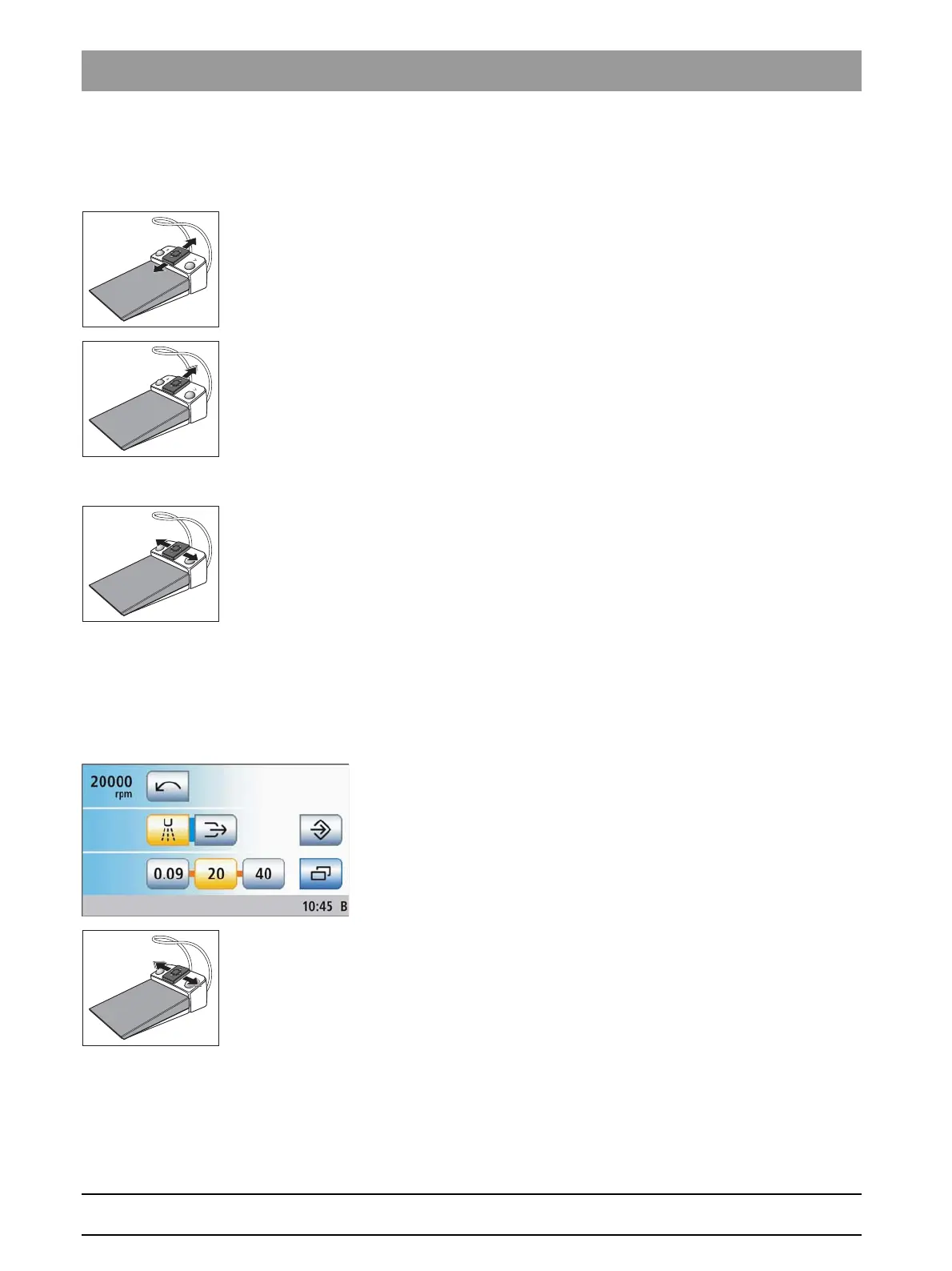
Moving the cursor
➢ Briefly slide the 4-way foot control plate upward or downward.
The orange cursor moves forward or back one cursor position.
➢ Hold the 4-way foot control plate up or down (auto cursor).
The orange cursor slowly moves from one cursor position to
another.
Actuating a function or fixed key
➢ Press left button: Slide the 4-way foot control plate to the left.
Press the right button: Slide the 4-way foot control plate to the right.
The selected key is highlighted orange on the touchscreen (if
switched on) or is displayed in gray or blue (if switched off). The
LED of the selected fixed key lights up or goes out on the control
panel of the dentist element.
The orange cursor usually returns to the starting position of the
program after activation.
Activating a quick setting key and setting intermediate values
Operation of the cursor control for screens with quick setting keys is
illustrated based on the example of the motor screen.
✔ The cursor control is switched on.
1. Move the cursor to the quick setting keys.
The quick setting keys are highlighted with an orange bar.
2. Setting the values of the quick setting keys: Briefly move the 4-way
foot control plate to the left or right.
Setting the intermediate values: Move the 4-way foot control plate to
the left or right and hold it in this position.
The motor speed is displayed in the first line. If the motor is set to
a value corresponding to one of the quick setting keys, it is
highlighted orange.















 To Next Page