63 22 726 D3561
88 D3561.201.01.03.02 05.2012
4 Operation Sirona Dental Systems GmbH
4.5 Dentist element Operating Instructions SINIUS / SINIUS CS
4.5.8.3
Setting the ApexLocator
Setting the Apex Locator
If your treatment center is equipped with the ApexLocator option, you can
adjust this in the
Motor
sub-screen. The ApexLocator can only be
accessed in the
Start program without instrument functions
operating
mode. For more information, refer to the chapter "ApexLocator" [ → 94],
section “Endodontic treatments with motor" [ → 104].
4.5.8.4
Setting the instrument light
Setting the in strument l ight
Opening the instrument setup program
✔ The highspeed handpiece, motor or scaler is removed.
✔ In the
Start program without instrument functions
operating mode, the
touchscreen will display the
Instrument program
of the removed
instrument.
In the
Start program with instrument functions
operating mode, the
speed or intensity values of the removed instrument are displayed.
➢ Press and hold the
Setup
fixed key (> 2 s).
The Setup program of the corresponding instrument is displayed.
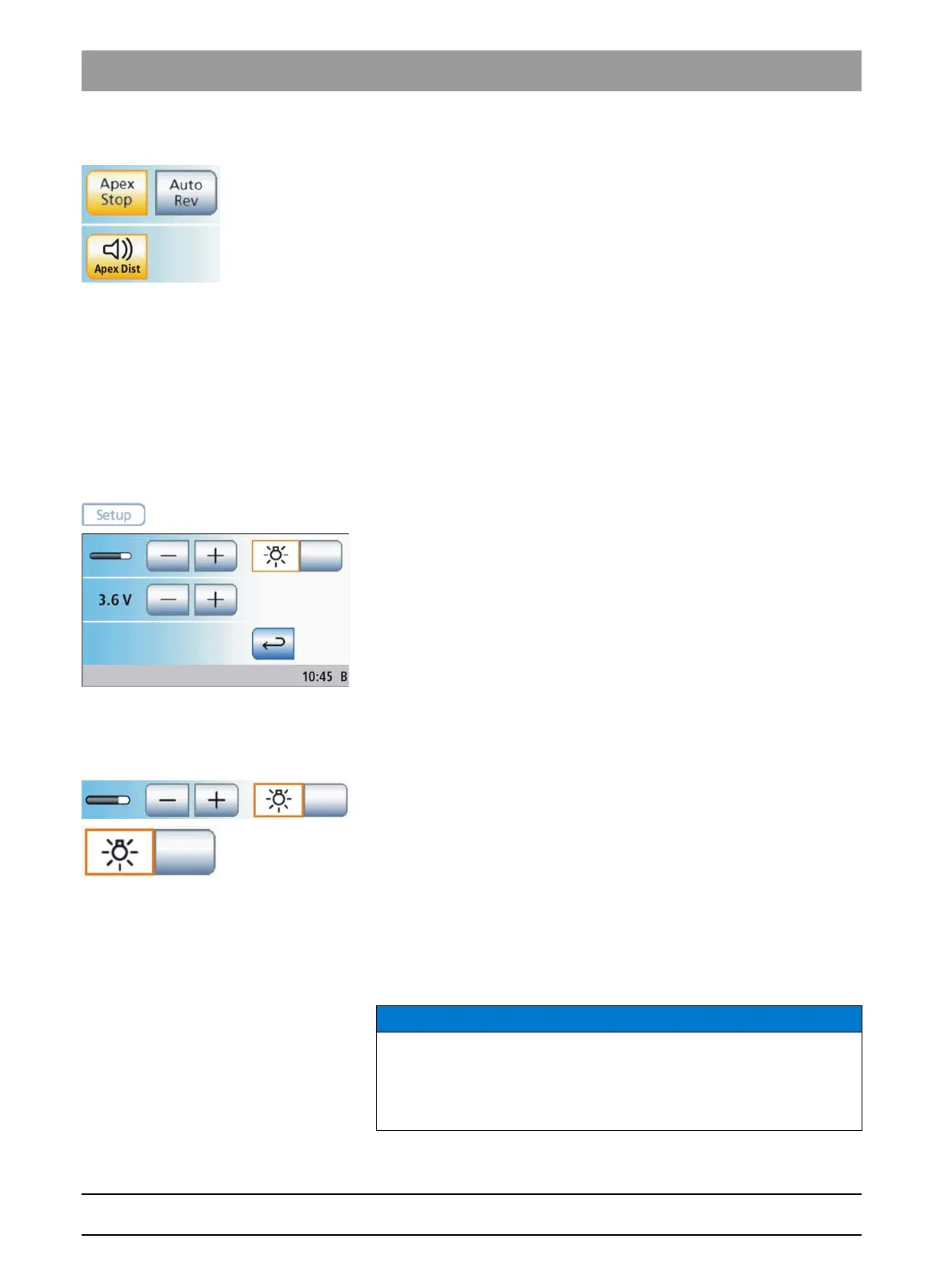
Instrument light on/off and adjustment
If the instrument is equipped with an instrument light, its brightness can
be adjusted.
1. Use the – and + keys to adjust the brightness of the instrument light.
2. Switch the instrument light on or off with the
Instrument light
key.
If the key is highlighted orange, stepping on the foot control will
switch on the instrument light at the set brightness.
Preselecting the instrument light operating voltage
The original Sirona halogen and LED lamps are usually operated at 3.6
V. Voltages over 3.8 V destroy the lamp. The operating voltage can be
adjusted for lamps made by other manufacturers.
Lamps, operating voltage
NOTICE
The operating voltages of different lamps may vary.
Overvoltages can lead to damage.
➢ When changing lamps, make sure that the operating voltage is
properly set for the new lamp.















 To Next Page