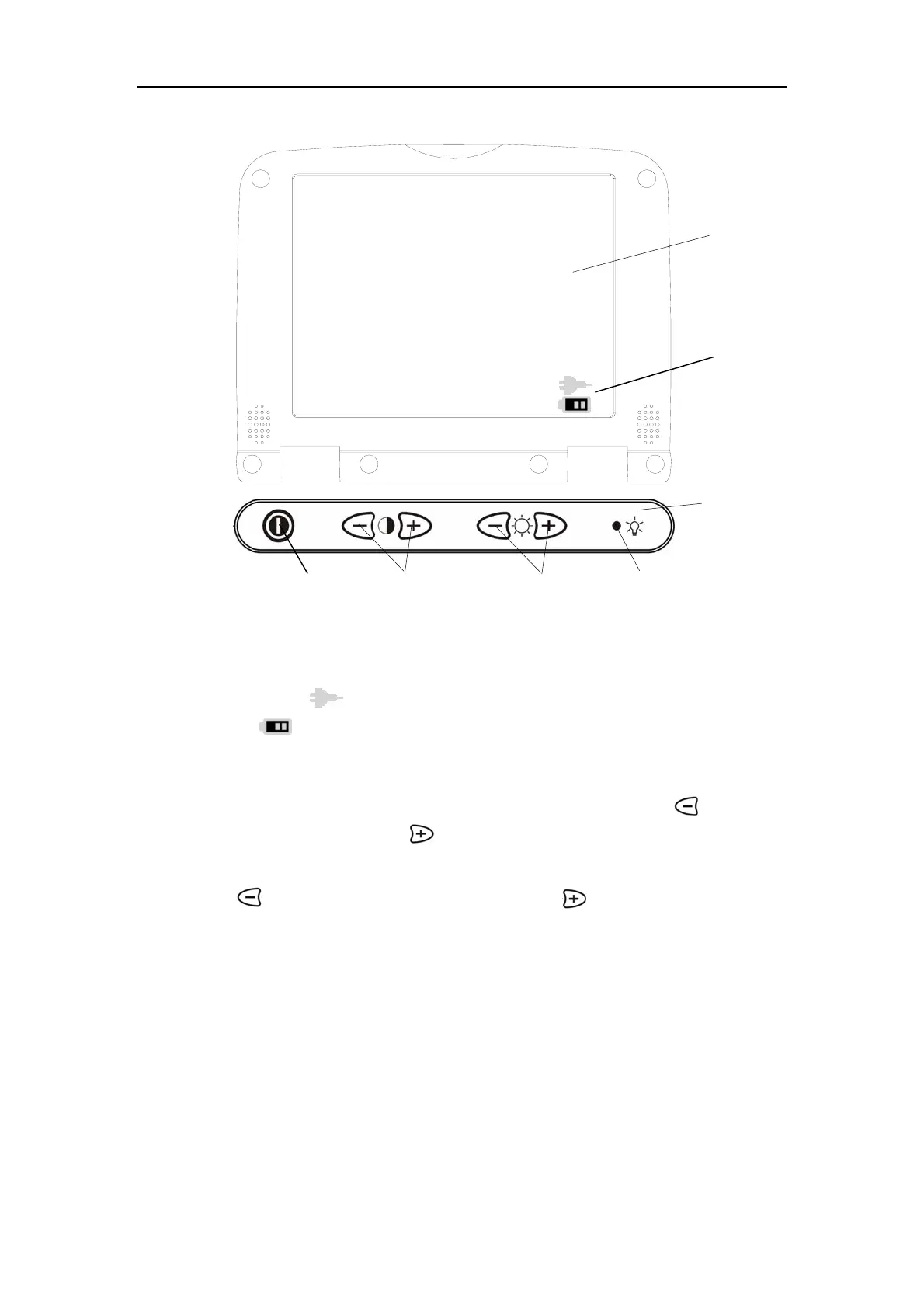
Introduction to Components
3-4
1—LCD monitor;
2—Power in symbol: When the system is supplied by external power, it displays a
power symbol . If the system is supplied by the battery, it displays a battery
symbol
and indicates the current power capacity;
3—Power switch;
4—Contrast Control: The contrast will decrease when pressing the key, and will
increase when pressing the key.
5—Brightness Control: The brightness of the monitor will decrease when pressing
the key, and will increase when pressing the key;
6—Power Indicator: it turns green when power on.
Fig.3-3 Front Panel of Monitor
This control bar is on
the operation panel.
2
1
3
4
5
6



 To Next Page