Installation, Inspection and Maintenance
4-4
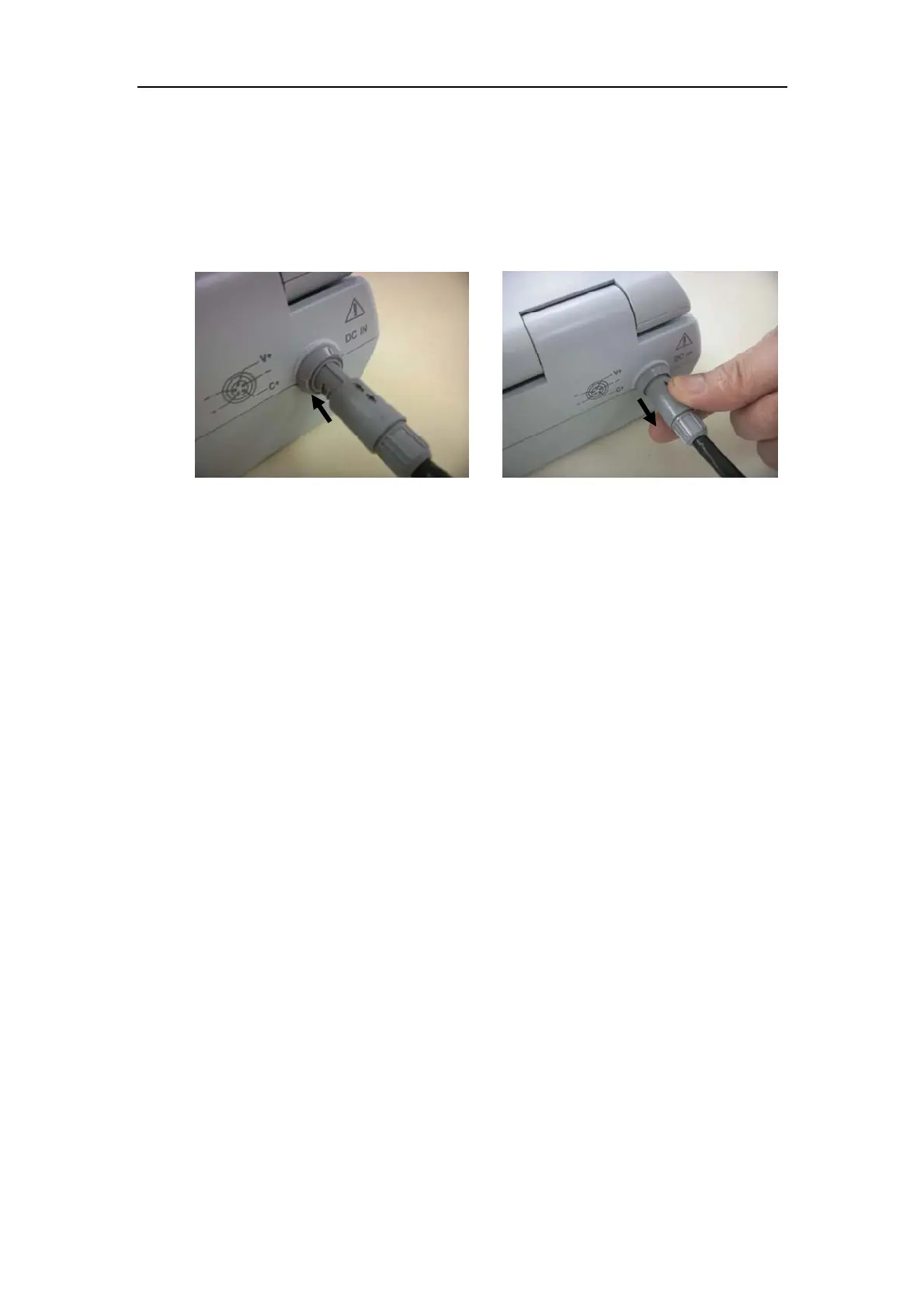
position of the plug with the slot of the system socket as shown in Fig. 4-2. When
disconnecting the DC power plug, hold the plug and pull it out as shown in Fig.
4-3.
Note: The system might be damaged if you do not follow item e) to operate the
system.
Fig. 4-2 Fig. 4-3
4.2 Inspection and Maintenance
Please follow the methods below to inspect the system. If there were any abnormality,
please contact us for help. We would provide detailed consulting service, and take
measures to fix the existing problems.
4.2.1 Inspection when the power is on
Make sure that the power indicator is running normally.
4.2.2 Inspection on keys
Referring to Section 3.2.3 “Operation Panel”, inspect each key to see whether they are
working normally.
4.2.3 Inspection on image quality
Referring to Chapter 6 “Imaging”, adjust the image adjust keys on keyboard, observe the
image display to see whether they are normal or not.
4.2.4 Inspection on measurement function
Referring to Chapter 8 “Measurement and Calculation”, inspect various measurement &
calculation functions to see whether they are normal or not.
4.2.5 Inspection on probe and probe cable
Inspect whether there is any crack on the water-immersible probe part. Inspect the probe
cable connector and the probe cable to see whether there is any shedding.
4.2.6 Inspection on input and output ports



 To Next Page