Imaging
6-7
z All the keyboard operations can only be conducted on the active image. If a
frozen B image is released, this image will adopt the control parameters in
the current control-box, and the other B image will be frozen
simultaneously.
z In 2B mode, press
Rotation to press the real-time image by 180°.
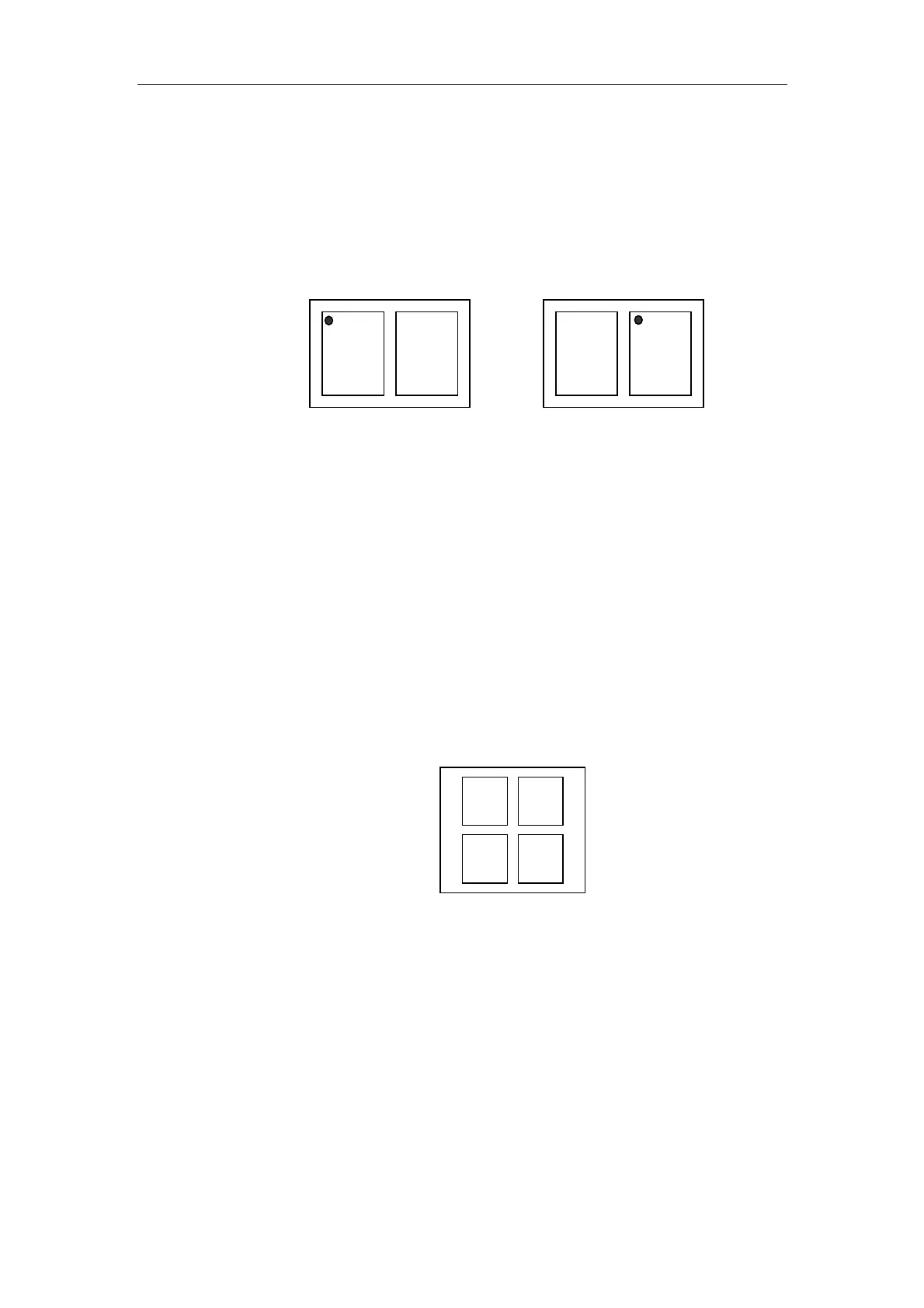
Left-B is Active Right-B is Active
Fig. 6-2 Sketch Map for Indicating the Current Active Image
2) 4B
z 4B means that four B images are displayed on top left, top right, bottom left
and bottom right of the screen. Only one of these four images is active.
z In 4B mode, use
Enter to toggle the active image. The image with the
probe orientation mark indicates that it is the current active image. The
toggling order among the four images is shown in Fig. 6-3 by pressing
Enter.
Fig. 6-3 4B Image Arrangement
z Four B modes can have different control parameters; the control
parameters shown in the control-box are the parameters of the current
unfrozen image; if all B images are frozen, the shown parameters are
control parameters of the last frozen B image.
z All the keyboard operations can only be conducted on the active image. If a
frozen B image is released, this image will adopt the control parameters in
the current control-box, and another B image will be frozen simultaneously.
12
3
4



 To Next Page