Annotation of Image Information
7-2
existing information in the input area, move the cursor with the touchpad to the
input area to be modified. Having modified the information, select Set and press
Enter to complete modification.
c) Clear: Press
Pat Data key to bring up the Patient Information Interface. If there is
existing information in the input area, move the cursor over New and press Enter
to clear all patient information.
d) Search: Press
Pat Data key to bring up the Patient Information Interface. Move
the cursor over mport and press
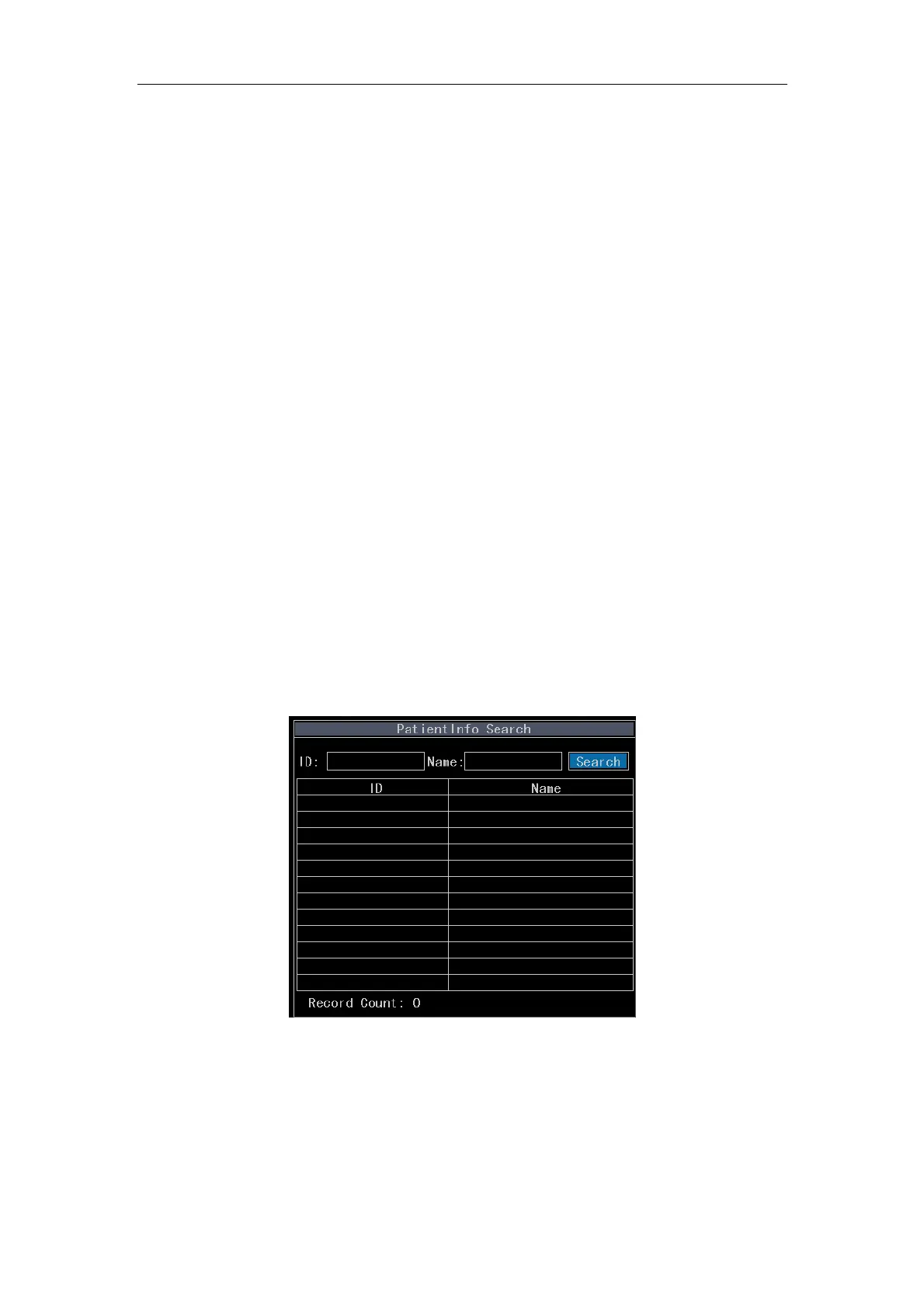
Enter. The Patient Info Search interface will be
displayed as Fig. 7-2. The default search is to display all patients. If specific
search is required, input patient ID or Name in the edit box and then move the
cursor over Search and press
Enter. The search results will be displayed in the
list box. Move the cursor over certain record press
Enter to import the patient info.
After importing the patient info, the operator may modify the patient info. Move the
cursor over Save and press
Enter to complete the modification and then the
modified patient info can be applied. Press D key to delete patient info. Up to 12
records can be displayed on each page of list box. Move the cursor over Previous
or Next and press
Enter to change the page.
Fig. 7-2 Patient Info Search



 To Next Page