EasyManua.ls Logo

SIYI A8 mini - Photo and Video Commands; Acquire Gimbal Attitude

SIYI A8 mini
107 pages
Print Icon
To Next Page IconTo Next Page
To Previous Page IconTo Previous Page
Loading...
A8 mini User Manual v1.5
32
2023 SIYI Technology Co., Ltd, All Rights Reserved
Photo and Video
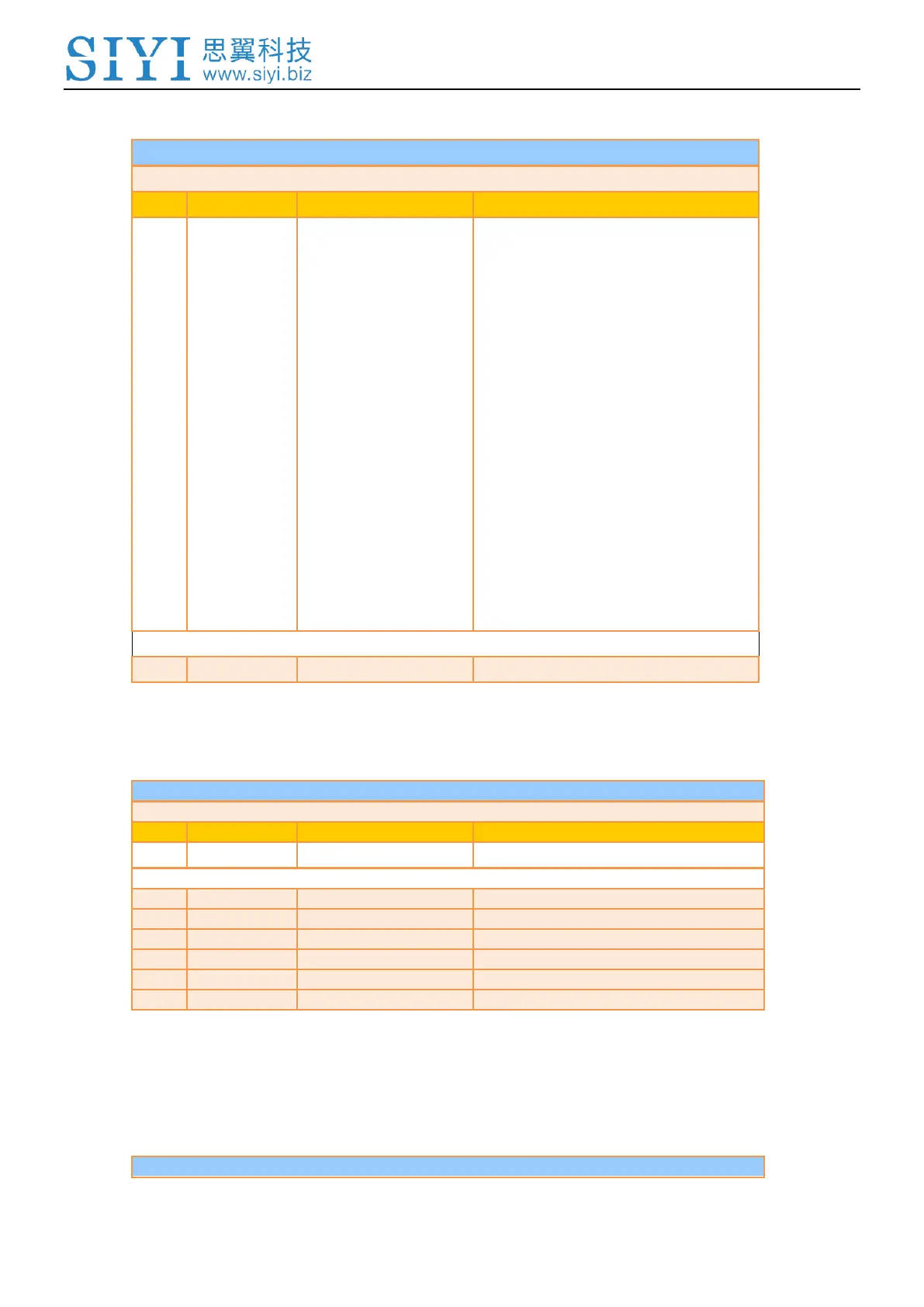
CMD_ID:0x0C------Photo
Send data format
No.
Data Type
Data Name
Description
uint8_t
func_type
0: Take a picture
1: Switch on / off HDR (not supported
yet)
2: Start / Stop Recording
3: Motion – Lock Mode
4: Motion – Follow Mode
5: Motion – FPV Mode
6: Set video output as HDMI
(Only available on A8 mini, restart
gimbal to take effect)
7: Set video output as CVBS
(Only available on A8 mini, restart
gimbal to take effect)
8: Turn off both HDMI and CVBS
video output
(Only available on A8 mini, restart
gimbal to take effect)

ACK data format
No ack
Acquire Gimbal Attitude
CMD_ID:0x0D------Acquire Gimbal Attitude
Send data format
No.
Data Type
Data Name
Description
ACK data format
int16_t
yaw
Yaw axis degree
int16_t
pitch
Pitch axis degree
int16_t
roll
Roll axis degree
int16_t
yaw_velocity
Yaw axis rotation speed
int16_t
pitch_velocity
Pitch axis rotation speed
int16_t
roll_velocity
Roll axis rotation speed
Mark:
The above data to be divided by 10 is the actual degree, accuracy in one decimal place.
Set Gimbal Control Angle
CMD_ID:0x0E------Set Gimbal Control Angle

Table of Contents

Related product manuals