A8 mini User Manual v1.5
89
2023 SIYI Technology Co., Ltd, All Rights Reserved
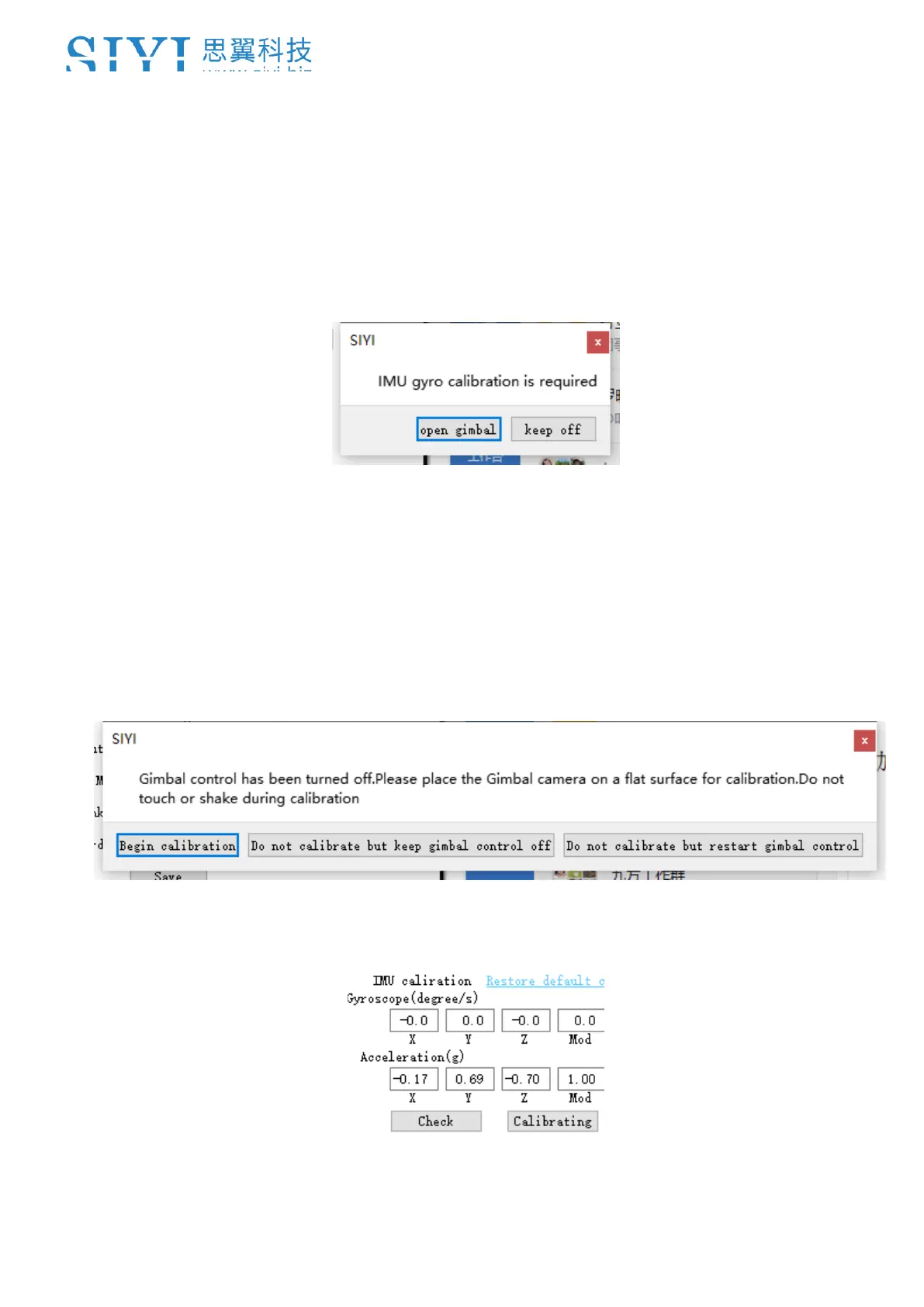
3. If IMU is working normally, there will be a message box to indicate “not necessary
to calibrate”.
4. If IMU is not working normally, there will be a message box to indicate “calibration
is necessary”.
5. Click “Start Gimbal” and “Calibrate”.
6. The message box will say again “please follow the message box and place the
gimbal camera on a flat surface and make sure that the IMU is static. Do not
touch or vibrate the gimbal camera”.
7. IMU calibration menu will display “calibrating”.



 To Next Page