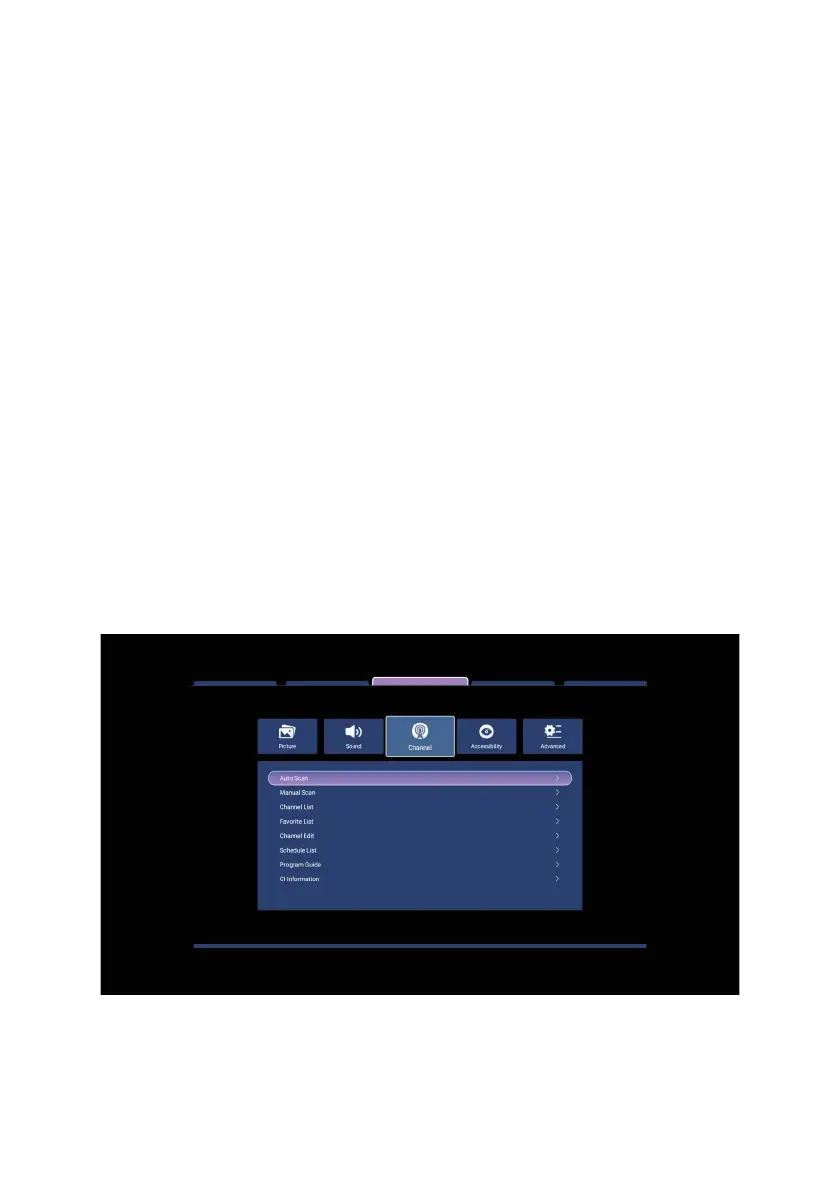
To start the auto scan, select Start Scan and press ENTER.
Manual Scan: When you select this option and press the "Enter" key, you can use
the right/left arrow keys to change the frequency channel you want to scan by
selecting the Channel ID from the menu that appears. After choosing the frequency,
select the Start scan option and press ENTER.
Channel List: You can view the registered channels from this menu.
Favorites List: You can view the channels in the favorites list from this menu.
Edit Channel: Select the channel you want
to edit with the up/down arrow keys and
press ENTER. Select the operation you want to perform and press "Enter". For
example, after selecting channel move, use the Up/Down arrow keys to move the
channel to the desired position and press ENTER.
Program Guide: You can view the EPG information for supported broadcasts from
this menu.
CI Information: If you have installed a module on your TV to watch encrypted
channels, you can view information about the encryption system from this menu. If the
module is not instal
led, this option will not be active.
45



 To Next Page