TT301 - Operation and Maintenance Instruction Manual
Z: Selects ESCAPE of the monitoring mode.
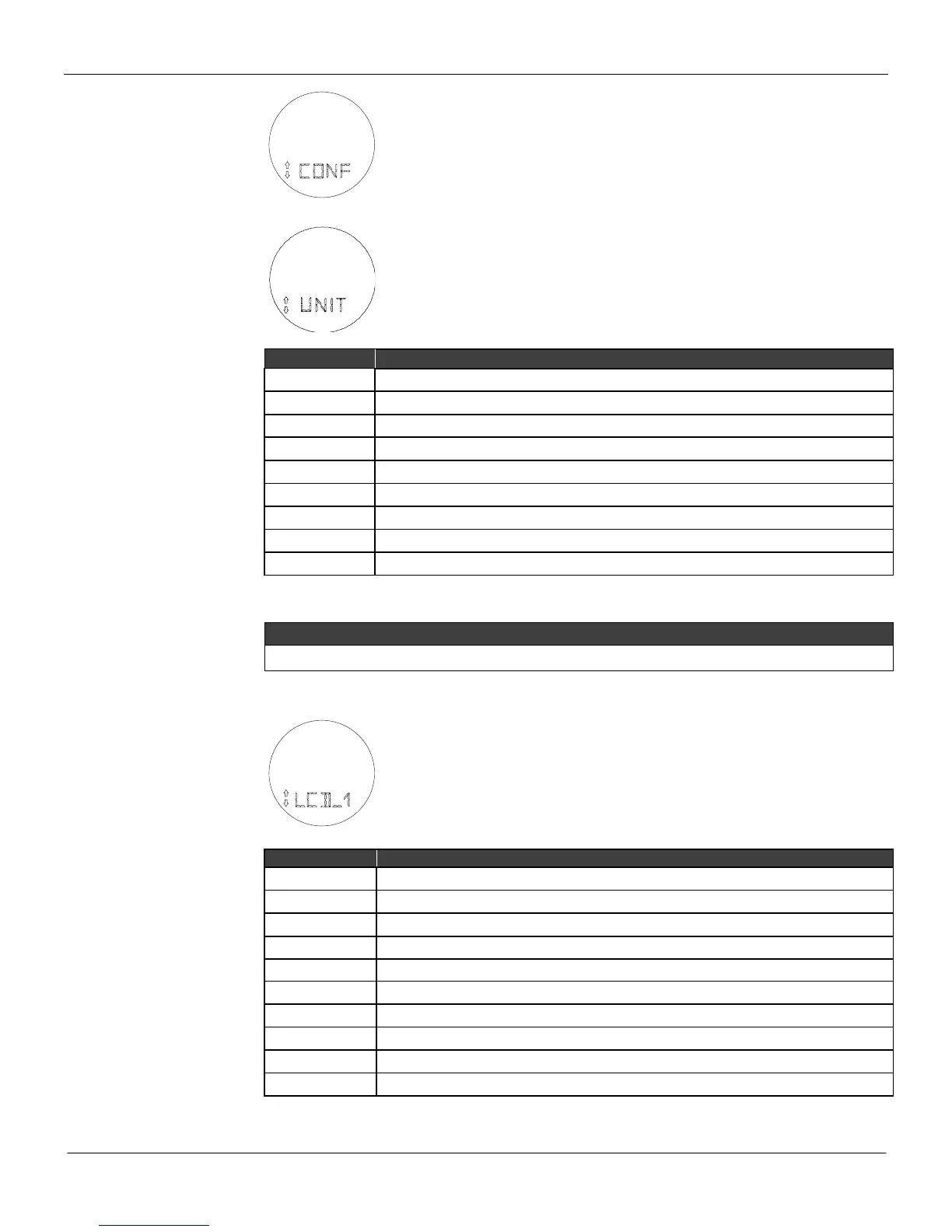
S: Enters the CONFIGURATION branch, starting with function UNIT.
Unit (UNIT)
Z: Moves to the DISPLAY-1 function.
S: Starts selection of engineering unit for process variable and setpoint indication.
After activating (S), you can move around the options available in the table below
by activating (Z).
The desired unit is activated by using (S). Escape leaves unit unchanged.
See special sensor in Section 3 for more information on “special unit”.
Display 1 (LCD_1)
Z: Moves to the DISPLAY-2 function.
S: Starts selection of variable to be indicated as primary display.
After activating (S), you can move around the options available in the following
table by activating (Z).
Process Variable (eng. unit)
The desired variable is activated using (A). Escape leaves primary variable unchanged.



 To Next Page