Programming Using Local Adjustment
In TRANSMITTER mode, only PV%, CU, PV and "none" are selectable.
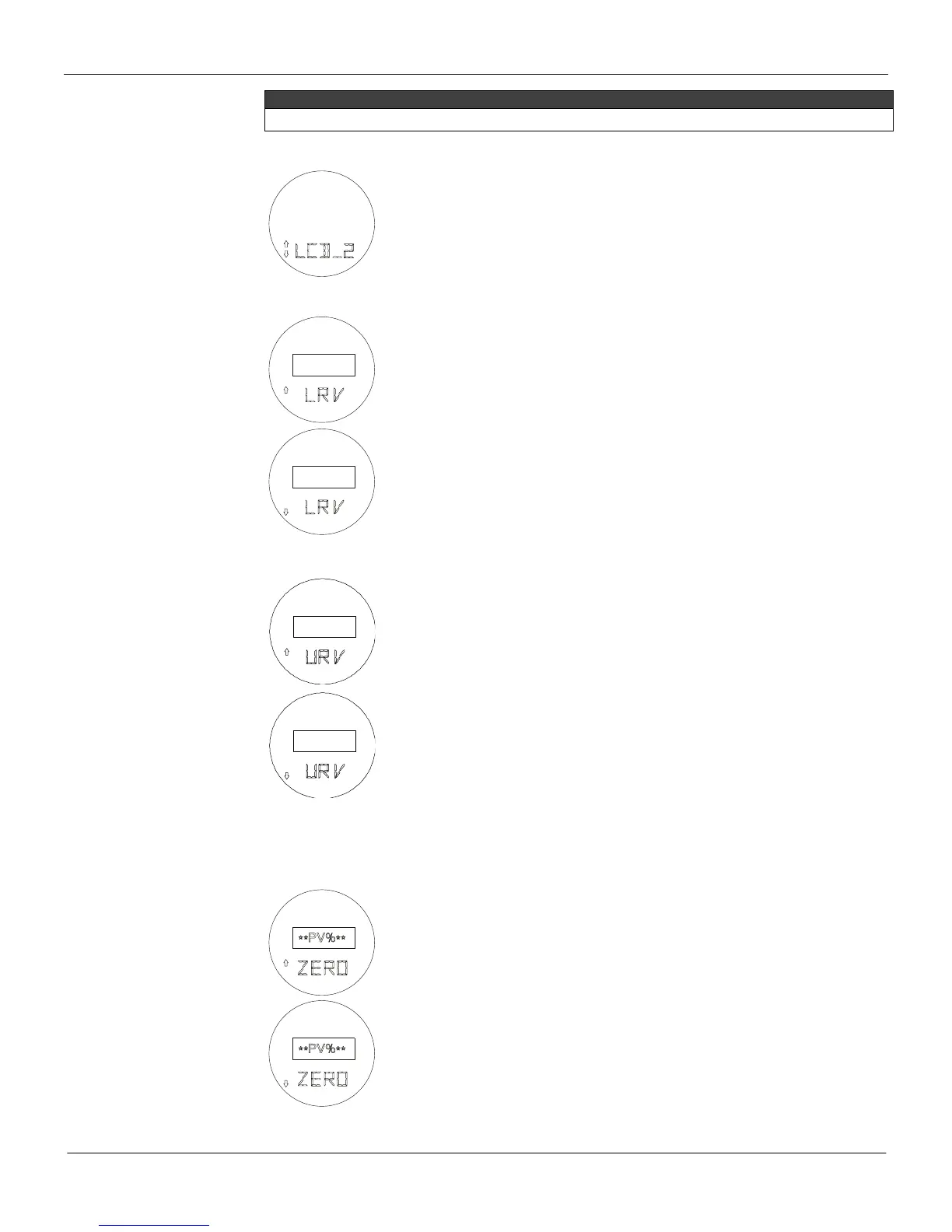
Display 2 (LCD_2)
Z: Moves to the ZERO ADJUST function.
S: Starts selection of variable to be indicated as secondary display.
The procedure for selection is the same as for DISPLAY_1, above.
Lower Range Value Adjustment without Reference (LRV)
Z: Moves to the LRV decrease function.
S: Increases the Lower Value until the magnetic tool is removed or the maximum
for the Lower Value is reached.
Z: Moves to the URV ADJUST-MENT function.
S: Decreases the Lower Value until the magnetic tool is removed or the minimum
for the Lower Value is reached.
Upper Range Value Adjust without Reference (URV)
Z: Moves to the URV decrease function.
S: Increases the Upper Value until the magnetic tool is removed or the maximum
for the Upper Value is reached.
Z: Moves to the ZERO AD-JUSTMENT function.
S: Decreases the Upper Value until the magnetic tool is removed or the minimum
for the Upper Value is reached.
Reranging using the LRV and URV items in the menu is the same as the keyboard rerange on the
CONFIGURATOR. No input has to be applied; the range is set independent of applied input. Adjust the
value indicated on the display to the desired range value. Changing one does not affect the other.
Zero Adjust with Reference (ZERO)
Z: Moves to the ZERO decrease function.
S: Decreases the Lower Value (Increases output) until the magnetic tool is
removed or the minimum for the Lower Value is reached.
Z: Moves to the SPAN ADJUST function.
S: Increases the Lower Value (Decreases Output) until the magnetic tool is
removed or the maximum for the Lower Value is reached.
Span Adjust with Reference (SPAN)



 To Next Page