TT301 - Operation and Maintenance Instruction Manual
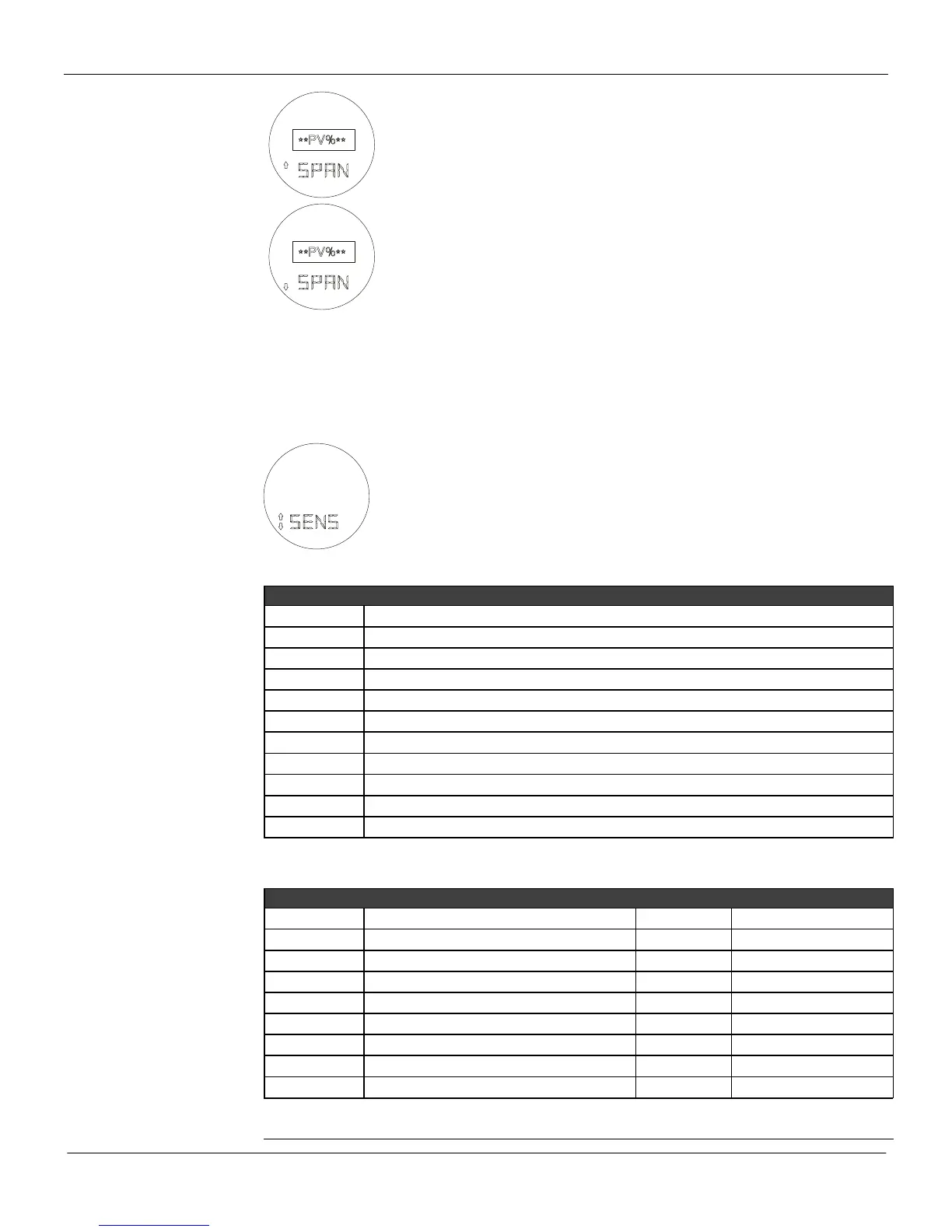
Z: Moves to the SPAN decrease function.
S: Decreases the Upper Value (Increases Output) until the magnetic tool is
removed or the minimum for the Upper Value is reached.
Z: Moves to the SENSOR function.
S: Increases the Upper Value (Decreases output) until the magnetic tool is
removed or the maximum for the Upper Value is reached.
Reranging using the ZERO and SPAN items in the menu is equivalent to the applied rerange on the
Configurator. The range values are adjusted relative to the applied input. The value in the display is the
applied temperature in percentage of the range. Changing the lower value shifts the upper value too,
maintaining the span. Changing the upper value does not affect the lower value. For example, if you
want 4 mA (0%) for the applied input, adjust until the display reads 0%. Likewise, if you want 20% (7.2
mA), adjust until the display shows 20%.
Sensor (SENS)
Z: Moves to the OPERATION MODE function.
S: This function is protected by a "password", when prompted PSWD activate (S) 2
times to proceed with sensor selection.
After activating (S), you can move around the options available in the following table by activating (Z).
For all sensors, further selections must be done to determine the specific type and connection. Move
around the available options - listed in the tables below - using (Z).



 To Next Page