EasyManua.ls Logo

Smeg Tethys D60 - Setup Mode - Functions; Accessing Setup Mode and Entering Password; Access and Parameter Modification

Smeg Tethys D60
77 pages
Print Icon
To Next Page IconTo Next Page
To Previous Page IconTo Previous Page
Loading...
User Manual
Tethys D60 - Tethys T60 - Tethys T45
Page 15 - 77
5 DESCRIPTION OF CONTROLS AND PROGRAMS
5.1 CONTROLS
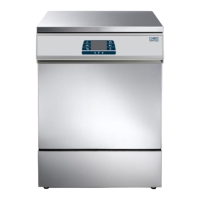
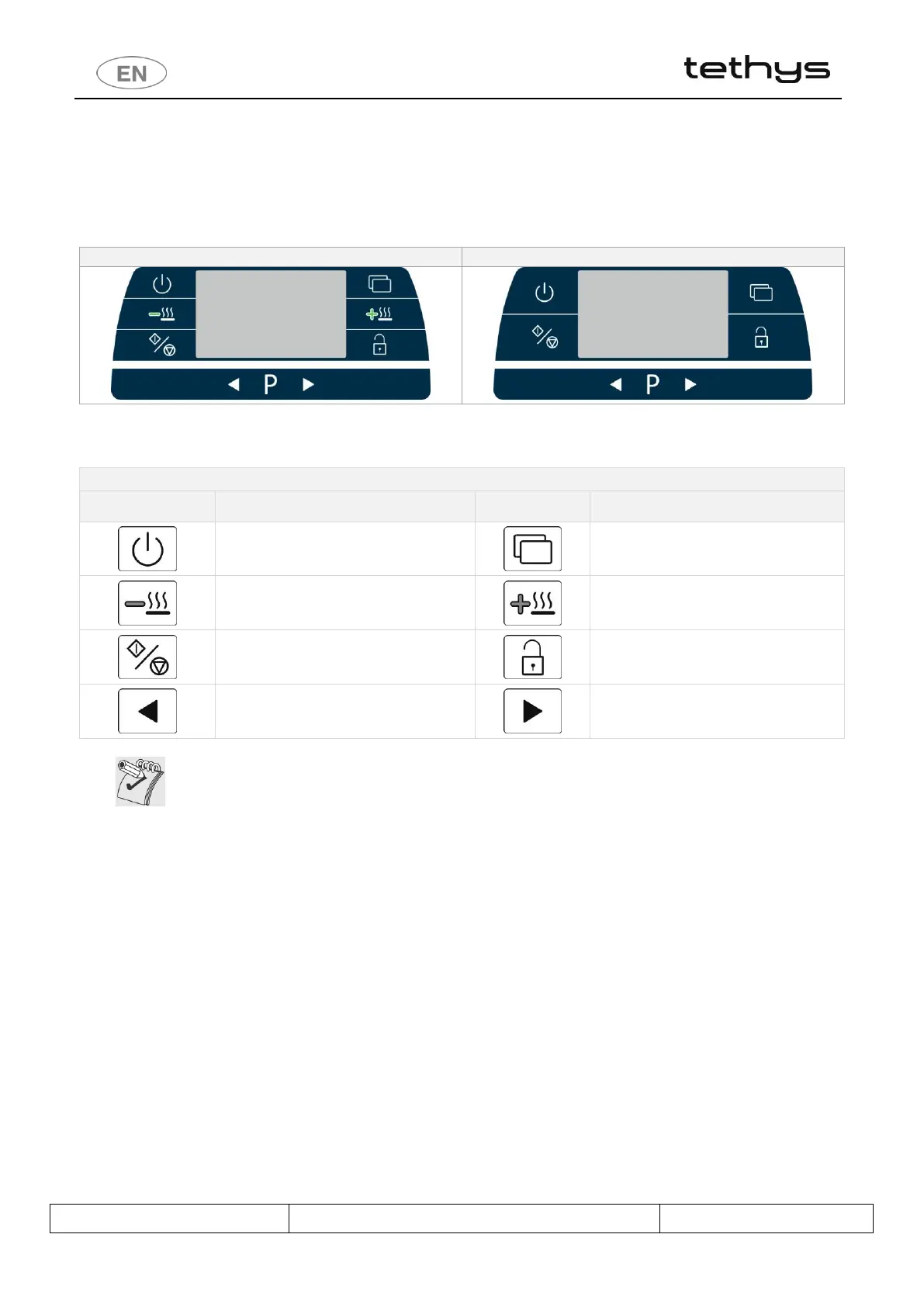
All the device’s control and monitoring devices are placed together on the front panel.
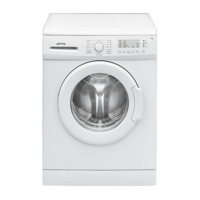
Tethys D60 CONTROL PANEL
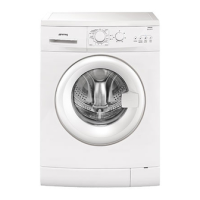
Tethys T60, Tethys T45 CONTROL PANEL
fig. 6 Control panel. The display and indicator LEDs are in the middle and the control buttons at the sides and bottom.
CONTROL PANEL SYMBOLS
SYMBOL
MEANING
SYMBOL
MEANING
On/Off
Functions
Drying Decrease
(only on Tethys D60)
Drying Increase
(only on Tethys D60)
Start / Stop
Door opening
Selection
Selection
In the figures mentioned in this document, we use only the Tethys D60 front panel layout. The
same considerations and procedures apply to the Tethys T60, Tethys T45 models, unless
otherwise specified.

Table of Contents

Related product manuals