6.3 SETTING THE “PREN” “PROGRAM ENABLING” FUNCTION
By means of the appropriate settings, the “PrEn” parameter allows the user to only display and
start the programs actually of interest. This setting can be made from “superuser” level upward.
(Function introduced from Main Firmware version 4.6.xx.yy).
Once the menu has been selected, the operator can scroll through the user programs (P01-P15).
The first 2 digits of the display show the program number and the second 2 the “on” or “oF” value
(e.g. “06:on”) depending on whether or not the program currently selected is enabled.
By default: all programs are enabled, “on”. To disable a program, set “of” next to its number (e.g.
“06:oF”) using the Modify buttons.
At least 1 program is always enabled; the superuser can disable up to 15 of the 16 programs
available.
The procedure is similar to that in use for the setup parameters.
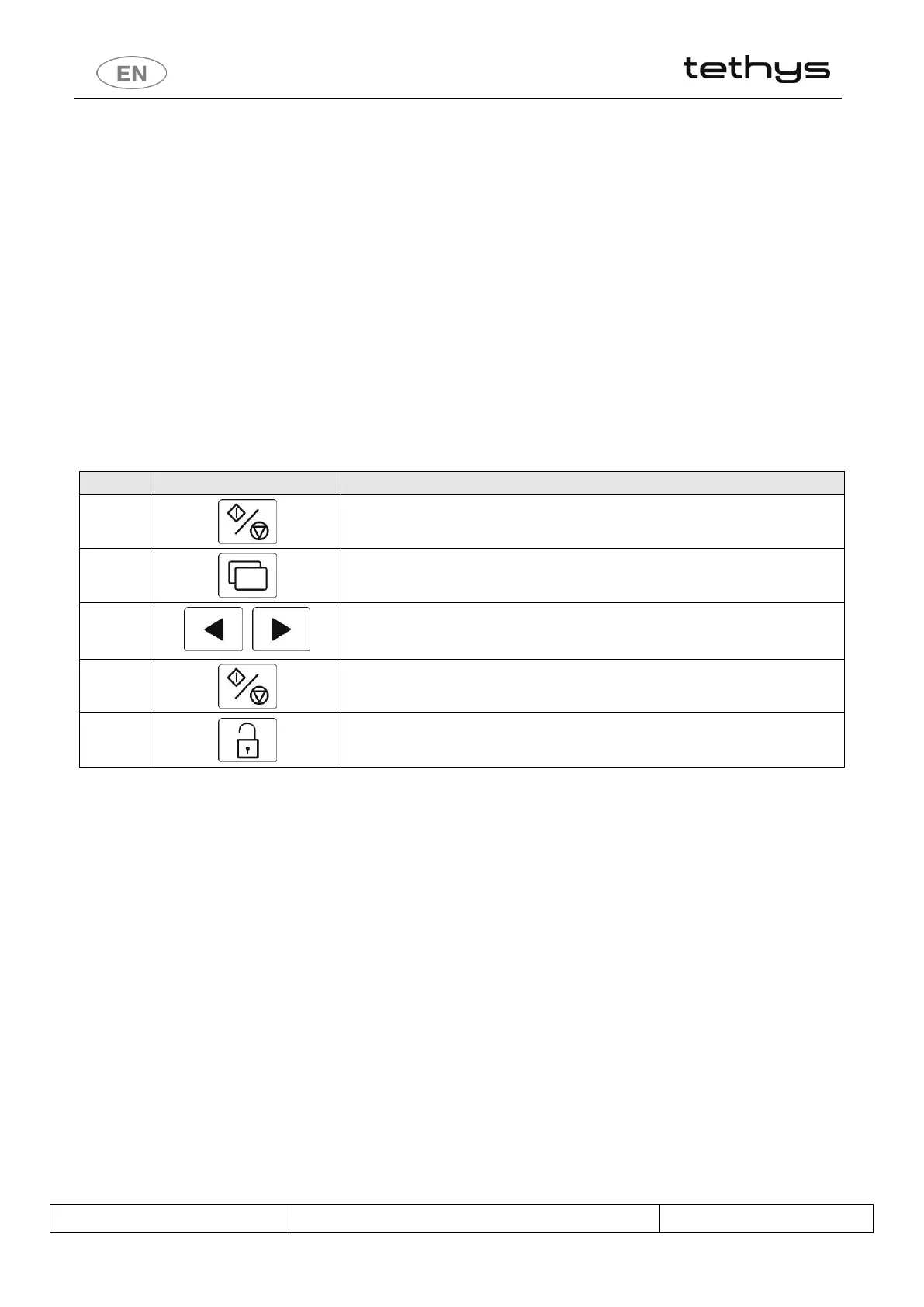
Start / stop – hold down to access the option.
To access the PrEn parameters, hold down until the “PrEn” setup option appears on
the display.
Buttons for Selection - Modification of the selected parameter (switch from “on” to
“oF” to disable display of the program on the screen).



 To Next Page