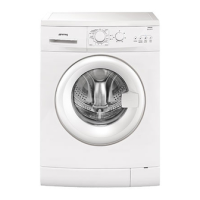
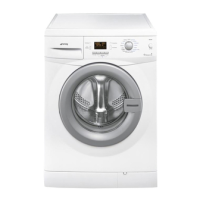
STARTING A RESET
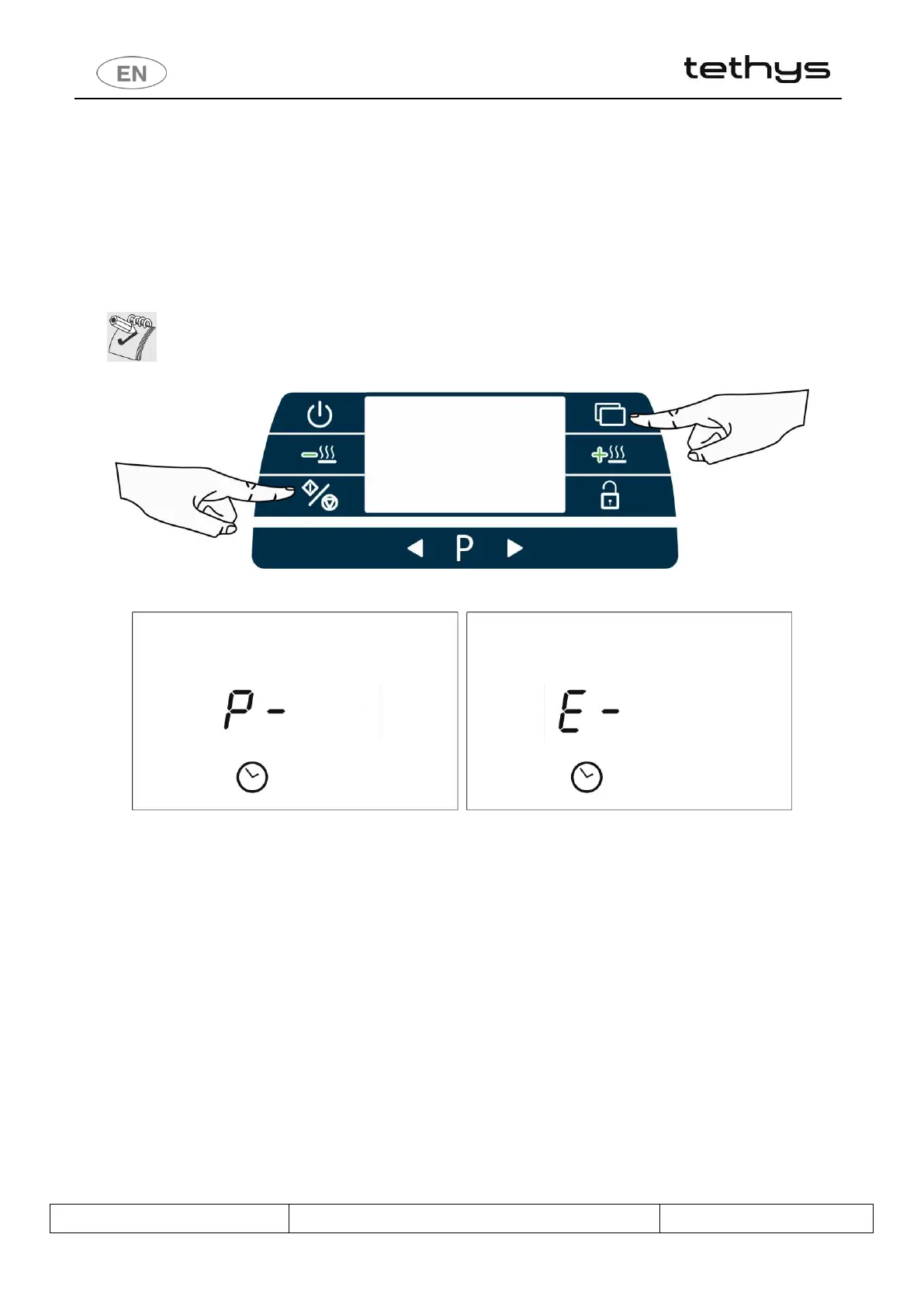
After an alarm or with the appliance at a standstill, press the Functions and Start/Stop buttons and hold them down
for about 2 seconds, until a beep is heard.
"P-" appears on the display and the RESET procedure starts.
At the end of the procedure, "E-“ flashes on the display, alternating with the program which was running and has been
interrupted, if any.
Depending on the appliance’s status, the RESET command may not be accepted: in this case, open and close the door
and then repeat the procedure.
ATTENTION
If it is not possible to perform the RESET cycle, before calling the After-Sales Service switch the
appliance off and back on and then try again.
fig. 22 – RESET cycle selection buttons: hold down the Start/Stop + Functions buttons together
fig. 23 – RESET: during the RESET the display shows “ P- “. At the end of the RESET cycle, “ E- “ appears on the display.


 To Next Page