Record the event
Make an entry in the log book
of the event for future
reference.
Multiple fires
The 1st Fire will always appear
at top of display. All
subsequent fires appear
beneath the 1st Fire.
The zonal indicators show
zones in fire condition. If the
panel is configured, the first
zone to go into a fire condtion
may be indicated by a flashing
zone number, all other zones in
fire give a steady indication.
Each fire event is logged in
the Historic Events log,
which can be recalled using
the menus. See How to view
the Historic Events.
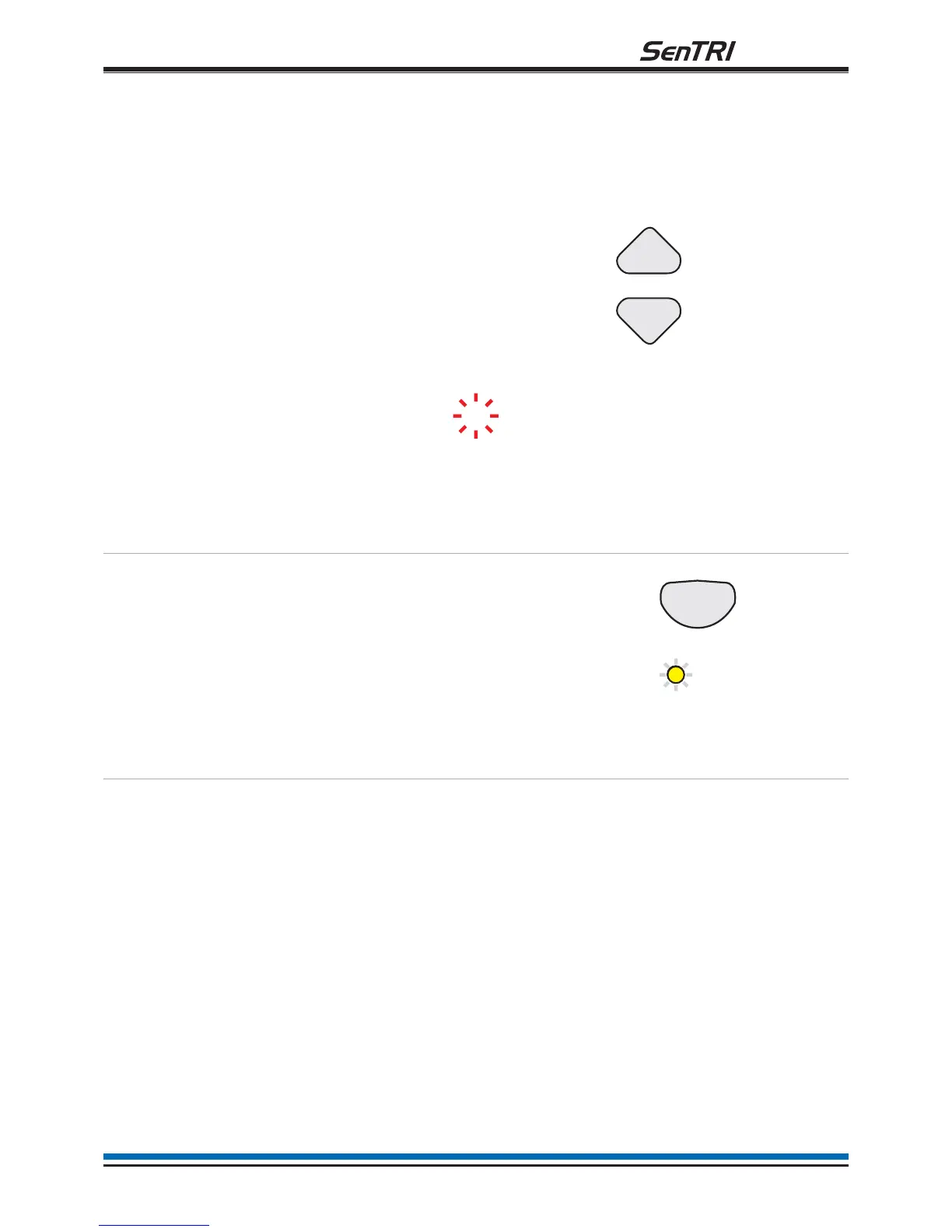
Use the [Previous] or [Next]
buttons to scroll the fire
events.
To verify an alarm
(If required by site
procedures)
Upon receipt of a fire condition
the alarm sounders in the
system can be delayed from
sounding by using the Verify
button. This allows time to
investigate the cause of the
alarm.
Note, delayed sounders will
operate after the verify period
has timed-out.
Press
13
fire system
Zones 1
Verify


 To Next Page