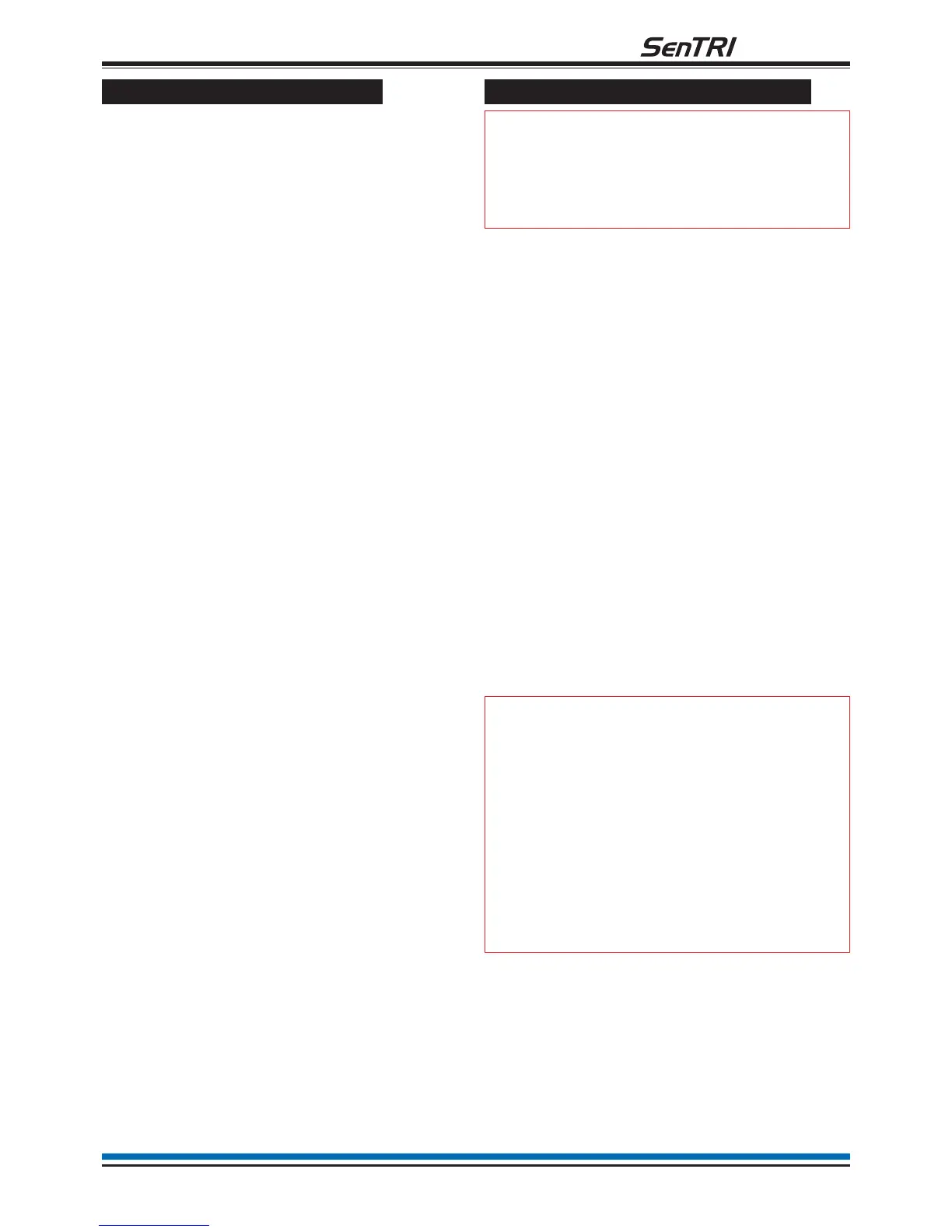
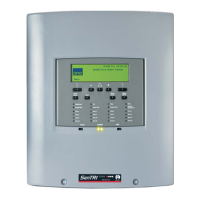
To carry out a display test
You can test the message display and the indicators
on the control panel.
a. Press the MENU ON/OFF key and then the
F4 key to select [Test/Eng].
b. Press the F1 key to select [Disp Test]. Check
that the following things happen: The display
clears, the indicators illuminate, the buzzer
sounds two distinct tones and then the display
shows the system status message. The display
test lasts for 4 seconds.
How to change your PIN code
"
The following terms: Password,
PIN, Usercode and Access code mean the
same and are used interchangeably.
A Customer user PIN code (password) is normally set
up by the servicing organisation during commissioning
of the fire alarm system. The customer PIN code is set
up for the end user. The person responsible for the
fire alarm system should be aware of this PIN code.
For security the PIN should be changed on a regular
basis.
A previously created PIN can be changed by:
a. Press the MENU ON/OFF button.
b. Press the F4 button to select [Test/Eng].
c. Press the F4 button to select [UserCode]. Use
the keypad to input your existing access code
and then press the Enter button.
d. Press the F1 button to select [NewPass].
Notice a message on the display 'Enter new
access code' with a flashing cursor above it.
Ensure you memorise the new PIN code. Use
the keypad to input a new PIN code and then
press the Enter button. Notice 'New access
code set up' appears on the display.
"
Any changes made to the PIN
code must be backed-up to the panel
memory. If this is not done then the
previous PIN is restored on resetting the
panel, see section on How to save
changes to memory.
It is not necessary to backup the
password at a repeat panel.
19
fire system


 To Next Page