Fault conditions
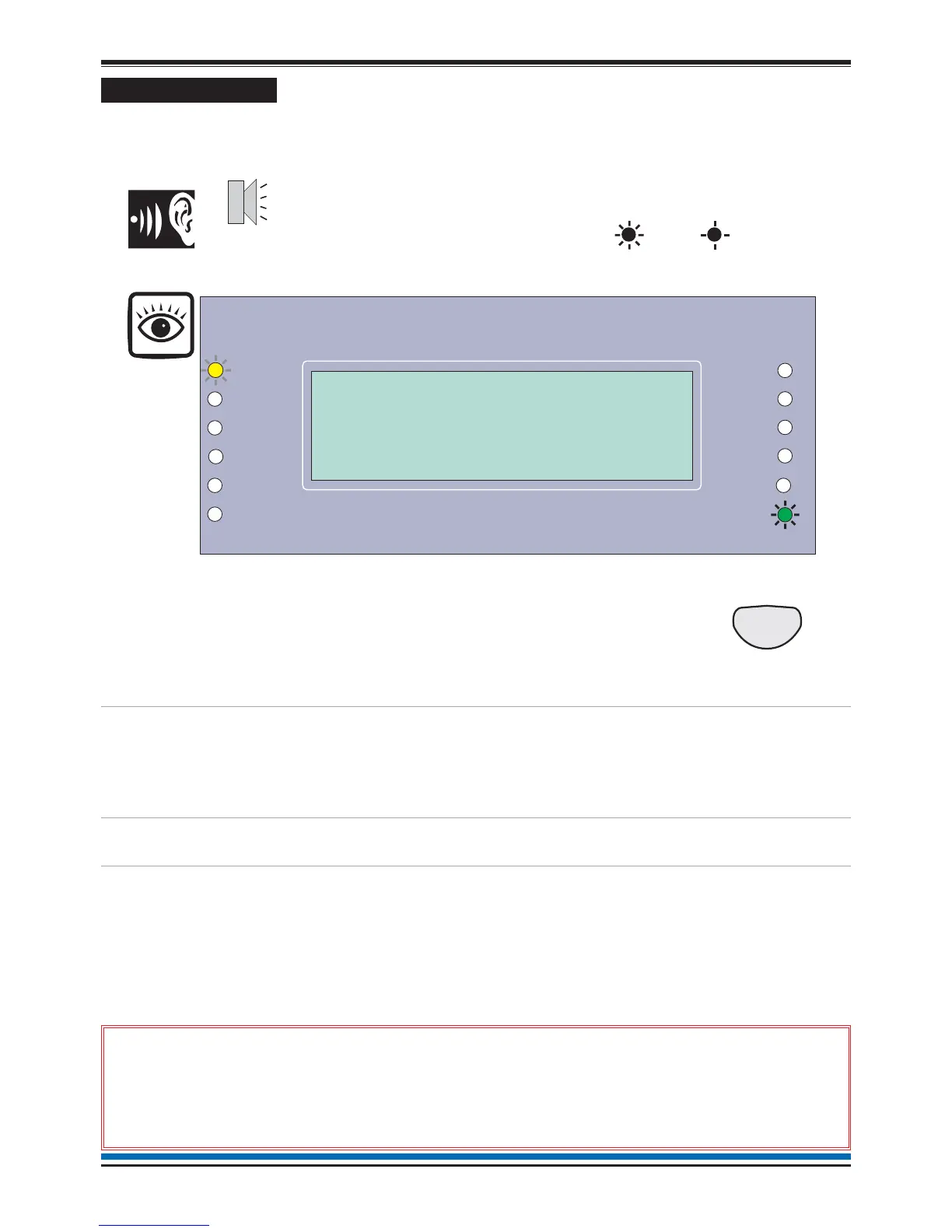
A fault in the system, such as failure of mains power to the panel or removal of any monitoring device will cause
a Fault condition to appear at the control panel. The control panel will provide details of the event, this event
indication is repeated at all repeat indicators, zonal and mimic panels in the system.
To cancel fault buzzer
You can stop the panel buzzer from
sounding.
Press:
Display reads:
'Buzzer cancelled'
What must be done?
You need to ensure the panel is returned to
normal condition. All fault repairs must be
undertaken by engineers responsible for the
system. Refer to the contact details in the
log book.
Record the event
Make an entry in the log book of the event
for future reference.
Multiple faults
The number 'n' following the word 'Fault'
located top left on the display denotes the
number of faults present in the system.
Each fault is logged in the Historic Events
log, which can be recalled using the menus.
See How to view the Historic Events.
&
Only the trained engineer who is responsible for the fire alarm system
must attempt any fault rectification work. For advice please call your servicing
organisation, see contact details in the Log book.
14
Operating instructions


 To Next Page