98-99
3D Printing
4.2.2 Calibrate the Dual Extrusion Module
For the first-time use of the 3D printing function, the Touchscreen will walk you through the necessary
calibration processes so that the Dual Extrusion 3D Printing Module can work properly.
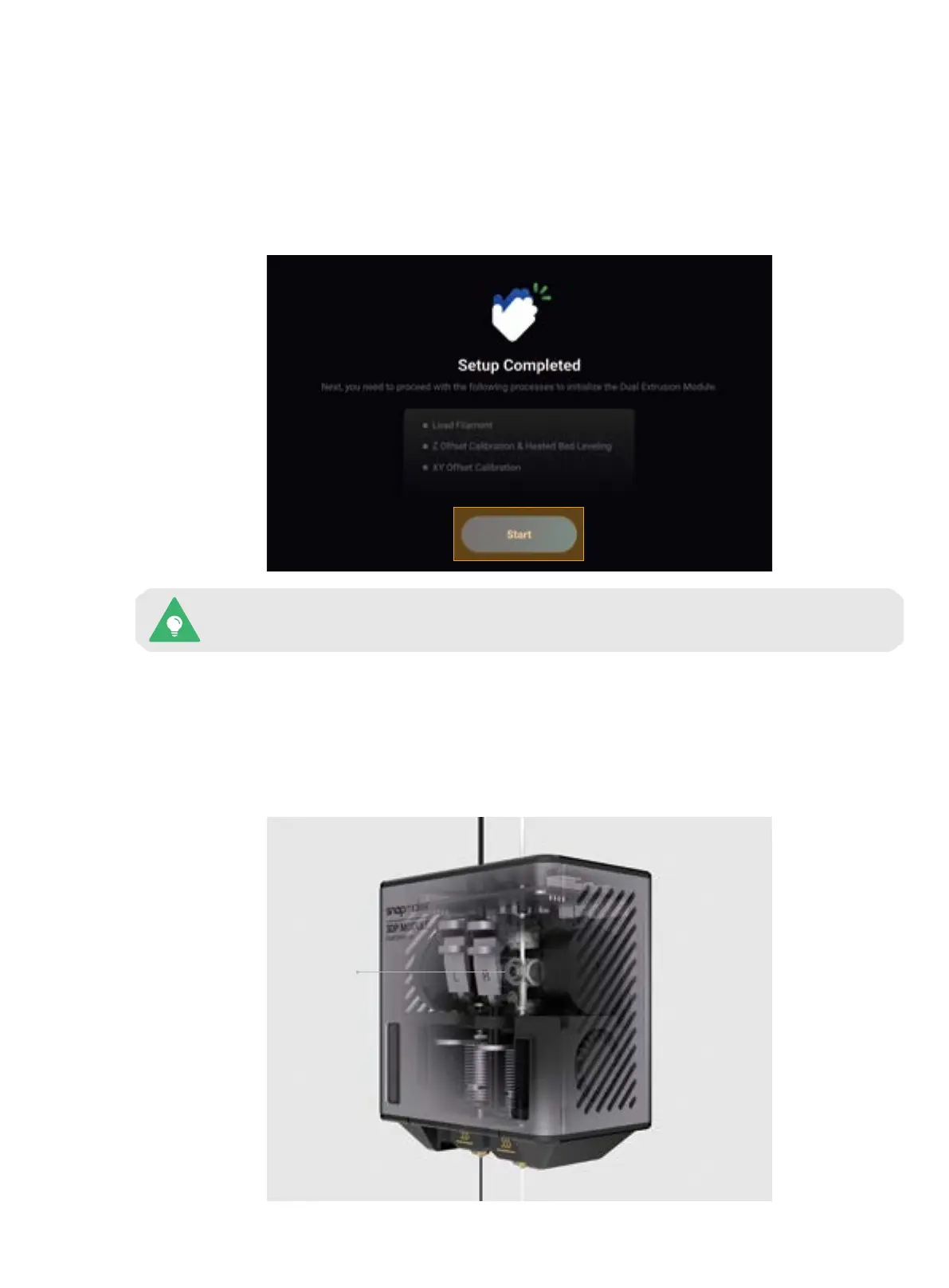
You will have to complete three processes following the calibration wizard: Load Filament, Z Offset Calibration
& Heated Bed Leveling, and XY Offset Calibration. Before you start the calibration, we recommend that you read
this section to learn about each process.
This calibration wizard appears only the first time you use the Dual Extrusion Module. To
redo the calibrations later, tap Calibration on the Home Screen and select the corresponding
process.
1. Load Filament
The filament is fed into the module via the filament entry, passed by the extruder to the hot end, and extruded
out of the nozzle after being heated. Our Dual Extrusion Module adopts the design of the dual-gear extruder,
which features better extruding force, achieves stable and smooth loading and unloading, and can effectively
avoid filament break and nozzle jam.
Dual-gear
Extruder



 To Next Page