108-109
3D Printing
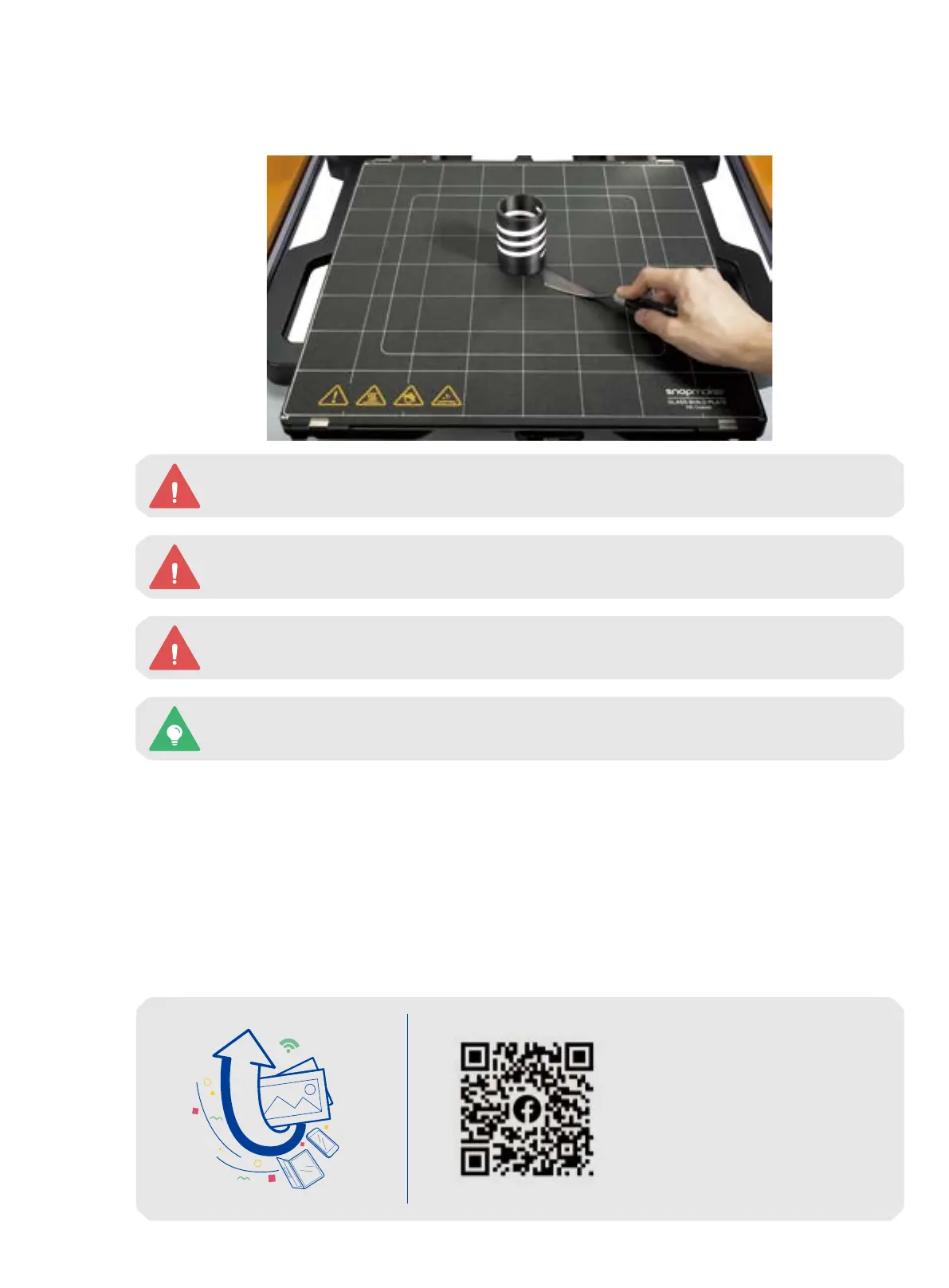
4.3.4 Remove the Print
Wait for the nozzles and the heated bed to cool down, and use the palette knife to remove the print from the
glass build plate.
Do NOT scrape or poke the PEI coating of the glass build plate with sharp objects.
You can also take out the glass build plate first, and remove your print from it.
Be careful with the palette knife!
Do NOT touch the nozzles and the heated bed with bare hands, as they are still extremely hot
right after the printing.
Share!
Share your print in our
Facebook group and our
forum.



 To Next Page