CNC Carving and Cutting
152-153
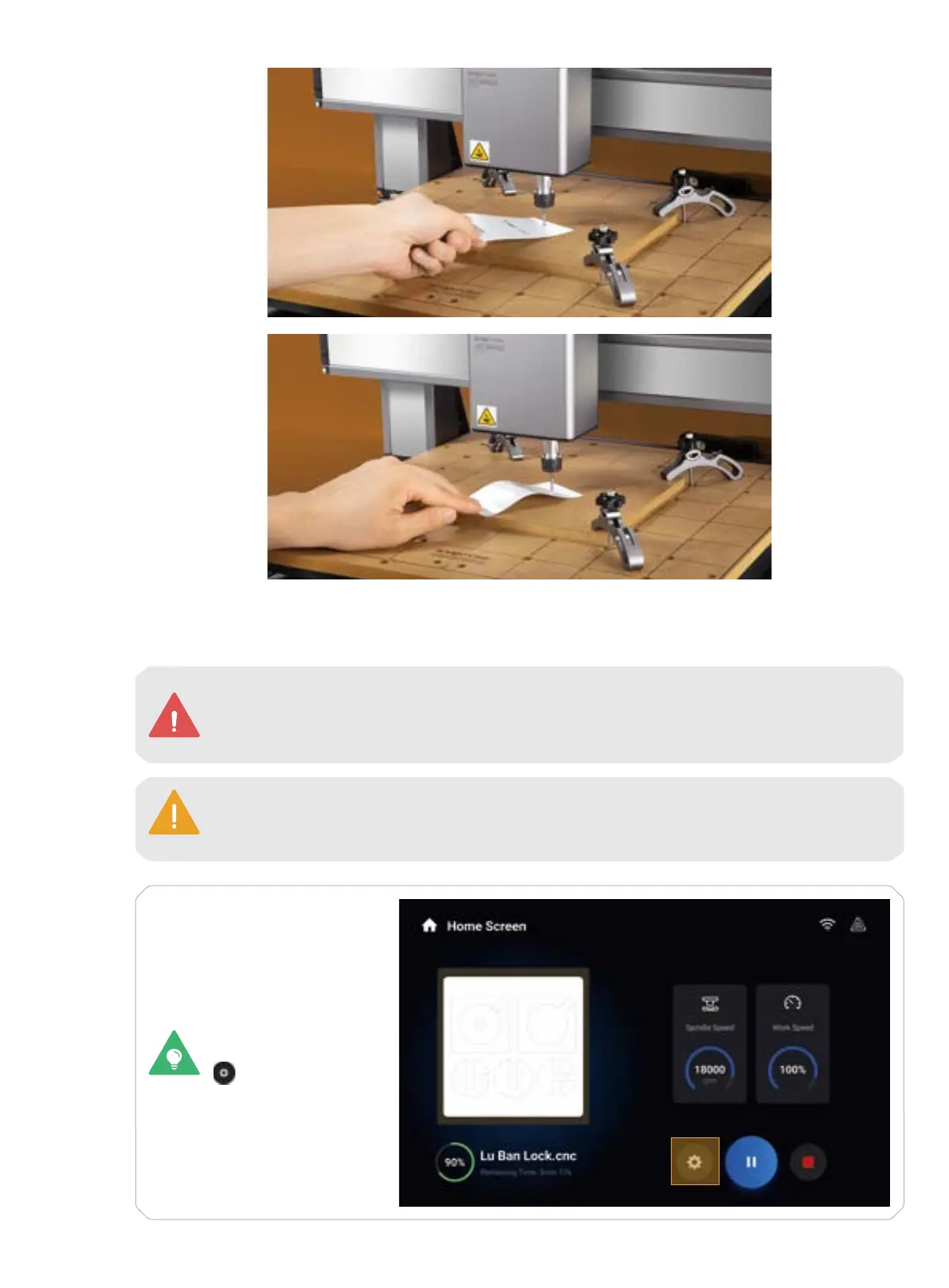
Slight Resistance
Wrinkled Calibration Card
5. In Basic Mode, the machine will take the coordinates of where the CNC module currently locates as the
coordinates of the work origin. After you have confirmed the work origins of the X, Y, and Z axes are properly
set, tap Start to start carving.
Ensure that you place the Integrated Controller within easy reach. In case of an emergency,
press the emergency stop button on top of the Integrated Controller to stop the job
immediately. After you have handled the emergency, rotate the emergency stop button
clockwise to release it.
It is not recommended to turn on the exhaust fan of the Enclosure during a CNC process, or
the dust and wood chips generated will attach to the inner surfaces of the Enclosure and the
exhaust fan. To configure the settings of the Enclosure, refer to section 3.2 of this guide.
To change the settings
during machining, tap
.



 To Next Page