158
https://snapmaker.com/
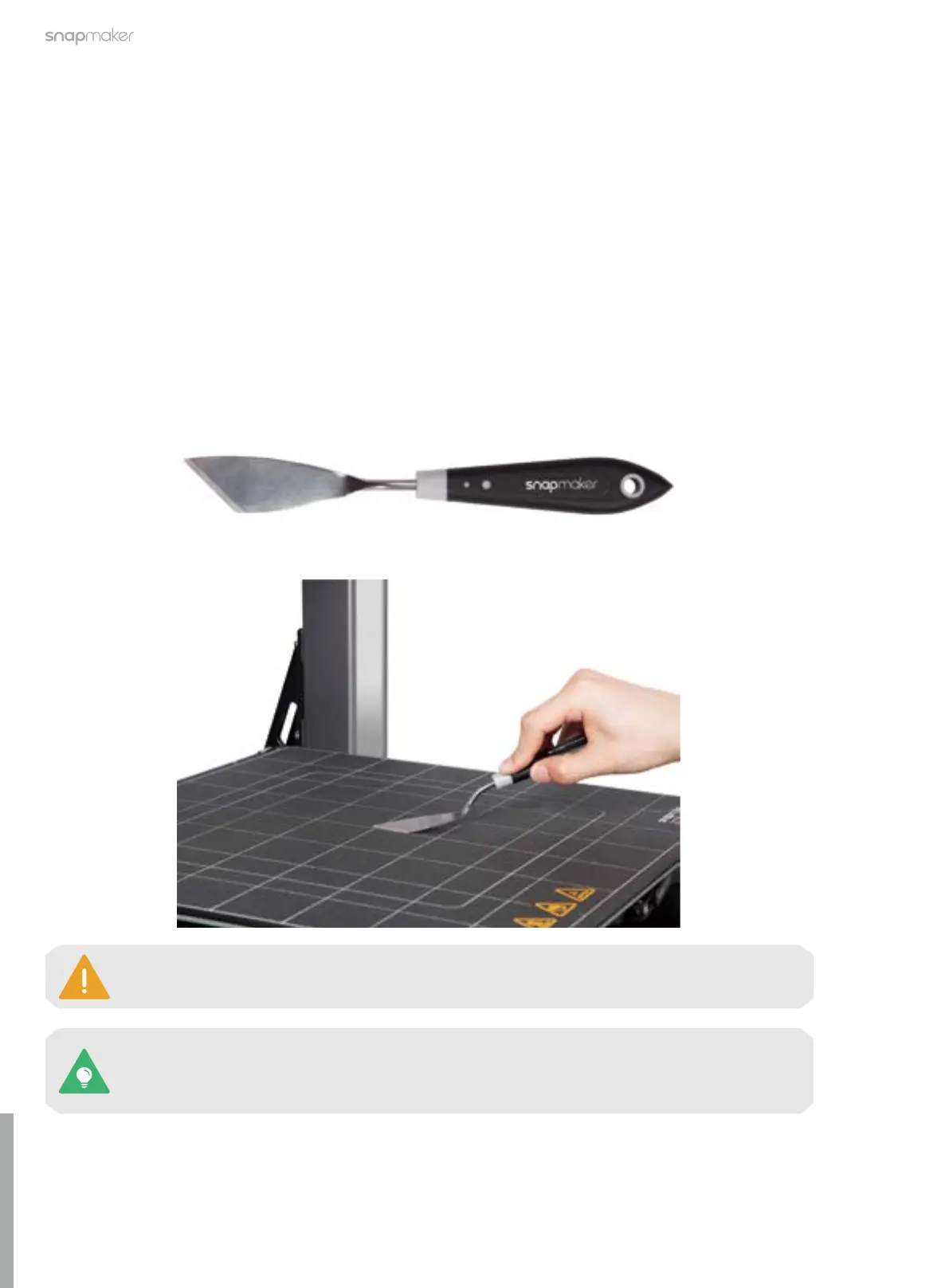
If the filament residues are difficult to remove even with the palette knife, you can tap Control
> Heated Bed on the Touchscreen, heat the bed to 50°C, and try scraping again. To prevent
burns, it is recommended to wear gloves before scraping.
When scraping, the angle between the palette knife and the glass build plate should be less
than 30°, so as not to damage the surface of the printing plate.
7.1 3D Printing
7.1.1 Clean the Glass Build Plate
Remove the Filament Residues
Why
If the filament you use is highly viscous or the distance between the nozzle and the build plate is too close
during printing, the filament might stick to the build plate surface. If not removed in time, it could affect your
next print. As the residues build up, the build plate will also become more challenging to clean.
When
After each print.
How
1. Prepare the cleaning tool: the palette knife (in the toolbox);
2. Gently scrape the filament residues from the glass build plate with the palette knife.



 To Next Page