Maintenance
160-161
7.1.3 Clean the Nozzle
Why
During the 3D printing process, some of the extruded filament may stick to the nozzle surface. After the nozzle
cools, these filament residues will solidify on its surface. If not cleaned in time, they may cause nozzle jams or
leave dark marks on your next print.
When
At least once every two weeks.
How
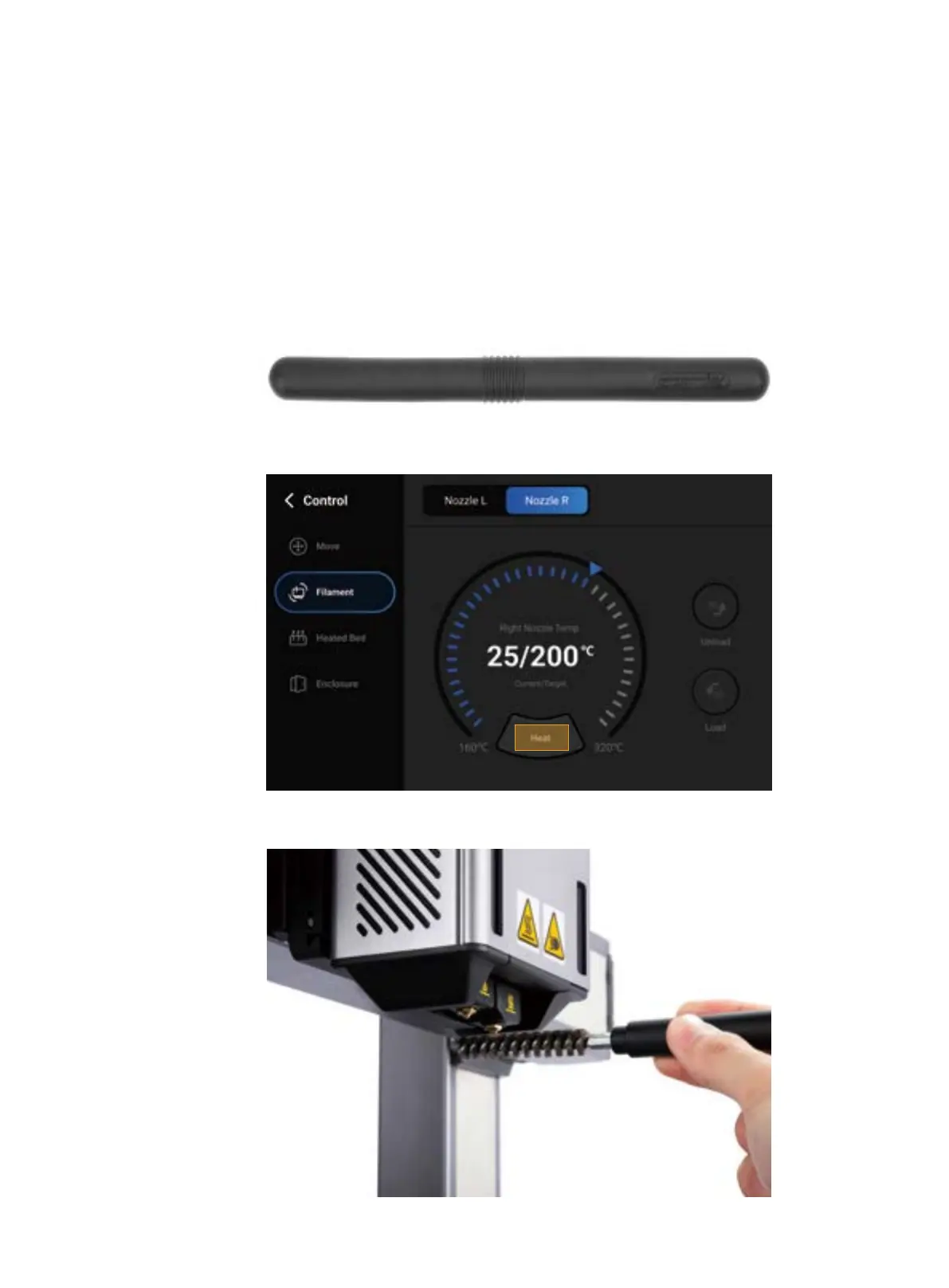
1. Prepare the cleaning tool: the wire brush (in the toolbox);
2. Power on the machine, tap Control > Filament on the Touchscreen, and heat the target nozzle to 200
;
3. After the nozzle is heated, scrape off the filament residue from the nozzle surface with the wire brush
.



 To Next Page