160
https://snapmaker.com/
7.1.2 Clean the Dust Screen
Why
The dust in the air will adhere to its dust screen on both sides of the Dual Extrusion Module in daily use. If not
removed in time, the accumulated dust may hinder heat dissipation and affect the working efficiency of the
module.
When
At least once every two weeks.
How
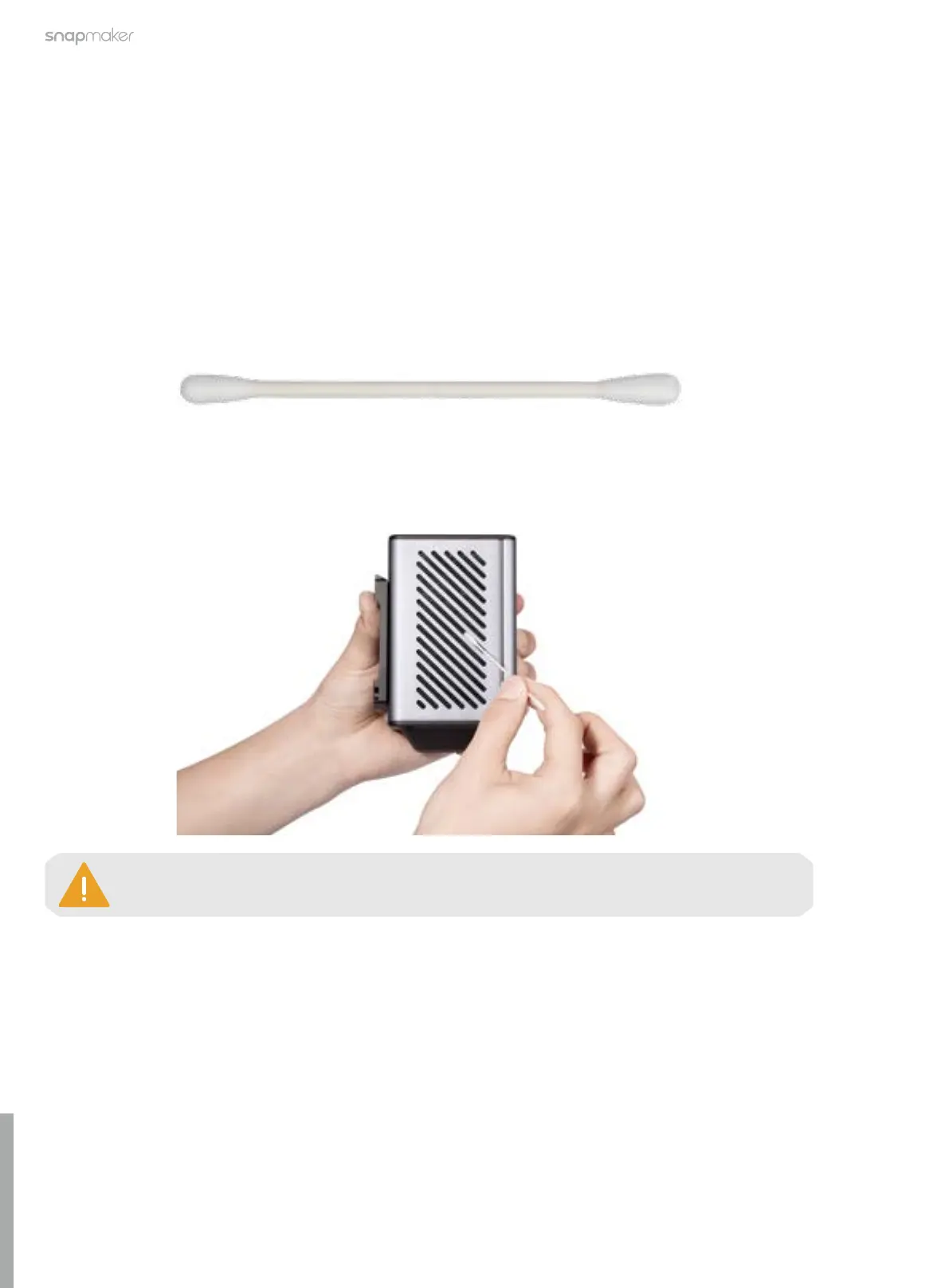
1. Prepare the cleaning tool: a cotton swab (or tissues) and water;
2. Power off the machine and detach the Dual Extrusion Module from the machine
;
3. Moisten a cotton swab with water, and stick it inside the air inlet to clean the dust screen until there is no
dust or water.
The cotton swab is a single-use tool. If there is still dust remaining on the dust screen after
you clean it once, take a new cotton swab and repeat Step 3 to clean it again.



 To Next Page