User Guide 26
ChangeYourNoticationSettings
Tagg notications tell you if your pet leaves the Tagg zone, and give
you updates about your pet's location, the tracker's battery life, and
important software upgrades. You'll always see notications on the
Tagg website, and you can also opt-in to receive them by email and/or
text message.
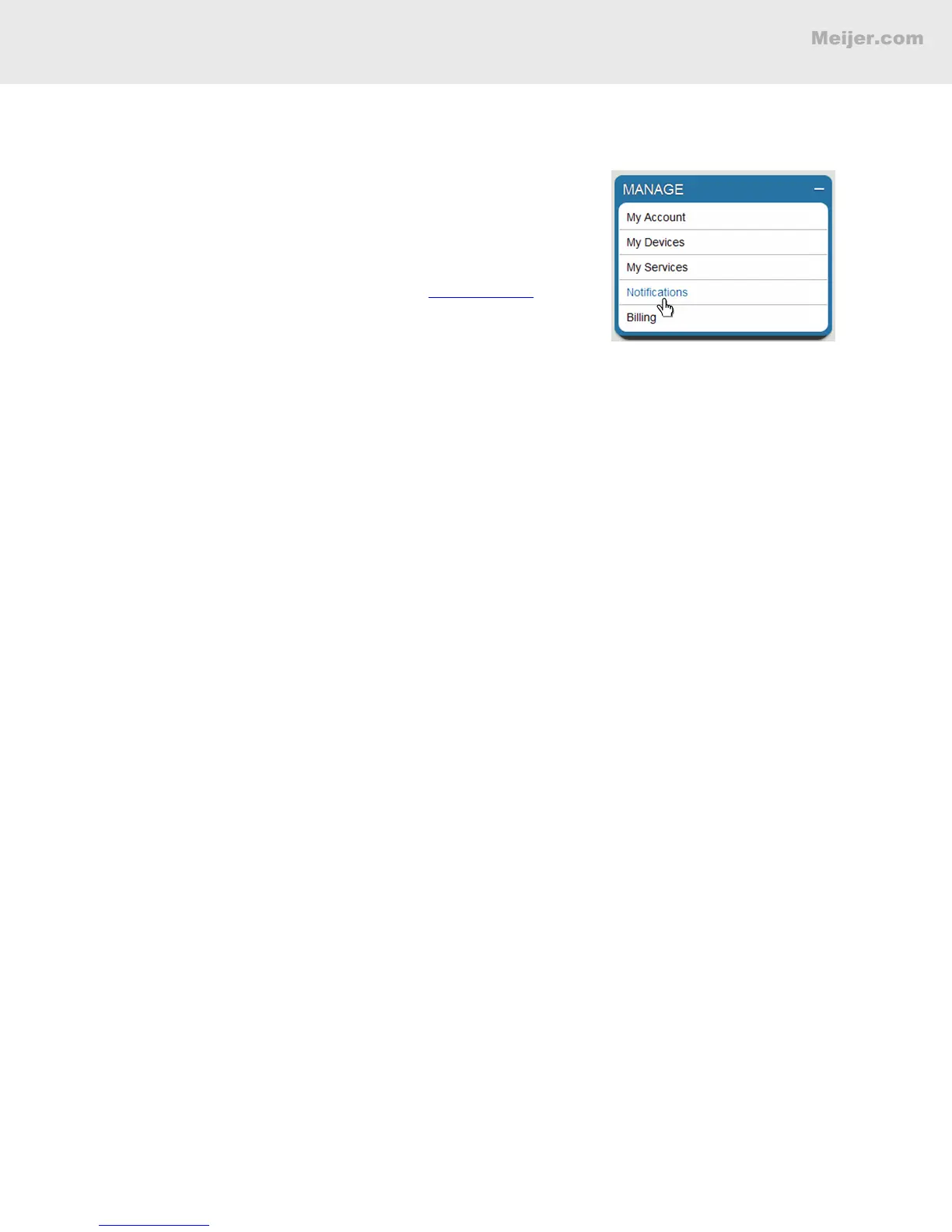
You can change these settings at any time at www.tagg.com:
1. Under Manage in the right column, click Notications.
2. Click Settings on the Notications page.
View Your Notifications History
All notications are recorded in Notications History. You can see them a few ways:
1. Under Manage in the right column, click Notications.
2. Filter to view notications by Pet, Type or Date.
• Click Pet to lter by a specic pet.
• Click Type to see specic notications like alerts, updates, or notices.
• Click Last 90 Days to select notications for a specic date.
HOW TO LOCATE YOUR PET


 To Next Page