User Guide 12
Step II: Activate the Tagg Tracker Online
To activate your tracker, it must be docked properly on the docking station. You may activate it while it’s
charging.
1. Go to www.tagg.com and click the Activate button to activate your Tagg system.
2. If you already have a Tagg account, please sign in. If you don’t have an account, please create
one now.
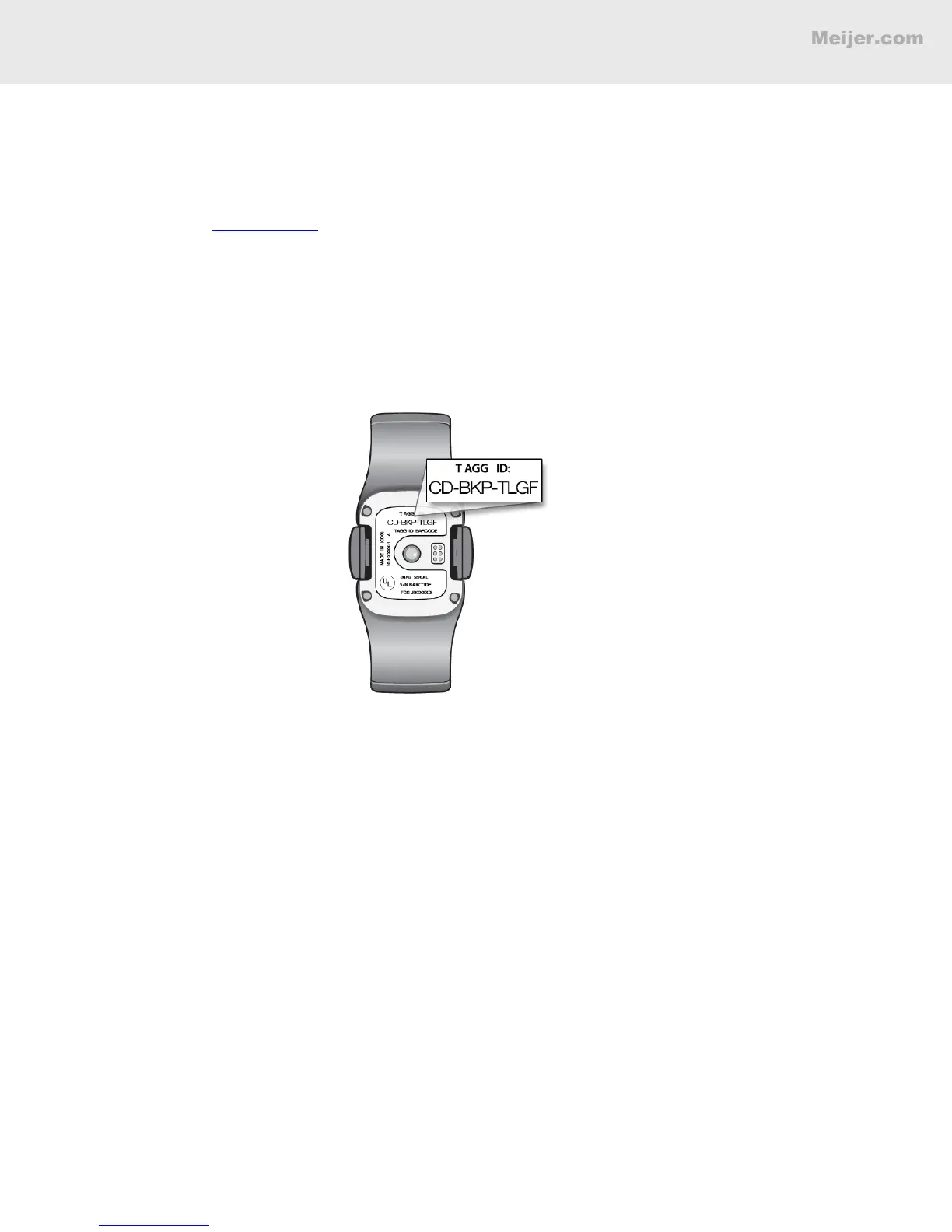
3. You will need the unique Tagg ID number for activation. Your Tagg ID number is located on the
bottom of the tracker.
4. Follow the simple activation steps on the website to set up your account and activate your
tracker.
While activating the tracker, you'll set up your Tagg zone and Notications. The following pages
will give you more details about both.
BASIC SETUP


 To Next Page