User Guide 28
YOUR PET ON THE GO
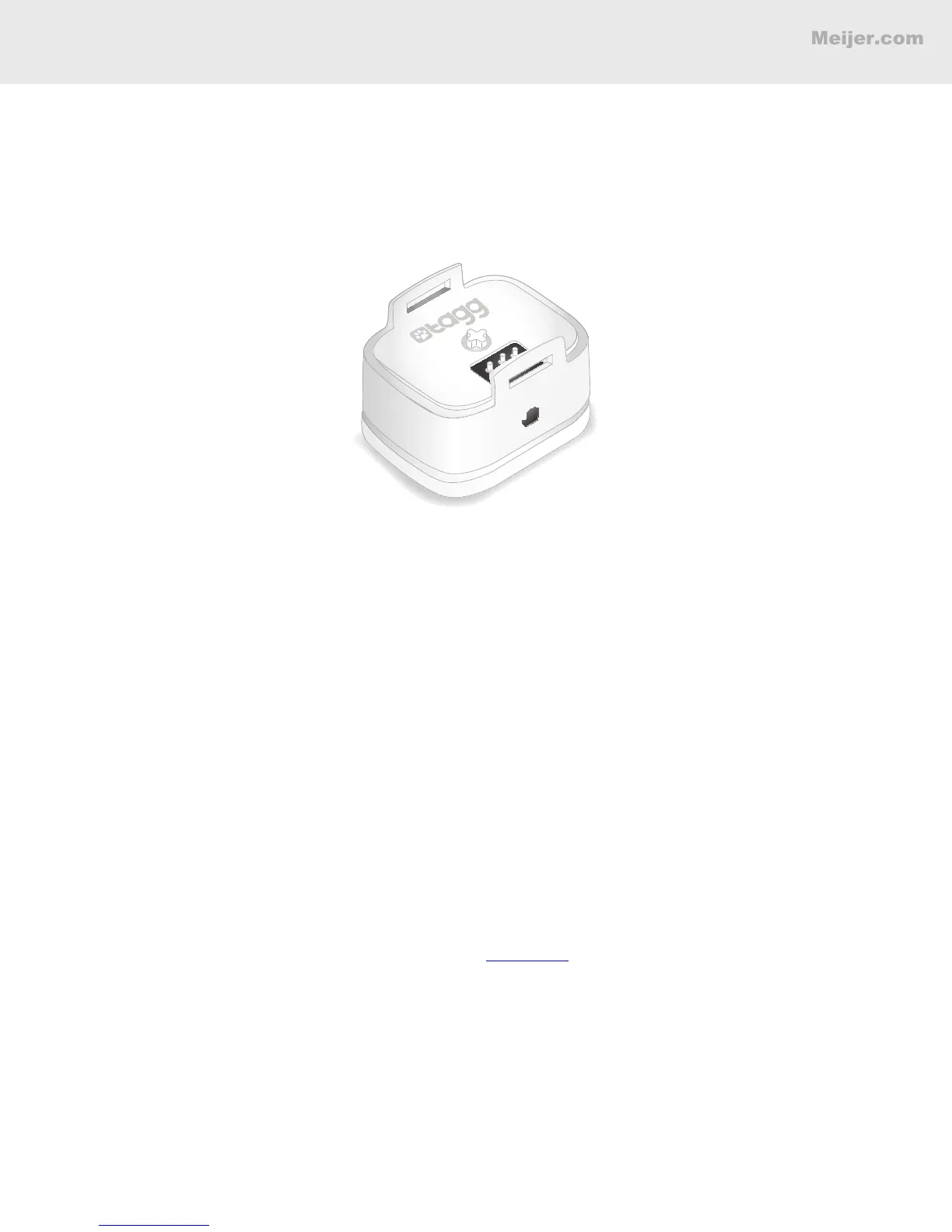
Travel Charger
You can use the Tagg Travel Charger (sold separately) when you travel, since the Tagg tracker may
use more battery power when it’s away from the docking station. This charger will keep your tracker
charged and up-to-date with any new software upgrades while you’re away from home.
To Charge the Tagg Tracker
1. Attach the AC adapter to the USB cable and plug the USB cable into the charger’s power port.
Be sure to use only the AC adapter and USB cable provided.
2. Plug the AC adapter into an electrical outlet.
Note: The travel charger cannot be powered through your computer’s USB port.
3. Secure the tracker on the travel charger by making sure its charging contact aligns with
the travel charger’s charging pins. (When the tracker is docked correctly, the tracker status
indicator will light up within 60 seconds).
4. It will take up to 2 hours for your tracker to charge.
Note: The travel charger does not replace your docking station.
When your pet is at home, near the
docking station, you can expect optimum battery life for your tracker. Power saving mode is only
supported by the Tagg docking station.
To Complete Software Upgrades
When charging the tracker with the travel charger, it will receive a software upgrade the same way it
does with the docking station. For more information, see page 19.


 To Next Page