Ul IK^IOI
C-
5
2.14
USING THE DISPLAY
SELECTING THE DISPLAY
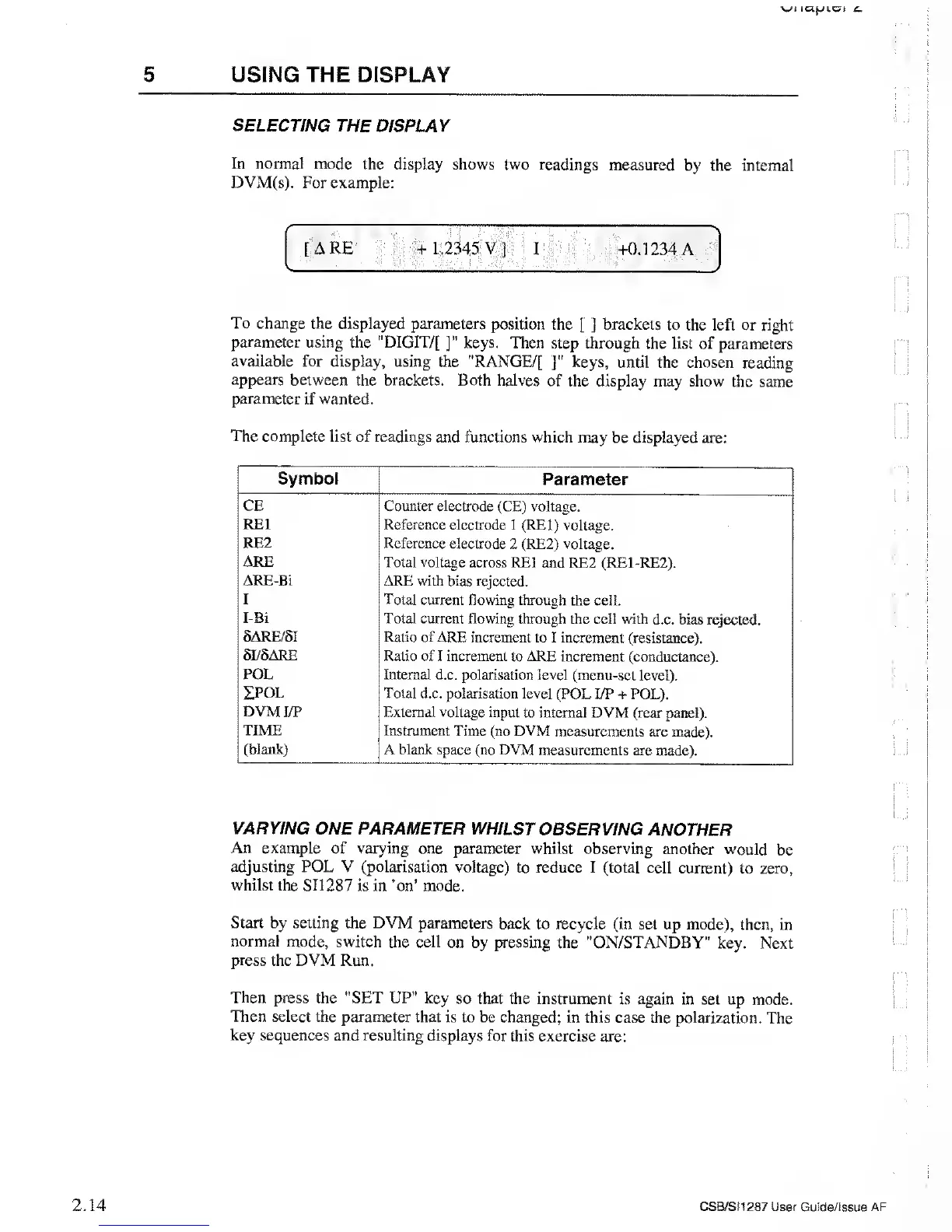
In normal mode the
display shows two readings
measured by the
internal
DVM(s).
For example:
%
• :
: \t.y
:
;;
-i
"7.
:
>
! I
•
=
—
;!
/
""ft'...
•'
,-N
[
a re
;
f||
i|ii45 v
]
;
i
-ft
+0.1234 a
To change
the displayed parameters
position the
[ j
brackets
to the left or
right
parameter using the "DIGIT/[
]”
keys. Then
step through the list of
parameters
available
for display, using
the "RANGE/[
J”
keys,
until the chosen
reading
appears
between the brackets. Both
halves of the display may
show the
same
parameter if wanted.
The
complete list of readings
and functions which may
be displayed are:
Symbol
Parameter
CE
Counter electrode (CE) voltage.
RE1
Reference electrode
1
(RE1) voltage.
RE2 Reference
electrode
2
(RE2) voltage.
ARE Total voltage
across RE1 and RE2 (RE1-RE2).
AR£-Bi
ARE
with
bias rejected.
I
Total current
flowing
through
the cell.
I-Bi Total,
current flowing through
the cell
with
d.c.
bias rejected.
5ARE/8I
Ratio of ARE
increment to I increment (resistance).
SI/5ARE Ratio
of I increment to ARE increment
(conductance).
POL
Internal d.c.
polarisation
level
(menu-set level).
IPOL Total d.c.
polarisation level (POL I/P + POL).
DVM I/P
External voltage input
to internal DVM (rear panel).
TIME
Instrument
Time (no DVM measurements
are made).
(blank)
A blank space (no DVM
measurements are made).
VARYING ONE PARAMETER
WHILST
OBSERVING ANOTHER
An example of varying one
parameter whilst
observing another would
be
adjusting POL V
(polarisation voltage)
to
reduce
I (total cell current)
to zero,
whilst
the SI1287 is in ’on’ mode.
Start
by
setting
the DVM parameters
back to recycle (in
set up mode), then,
in
normal mode, switch the cell
on by pressing the
"ON/STANDBY" key.
Next
press the DVM Run.
Then press the "SET UP" key
so that the instrument
is again in
set up mode.
Then select the parameter
that is to be changed;
in this case the polarization.
The
key
sequences and resulting displays for
this exercise are:
CSB/SI1287 User Guide/issue AF



 To Next Page