User Manual
1 mm2.5
3. Install mounting plate
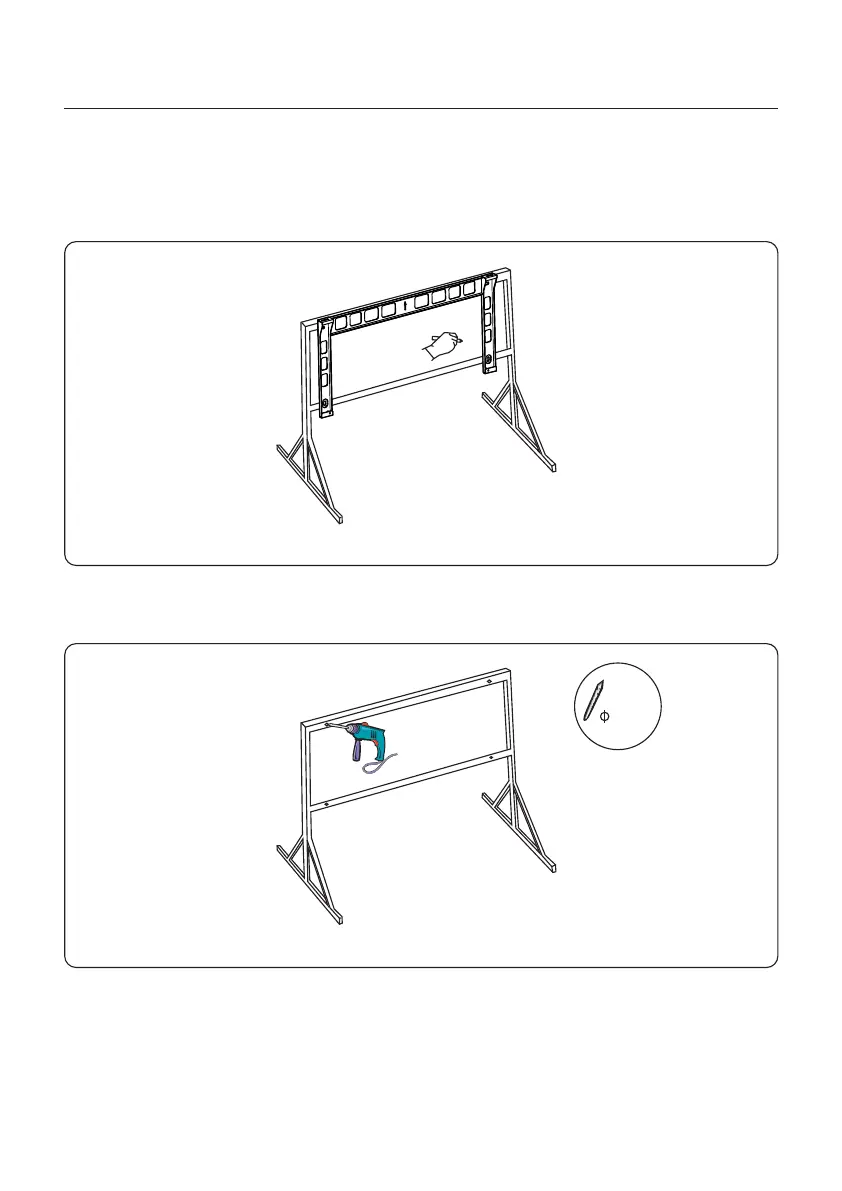
a. Remove the bracket and fasteners from the packaging. Mark the position for hole, drilling
according to the hole positions of the bracket.
Figure 3.12 Mark the position for hole
b. Drill the marked holes. It is recommended to apply anti-corrosive paint at the hole for
corrosion protection.
Figure 3.13 Drill hole
3. Installation
18



 To Next Page