39
2. Press menu option key and select Add call option.
3. Dial the second call and the rst call is placed on
the hold.
4. Again press menu option key and select Add call
option.
5. Dial 3 to activate the conference call.
3-Way Conference Calling for VoLTE
1. The rst call is initiated and accepted at the MT
side. Now the call is in connected state.
2. Press menu option key and select Add call option
to add the second call.
Now, the dialling screen with rst call is on hold is
displayed.
3. The second call is connected and the rst call is put
on hold.
4. You have an option to swap the call by pressing
Hold.
5. You can merge the calls. Press menu option key and
select Merge calls.
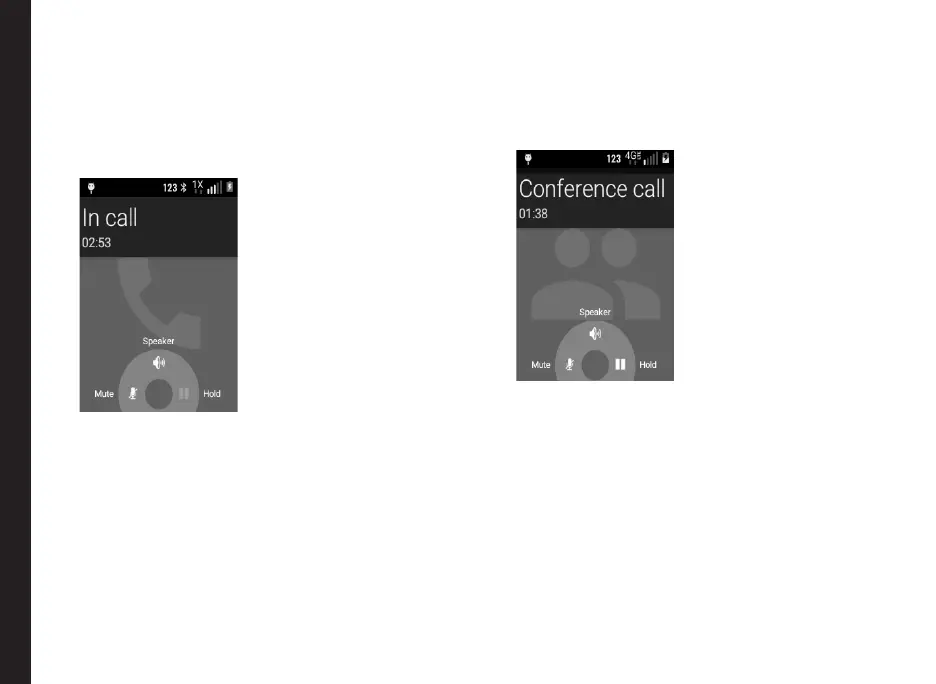
The following screen is displayed when both the
calls are merged:
Managing Calls



 To Next Page