56
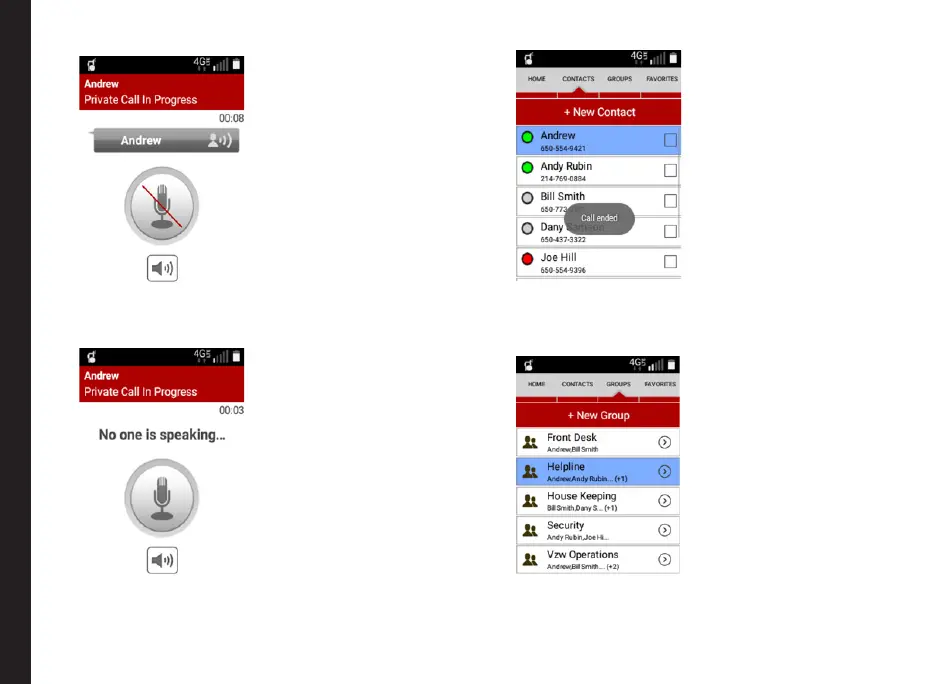
5. When no one is speaking in the call, the mic icon will
turns Grey with the indication No one is speaking.
6. Press the End call key (Red Key) to end the call.
The call gets ended and Call ended message is
displayed.
Initiating PTT Group Call
1. Go to the Groups tab and select the group from the
list you intend to make a call.
2. Press and hold the PTT hard key on the phone
OR
Making PTT Calls to Individuals and Groups



 To Next Page