57
Highlight the Group and press Center key to invoke
menu option. Select Call from the menu.
OR
Select Call option from menu list to initiate the
call.
PTT group call will be initiated with all the available
members of that group.
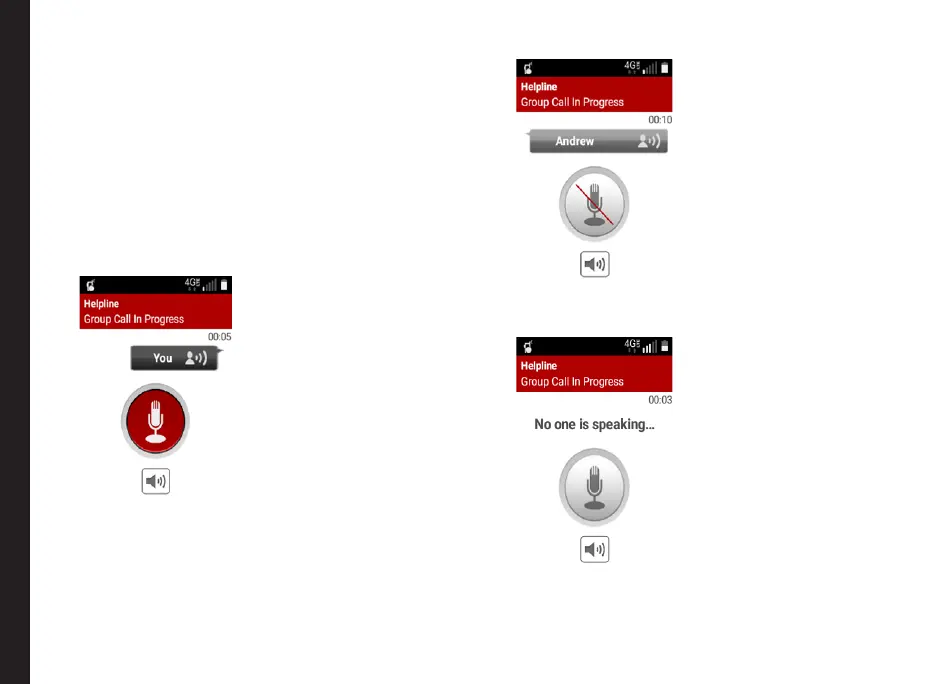
3. Start speaking after you hear the chirp tone. The mic
icon on the screen now turns Red indicating that
you are speaking.
4. To let the other members in the call speak, release
the PTT key. The mic icon on the screen now turns
Grey indicating that the other person is speaking.
5. When no one is speaking in the call, the mic icon will
turn Grey with indication No one is speaking.
Making PTT Calls to Individuals and Groups



 To Next Page