79
Re-logging to PTT+ Application
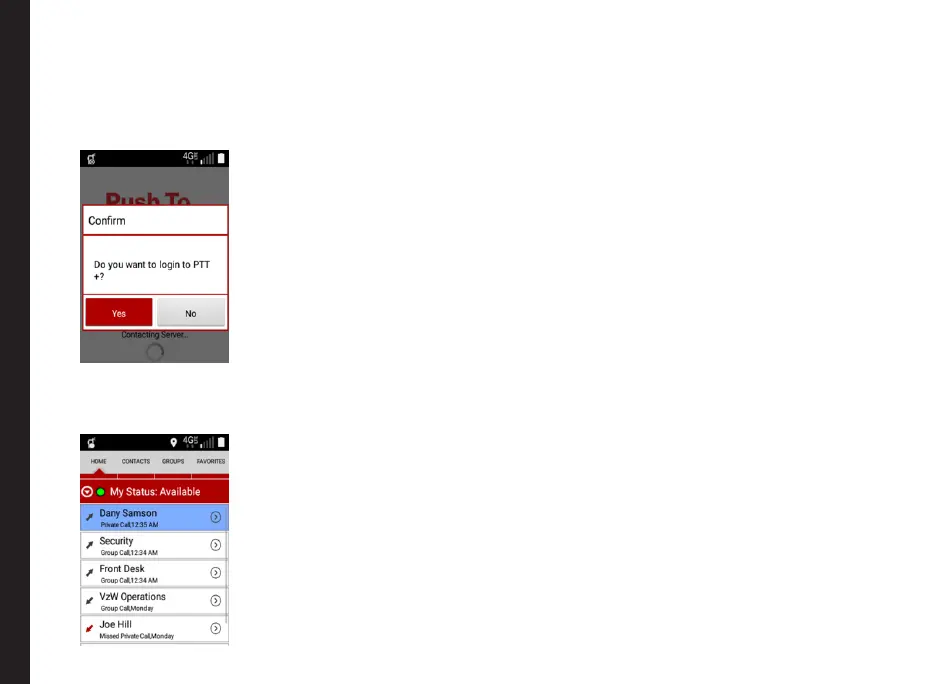
1. Press the PTT key on the phone OR select the PTT
icon on the main menu and a conrmation pop-up
screen is displayed.
2. Select Yes on the login conrmation pop-up.
You will be logged into PTT+ application.
3. Your self-presence will be changed to Available and
you will appear online to others.
PTT Calls can be initiated and received successfully
on logging into application.
Manual Logout and Login



 To Next Page