SN8P2501D
8-Bit Micro-Controller
SONiX TECHNOLOGY CO., LTD Page 85 Version 1.5
DEVELOPMENT TOOL
SONIX provides ICE (in circuit emulation), IDE (Integrated Development Environment) and EV-kit for SN8P2501D
development. ICE and EV-kit are external hardware devices, and IDE is a friendly user interface for firmware
development and emulation. These development tools’ version is as following.
ICE: SN8ICE2K Plus II. (Please install 16MHz crystal in ICE to implement IHRC emulation.).
ICE emulation speed maximum: 8 MIPS @ 5V (e.g. 16Mhz crystal, Fcpu = Fosc/2).
EV-kit: 2501A/B/C_EV-KIT Rev. D.
IDE: SONiX IDE M2IDE_V138 or greater.
Writer: MPIII writer.
Writer transition board: SN8P2501B.
11.1 SN8P2501A/B/C EV-KIT
SONIX provides SN8P2501D MCU which includes PWM analog function. The EV-KIT provides LVD configuration to
emulation. To emulate the function must be through EV-KIT.
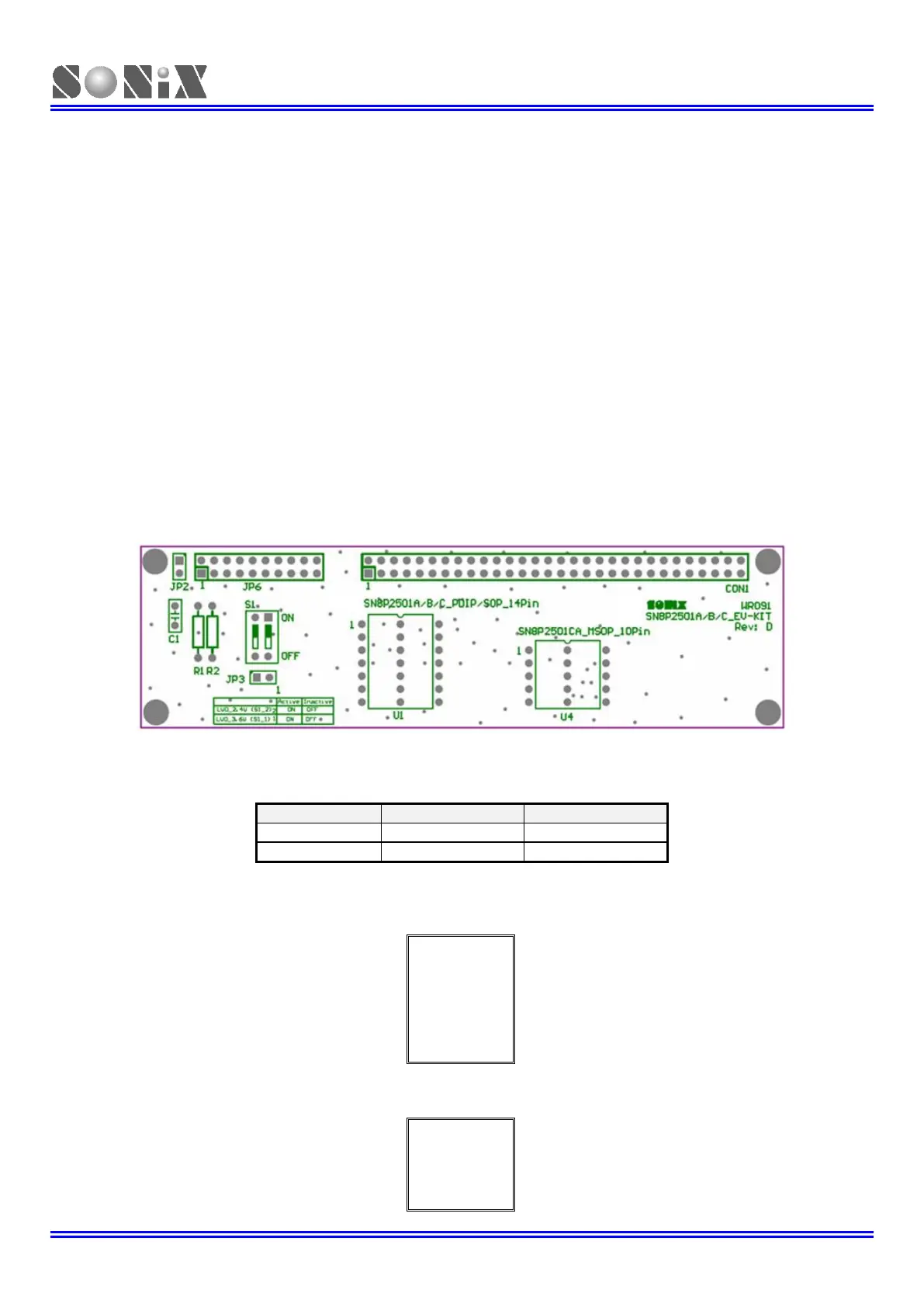
SN8P2501A/B/C EV-KIT PCB Outline:
CON1: Connect to SN8ICE 2K Plus II CON1 (includes GPIO, EV-KIT control signal, and the others).
JP6: Connect to SN8ICE 2K Plus II JP3 (EV-KIT communication bus with ICE, control signal, and the others).
S1: LVD24V / LVD36V control switch. To emulate LVD2.4V flag / reset function and LVD3.6V / flag function.
JP2: Chip and ICE power connector.
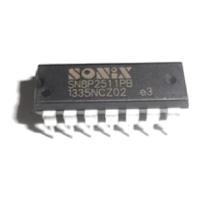
U1: SN8P2501D/2501A/B/C chip 14-pin packages connector for connecting to user’s target board.
U2: SN8P2501C chip MSOP 10-pin package connector for connecting to user’s target board.



 To Next Page