Chapter 1: Introduction 5
Introduction
To remove the battery:
1 Turn the system off.
2 Place your hand underneath the battery. Slide the battery latch down and pull the battery out
of the compartment.
Note: When the battery charge is depleted or the battery is replaced, the system retains brightness,
contrast, auto shut off, language, video format, date/time, and patient information.
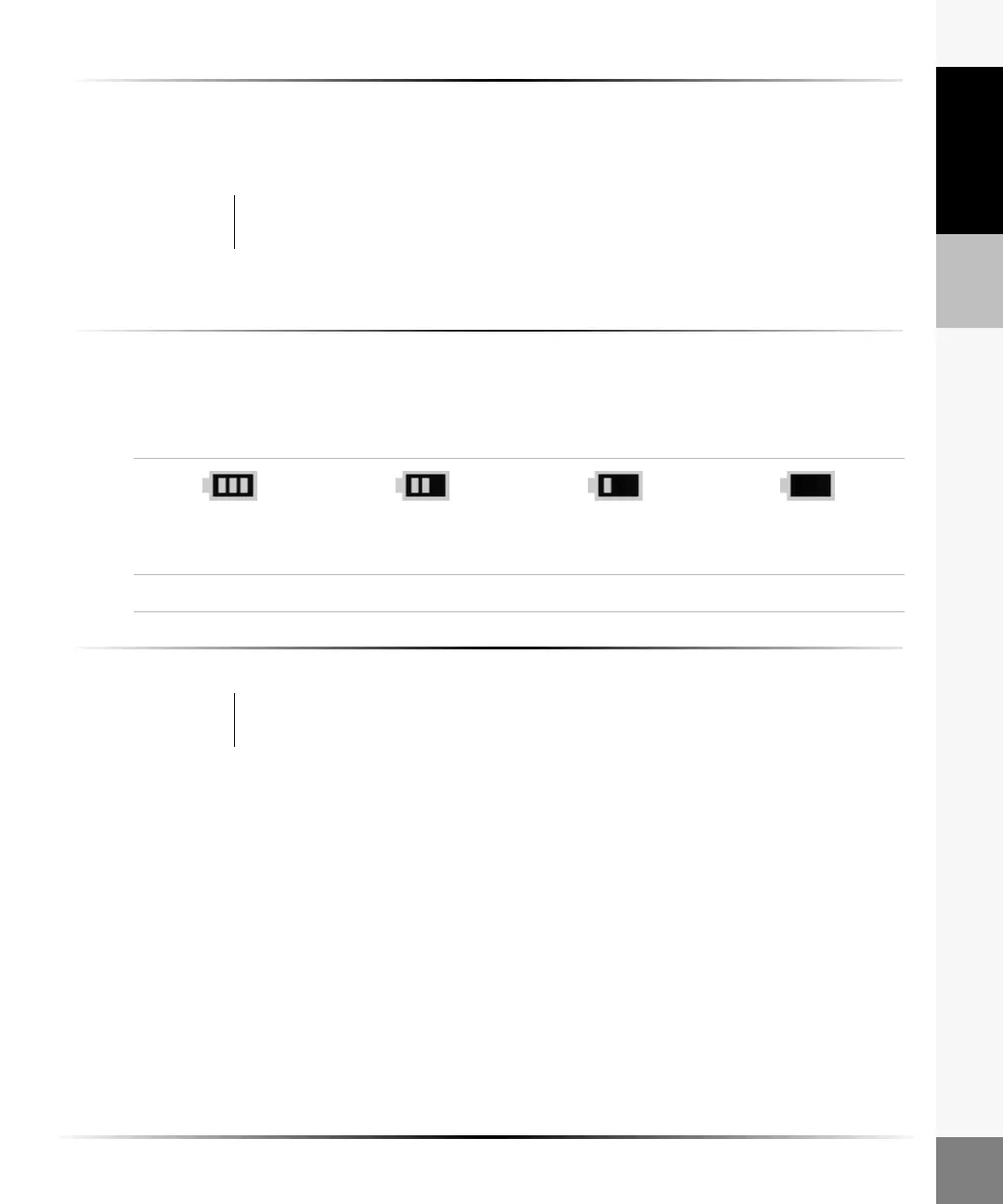
To check battery charge:
1 Disconnect AC power or remove the system from the dock or stand.
2 Ensure the system is powered on.
3 Check the battery charge icon in the lower right corner of the screen:
To charge the battery in the system:
Insert the system in the docking station or stand for iLook. See “To charge the system battery:” on
page 37.
Or
Connect the auxiliary power cable and power supply. See “To connect the auxiliary power cable:”
on page 38.
Note: When charging, the battery charge icon in the lower right corner of the screen will repeatedly fill.
When fully charged, all three charge bars will remain on.
Warning: To avoid damage to the battery or personal injury, place your hand under the
battery compartment to prevent the battery from falling out.
(flashing)
Fully charged 2/3* 1/3* Nearly empty
* Approximate remaining battery capacity.
Caution: To avoid damaging the system or battery, charge batteries only when the ambient
temperature is between 10° and 40°C (50° and 104°F).



 To Next Page