26 Chapter 3: The Exam
Exam
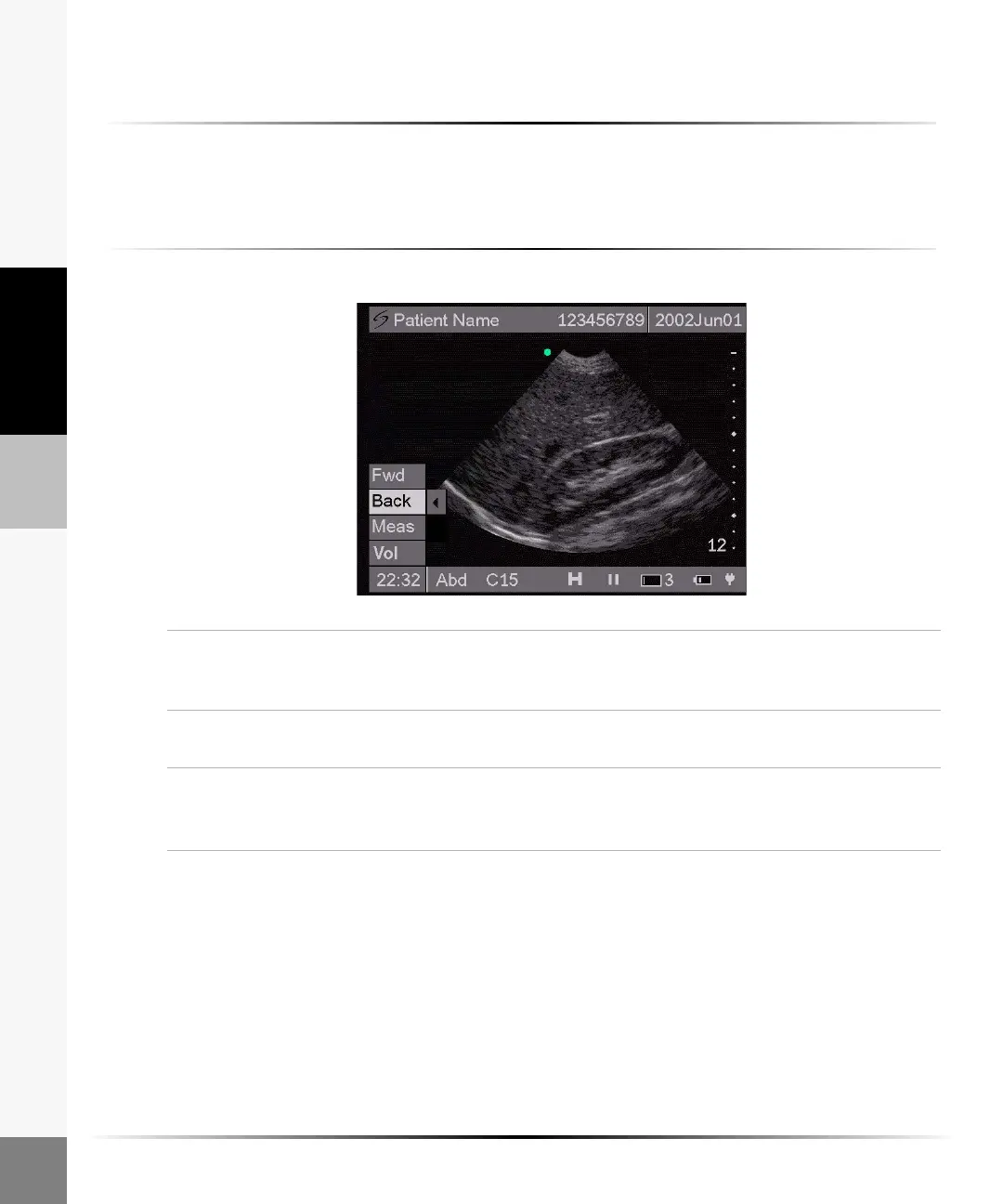
Frozen Image
To freeze the image:
Press the Freeze key.
Note: A freeze icon is displayed in the status bar on the bottom of the screen. Both the directional controller
and the touch screen are active on a frozen image.
To manipulate a frozen image:
Forward/
Back (Cine)
1 Use the right and left arrows or tap Fwd and Back from the on-screen menu
to view the frozen image at different points in time.
2 Press the Freeze key again to return to live imaging.
Measure On a frozen image, select or tap Meas from the on-screen menu to perform a
distance measurement.
Volume (Vol)
(C15 only)
On a frozen image, select or tap Vol from the on-screen menu to perform a
volume calculation.
Note: The volume calculation is only available in an abdominal exam type.



 To Next Page